Skip to content
View in the app

A better way to browse. Learn more.

BariatricPal

A full-screen app on your home screen with push notifications, badges and more.

To install this app on iOS and iPadOS
  1. Tap the Share icon in Safari
  2. Scroll the menu and tap Add to Home Screen.
  3. Tap Add in the top-right corner.
To install this app on Android
  1. Tap the 3-dot menu (⋮) in the top-right corner of the browser.
  2. Tap Add to Home screen or Install app.
  3. Confirm by tapping Install.
  • Appearance

Join BariatricPal free

  • Ask your own questions
  • Reply and follow topics
  • Message other members
  • No cost, no spam

Error code exo on photos

Error code on pics

  • Replies 16
  • Views 3.1k
  • Created
  • Last Reply

Top Posters In This Topic

Posted Images

Featured Replies

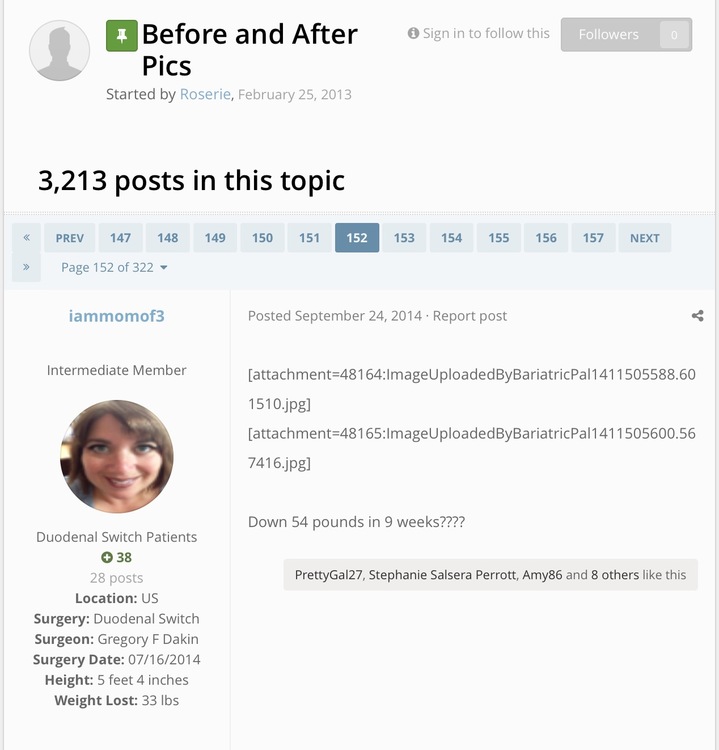
I've seen error codes on pics as well. Especially from older posts in the before and after pics threads. Example in screenshot below (which I hope doesn't scale too large!)

IMG_0481.PNG

  • Author

I've gotten this error message on every pic I have clicked on

@Travelher If possible can you send me the exact link to any image you're getting that error message for? Would really help in diagnosing the issue and resolving it ASAP.

@NineMile Thanks for the screenshot, as part of the upgrade, all posts are being rebuilt. I believe once that has completed, those tags will display the image as expected. In any event, we're keeping a very close eye on these items!

Thanks for letting us know of the issues you're experiencing, it's very helpful!

  • Author
59 minutes ago, Ken S. said:

@Travelher If possible can you send me the exact link to any image you're getting that error message for? Would really help in diagnosing the issue and resolving it ASAP.

@NineMile Thanks for the screenshot, as part of the upgrade, all posts are being rebuilt. I believe once that has completed, those tags will display the image as expected. In any event, we're keeping a very close eye on these items!

Thanks for letting us know of the issues you're experiencing, it's very helpful!

cant recalls who's imagines I was looking at but if you click on any of the images in my own profile you will get the error message.

1 hour ago, 10stackzz said:

I can't upload images anymore since the "page maintenence"..I have an android, could this be the problem

Sent from my SM-G935T using the BariatricPal App

@10stackzz What issue are you having when attempting to upload an image via the Android app?

I'm getting the ex0 error on just about anything I try to do on the forums if I'm using my pc web browser. Been like that since last night, can't post or read any messages at all

Sent from my LG-H811 using the BariatricPal App

1 minute ago, Tufflaw said:

I'm getting the ex0 error on just about anything I try to do on the forums if I'm using my pc web browser. Been like that since last night, can't post or read any messages at all

Sent from my LG-H811 using the BariatricPal App

Can you please send me a screenshot and/or URL's of the errors your receiving?

Here are just two screenshots, with URL, but it's like this when I try to go to any forum or post. Profile page still seems to work though imgur.com/a/opJb3

Sent from my LG-H811 using the BariatricPal App

No

Sent from my LG-H811 using the BariatricPal App

Yeah it's working now, thanks!!

Join the conversation

You can post as a guest; create a free account to track replies, follow topics, and be part of the largest weight loss surgery community.

Join the conversation

You can post now and register later. If you have an account, sign in now to post with your account.

Guest
Reply to this topic...

Account

Navigation

Search

Search

Configure browser push notifications

Chrome (Android)
  1. Tap the lock icon next to the address bar.
  2. Tap Permissions → Notifications.
  3. Adjust your preference.
Chrome (Desktop)
  1. Click the padlock icon in the address bar.
  2. Select Site settings.
  3. Find Notifications and adjust your preference.