Skip to content
View in the app

A better way to browse. Learn more.

BariatricPal

A full-screen app on your home screen with push notifications, badges and more.

To install this app on iOS and iPadOS
  1. Tap the Share icon in Safari
  2. Scroll the menu and tap Add to Home Screen.
  3. Tap Add in the top-right corner.
To install this app on Android
  1. Tap the 3-dot menu (⋮) in the top-right corner of the browser.
  2. Tap Add to Home screen or Install app.
  3. Confirm by tapping Install.

Lee Dusty

Pre Op
  • Joined

  • Last visited

  1.    Mspretty86 reacted to a post in a topic: I pulled through
  2. Lee Dusty started following RuizAyres
  3. RuizAyres started following Lee Dusty
  4.    RuizAyres reacted to a post in a topic: I pulled through
  5. Lee Dusty started following bahuber5477
  6. Lee Dusty started following Bella2207$
  7. Lee Dusty started following Arabesque
  8. Lee Dusty started following Lilia_90
  9.    Arabesque reacted to a post in a topic: I pulled through
  10.    lfrusher2 reacted to a post in a topic: I pulled through
  11.    summerseeker reacted to a post in a topic: I pulled through
  12. Lee Dusty started following Spinoza
  13. Lee Dusty started following Starwarsandcupcakes
  14. Lee Dusty started following catwoman7
  15. Lee Dusty started following ShoppGirl
  16. I’m 70 years old from San Diego, a fitness coach, nutritionist and an investor, my finances are great and my lifestyle is excellent, willing to give love another chance and reignite my love interest
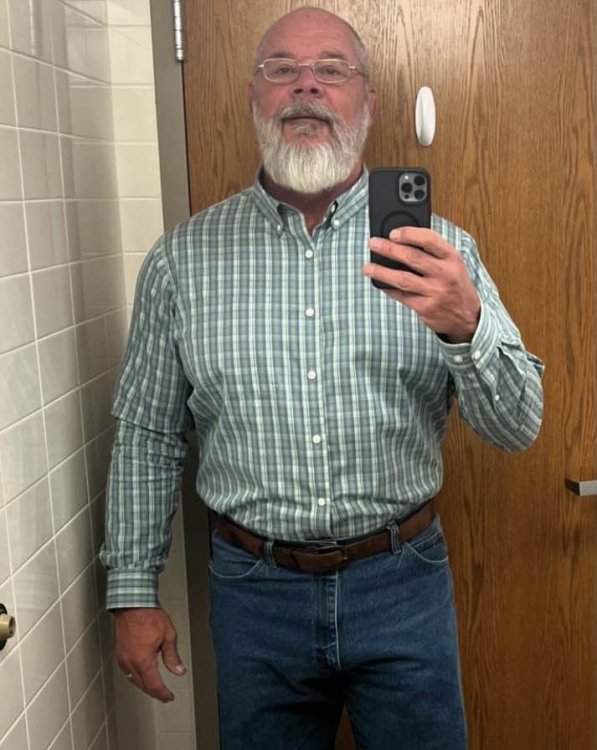
  17. Today marks it 20 years my wife died from Gastric surgery and today marks or 17 years I had my successful surgery, my lifestyle became more healthier and my finances became so stable , I wish to support anyone in financial crises following the surgery in anyway i can, few loved and supported
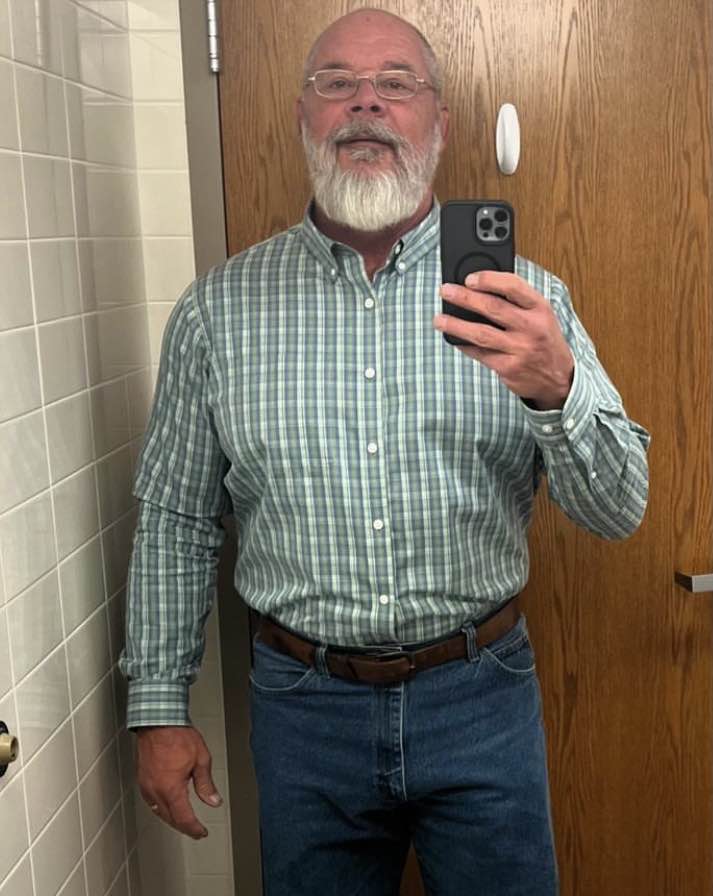
  18. Lee Dusty changed their profile photo
  19. My win today, 5 years after my surgery, I’m living great, great finances, healthy lifestyle
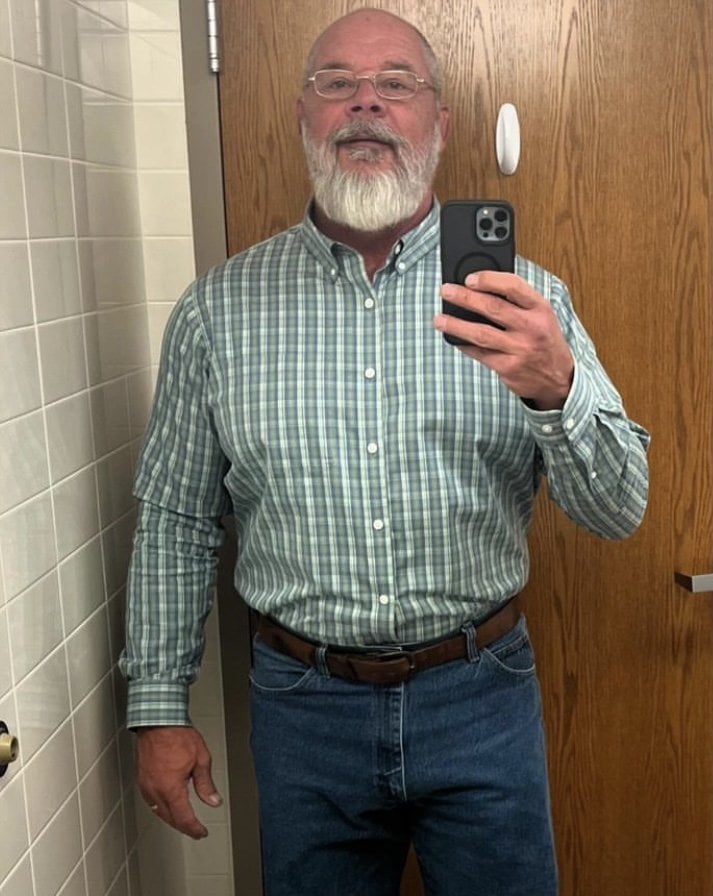
  20. Images added to a gallery album owned by Lee Dusty in Member Photo Gallery
    My journey to maintaining a perfect and healthy lifestyle

Trending Products

PatchAid Vitamin Patches

Account

Navigation

Search

Search

Configure browser push notifications

Chrome (Android)
  1. Tap the lock icon next to the address bar.
  2. Tap Permissions → Notifications.
  3. Adjust your preference.
Chrome (Desktop)
  1. Click the padlock icon in the address bar.
  2. Select Site settings.
  3. Find Notifications and adjust your preference.