Skip to content
View in the app

A better way to browse. Learn more.

BariatricPal

A full-screen app on your home screen with push notifications, badges and more.

To install this app on iOS and iPadOS
  1. Tap the Share icon in Safari
  2. Scroll the menu and tap Add to Home Screen.
  3. Tap Add in the top-right corner.
To install this app on Android
  1. Tap the 3-dot menu (⋮) in the top-right corner of the browser.
  2. Tap Add to Home screen or Install app.
  3. Confirm by tapping Install.

rosalind68

Pre Op
  • Joined

  • Last visited

Reputation Activity

  1. Like
    rosalind68 got a reaction from Jscales11 in Discouraged about protein intake   
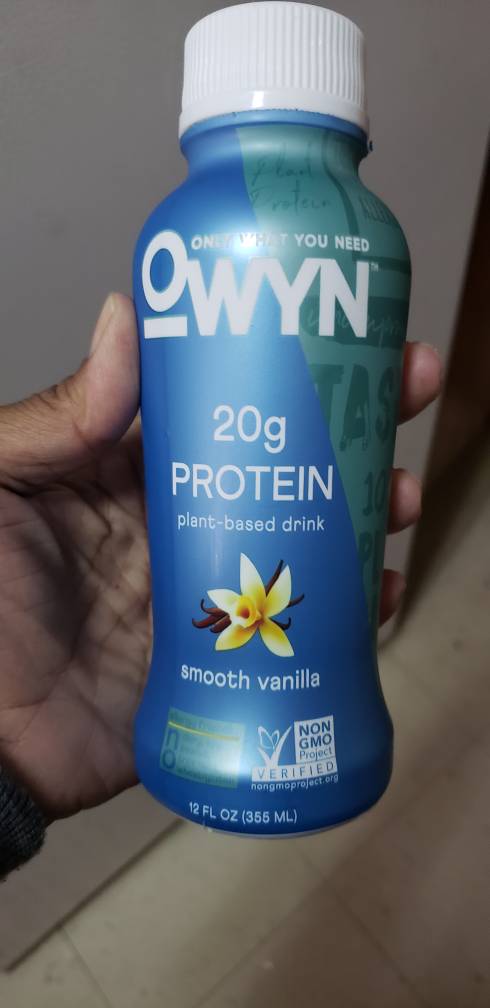
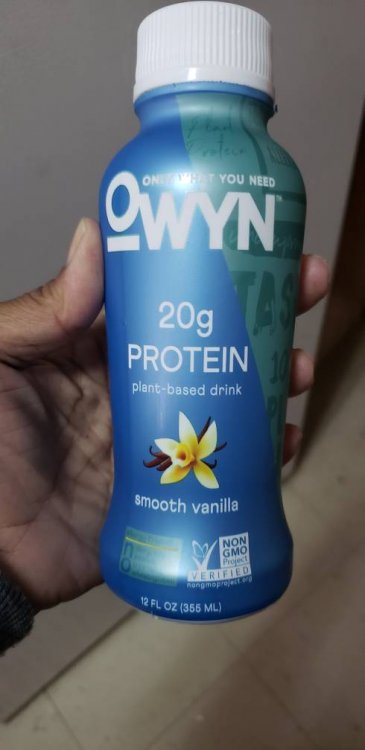
    Try this, its water based and tastes ok. I can't drink shakes either and it didn't make me throw up and isn't bad tasting, its the first one that isn't giving me a chemical taste. I will tell you I haven't finished it but I'm working on it. I bought this at Walgreens
    Sent from my SM-G965U using BariatricPal mobile app

  2. Love
    rosalind68 got a reaction from sbmcg in Discouraged about protein intake   
    Try this, its water based and tastes ok. I can't drink shakes either and it didn't make me throw up and isn't bad tasting, its the first one that isn't giving me a chemical taste. I will tell you I haven't finished it but I'm working on it. I bought this at Walgreens

    Sent from my SM-G965U using BariatricPal mobile app

  3. Like
    rosalind68 reacted to Sammi_Katt in Protein   
    I had to stop doing protein shakes as soon as I was off liquid. They made me extremely sick, and that was after a lot of trial and error (whey, pea protein, bone protein, etc.). I still can't do shakes, but I've started incorporating protein bars in my diet (on days when I'm out and about and don't have time to make food to eat, normally). One bars are good.

Trending Products

PatchAid Vitamin Patches

Account

Navigation

Search

Search

Configure browser push notifications

Chrome (Android)
  1. Tap the lock icon next to the address bar.
  2. Tap Permissions → Notifications.
  3. Adjust your preference.
Chrome (Desktop)
  1. Click the padlock icon in the address bar.
  2. Select Site settings.
  3. Find Notifications and adjust your preference.