heidiejenkins
Pre Op
-
Joined
-
Last visited
Everything posted by heidiejenkins
-
For the month of March I have been doing great! I have lost another 10 lbs. I'm able to do more exercise then before.
-
Yes I thank God everyday for this second chance to become a healthier, better me!
-
Thank you!
-
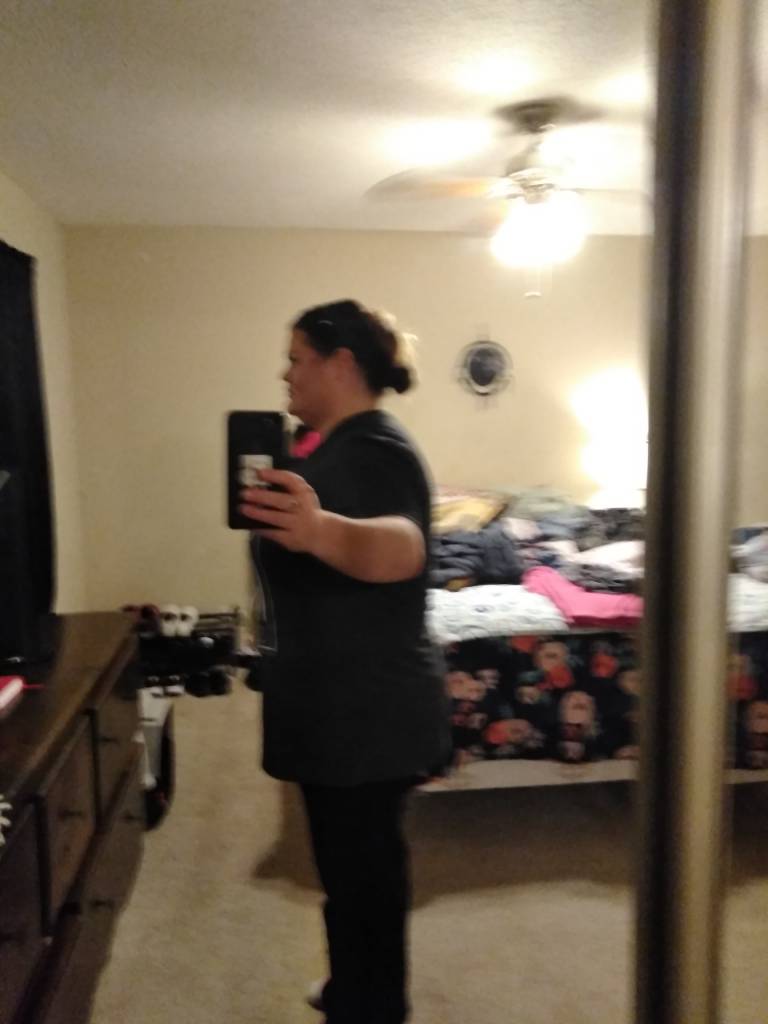
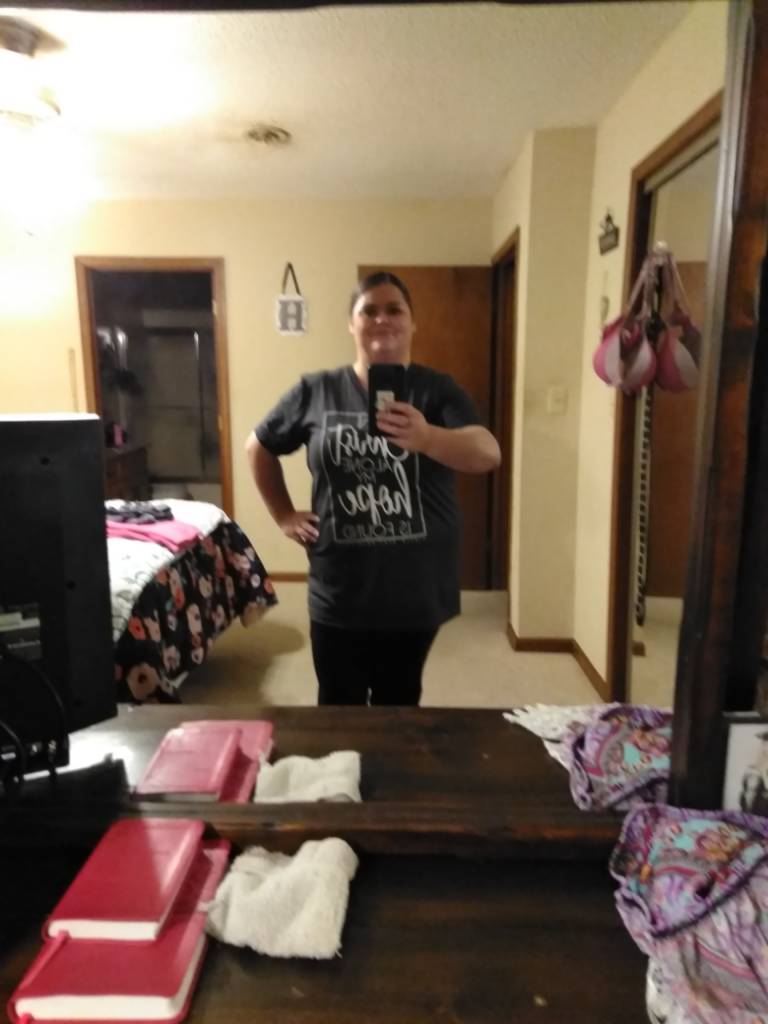
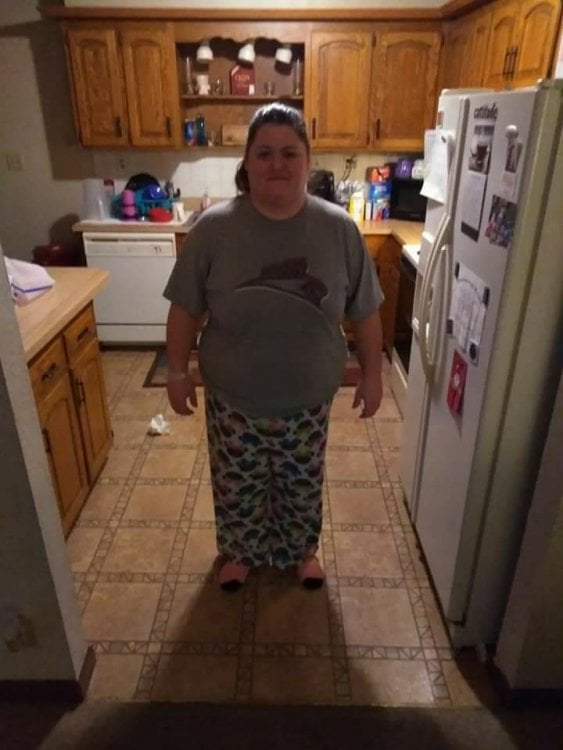
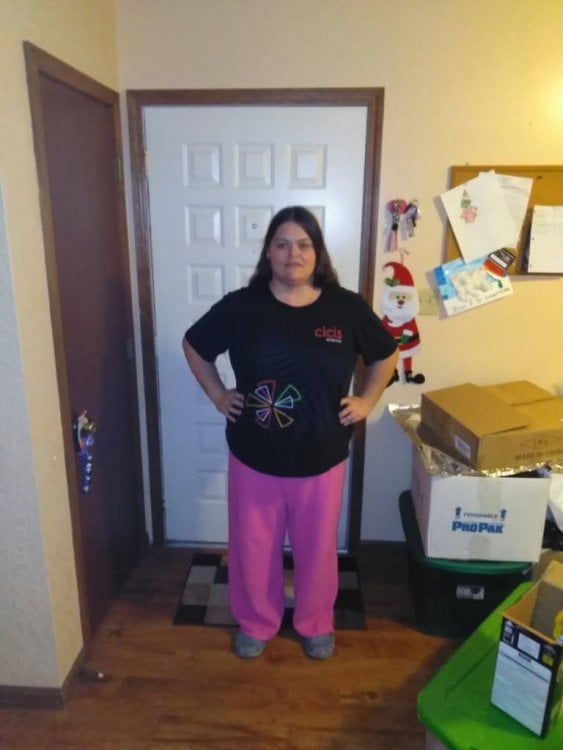
First picture is day after surgery, second picture is 5 weeks post op
-
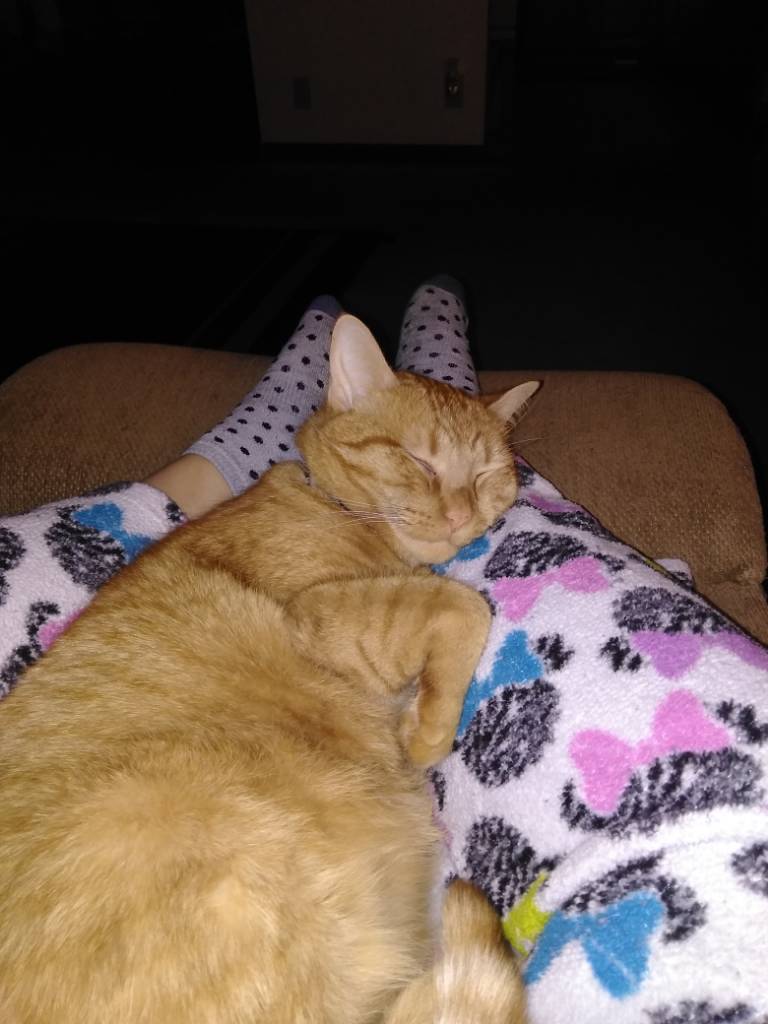
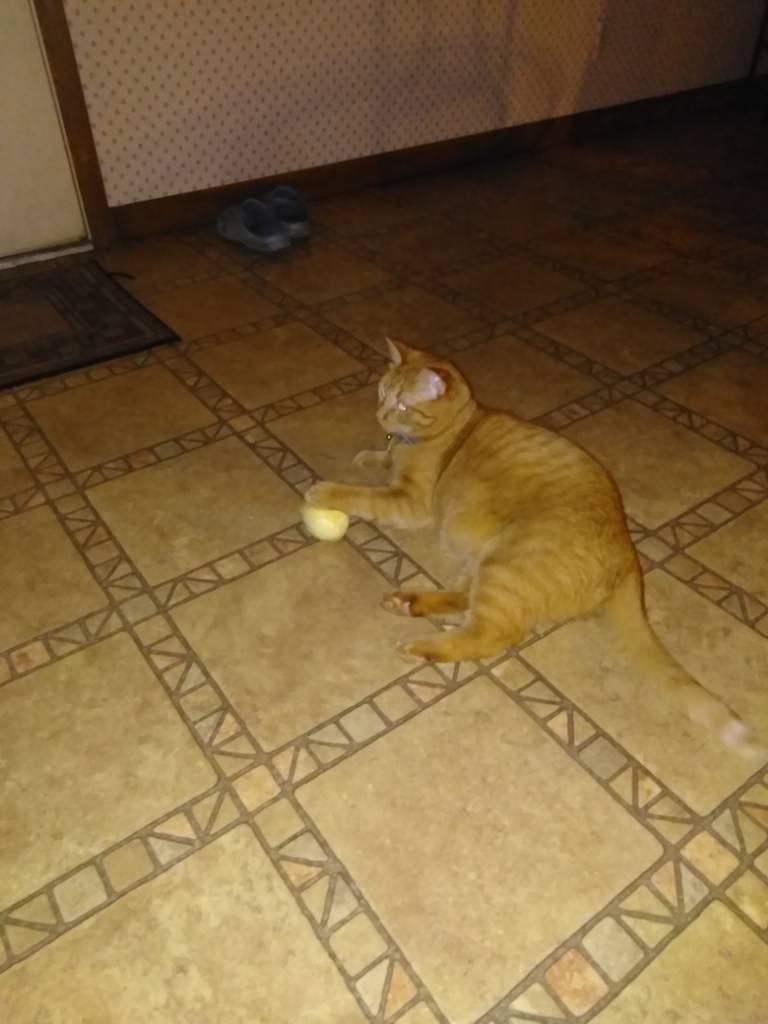
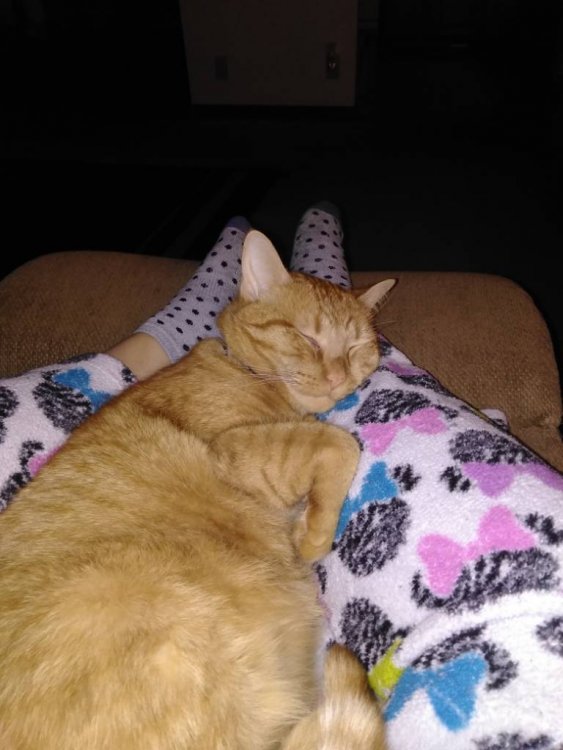
Your boy almost looks like my boy Sent from my Z965 using BariatricPal mobile app
-
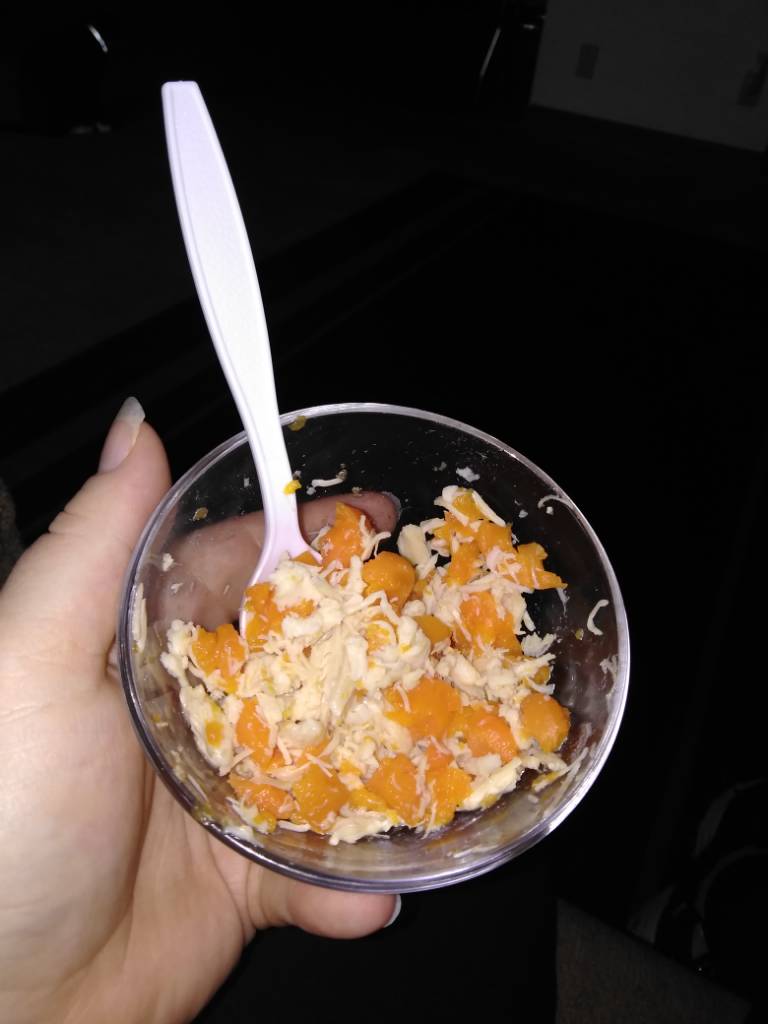
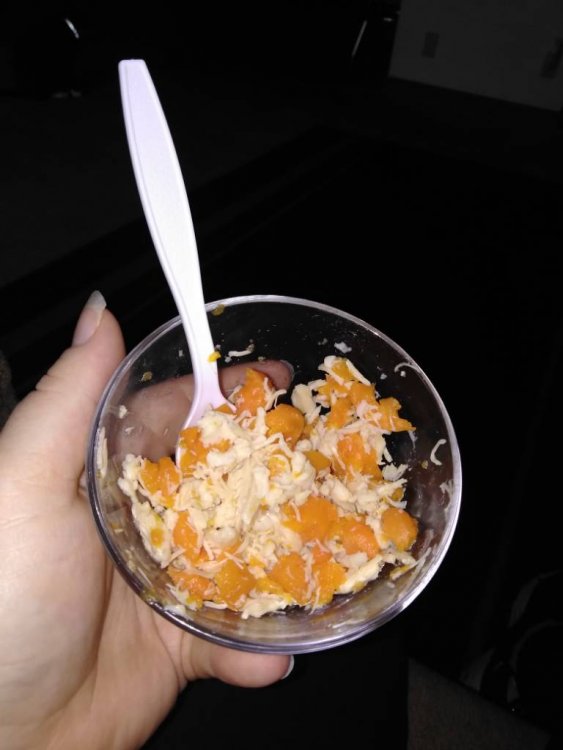
1/3 cup shredded chicken and 1/4 cup of boiled carrots. Yummy
-
Thank you very much!
-
Thank you. That's all I can do is stay on track
-
Canned chicken meat with boiled carrots has been my staple
-
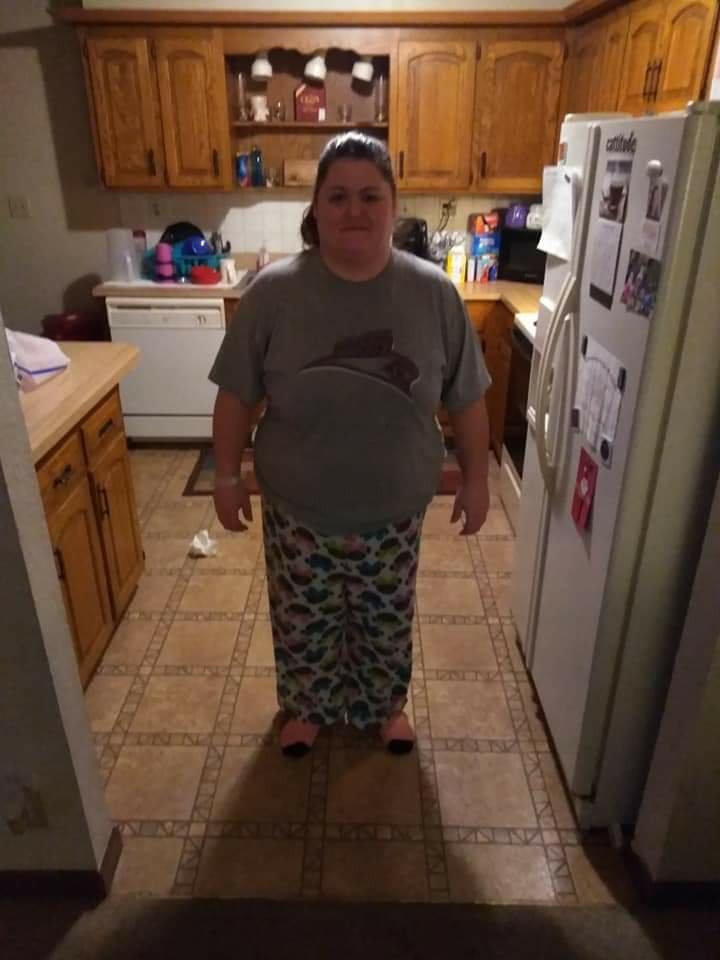
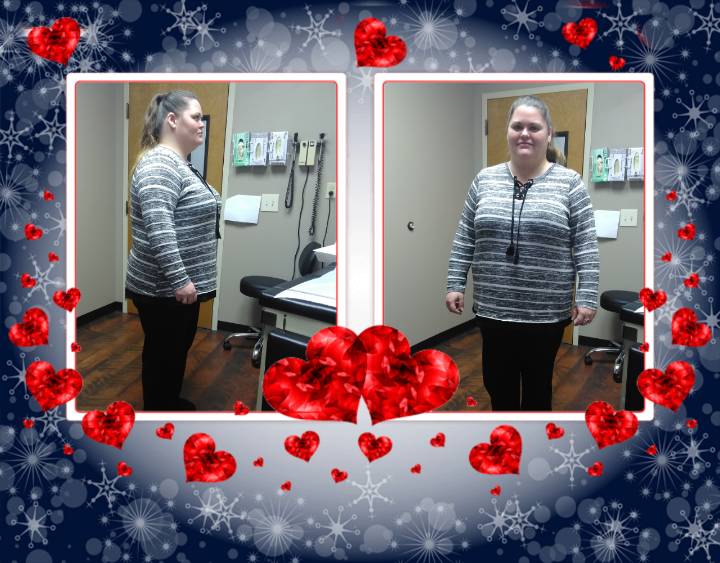
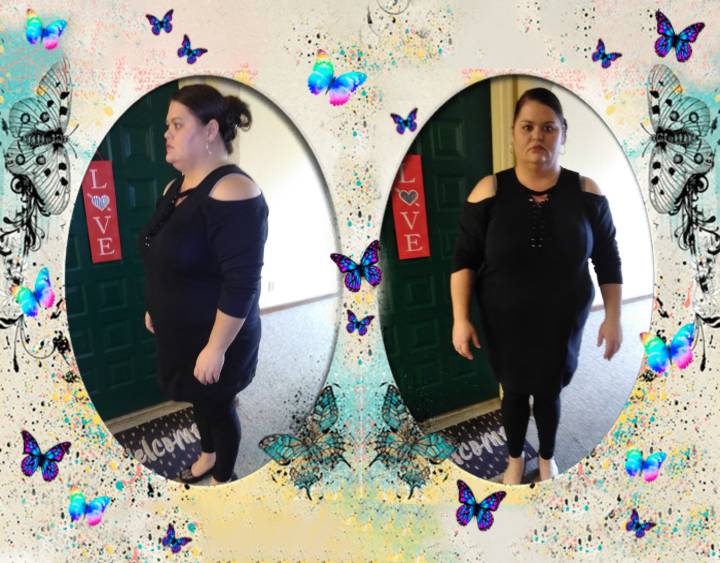
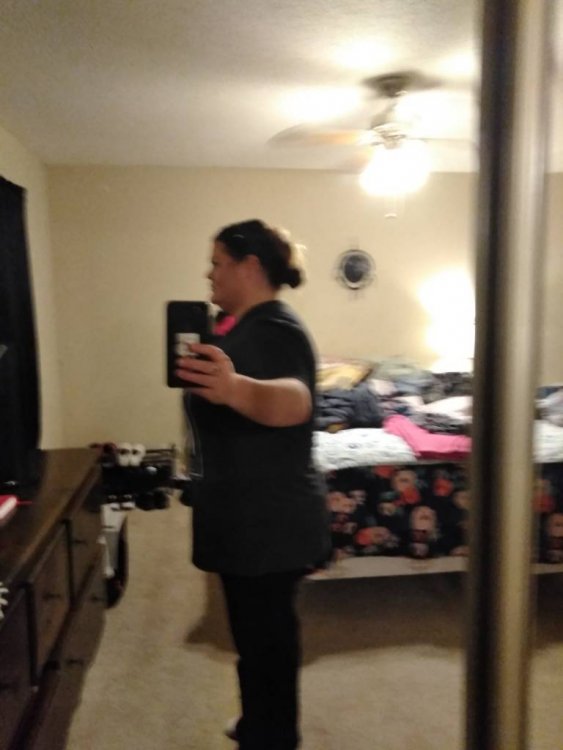
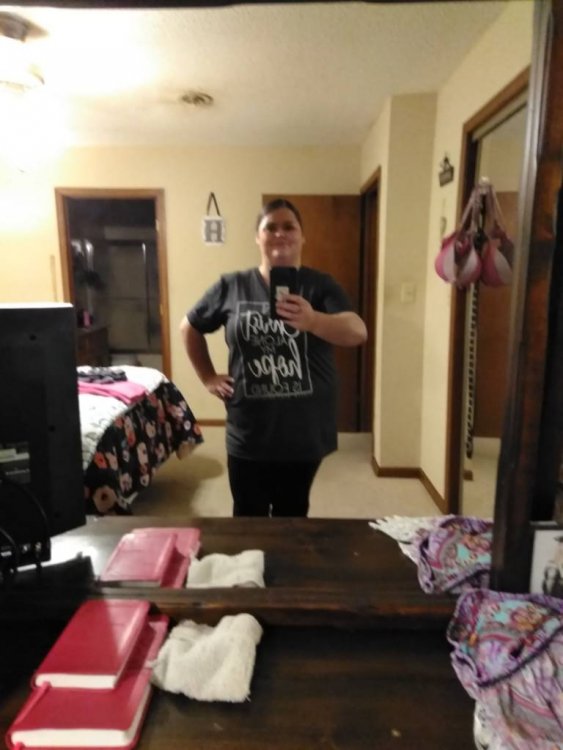
I started my weight loss journey a month ago. I had my gastric sleeve surgery on Jan 24 2019. So far I have lost a total of 23lbs, but I think I've lost more in inches! I can feel the difference a little, but it's still early. I find that taking a weekly picture helps. Here is a picture journey into my journey.... From week one to week four!

-
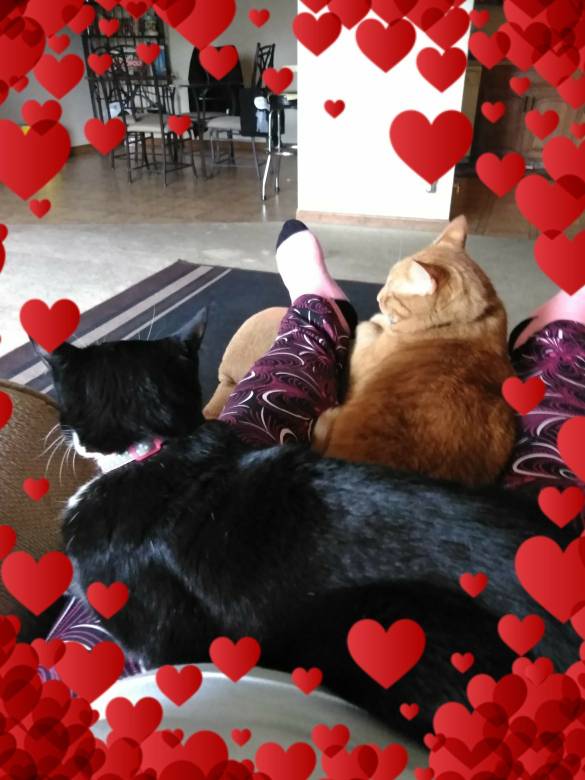
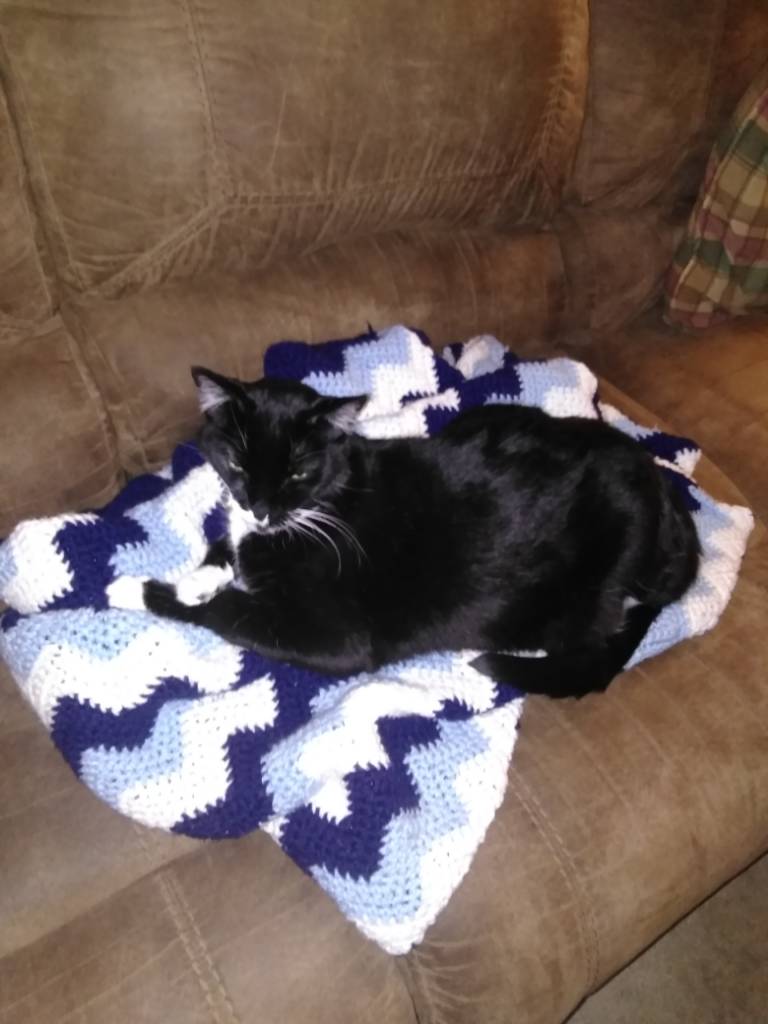
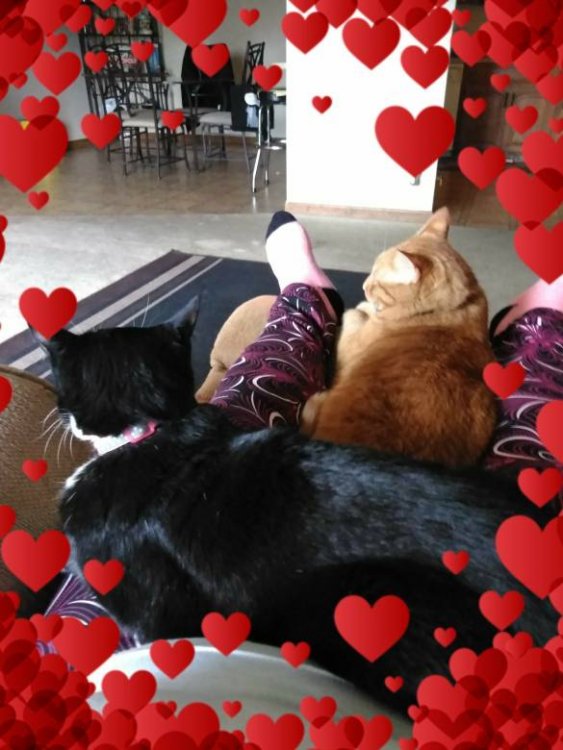
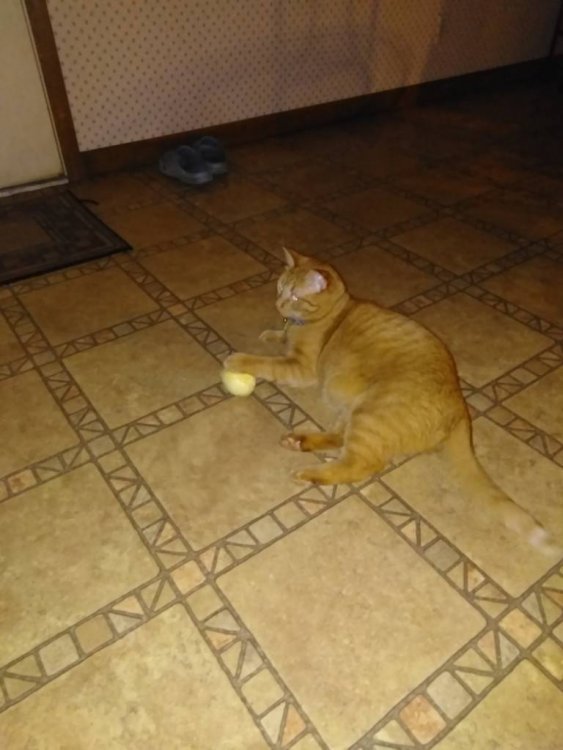
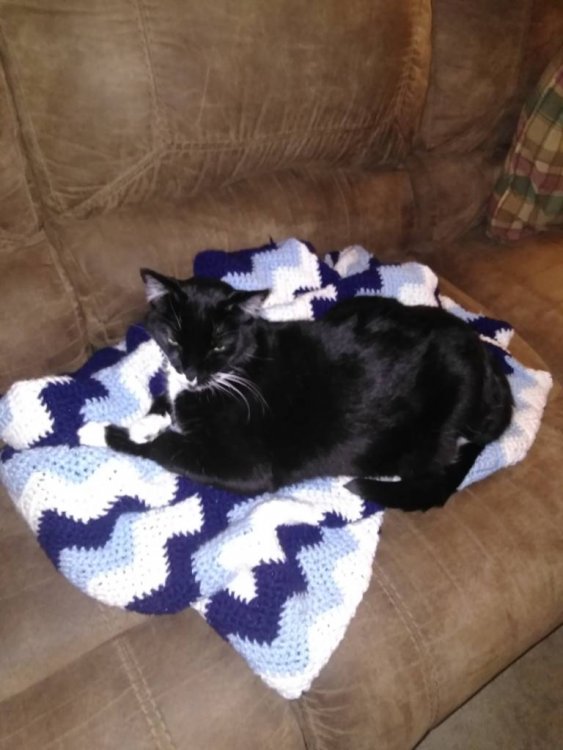
Hey there! There is single cat ladies out here, me being one of them! I have two cats, and one of them looks just like yours. Sent from my Z965 using BariatricPal mobile app
-
[emoji137][emoji75] .... I am a single cat lady. Sent from my Z965 using BariatricPal mobile app