wishful.shrinking
Gastric Bypass Patients
-
Joined
-
Last visited
Everything posted by wishful.shrinking
-
Hey y’all! I’m having my bypass on Oct 30th, so I might join both the Oct and Nov bypass groups if that’s cool with you guys ? I’m right on the cusp!
-
So I kinda just realized that this is for sleevers, but I’m RNY bypass on the 30th ? I haven’t seen an Oct 2018 bypass group..... so is it cool if I still hang here? Haha
-
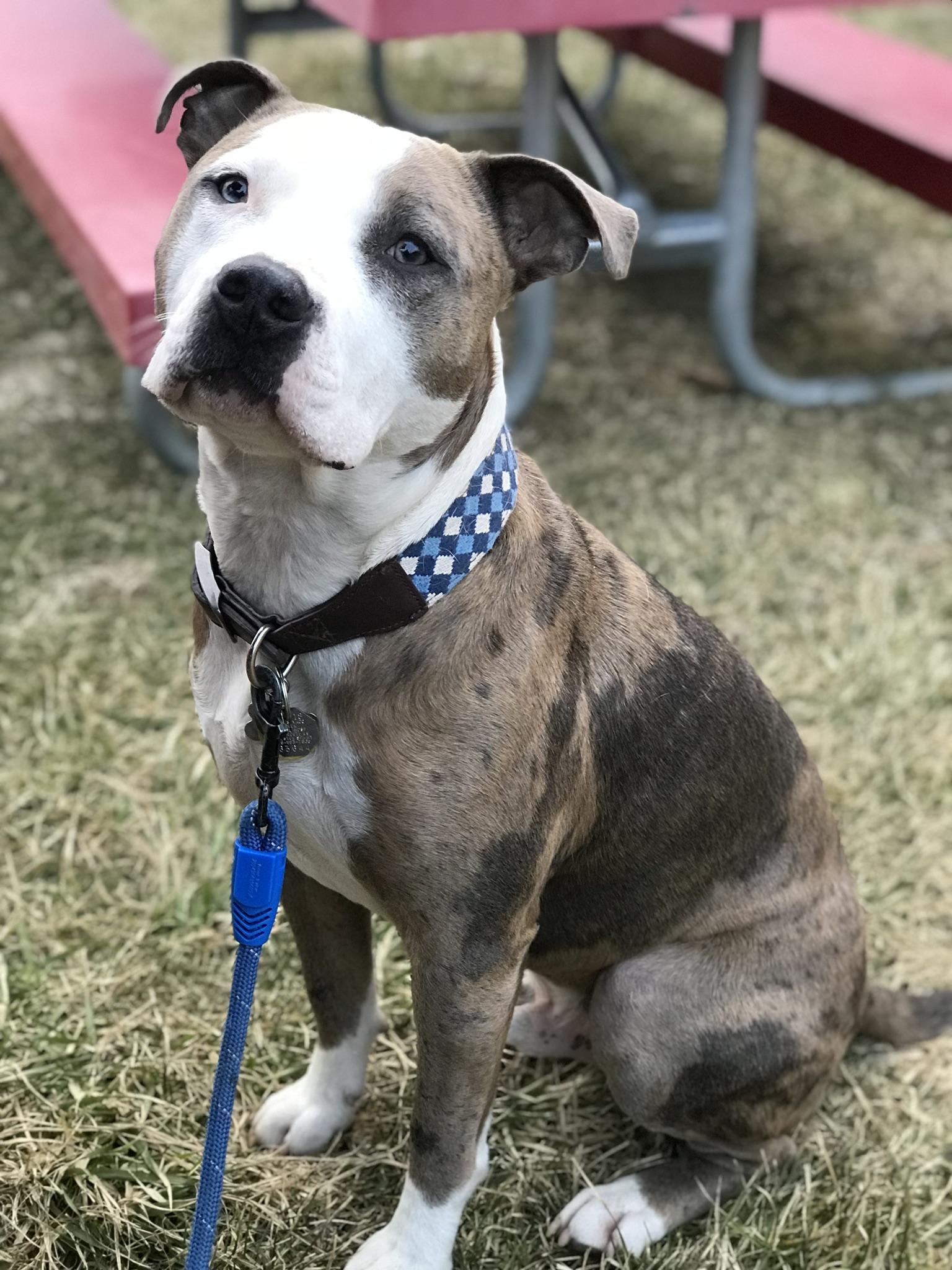
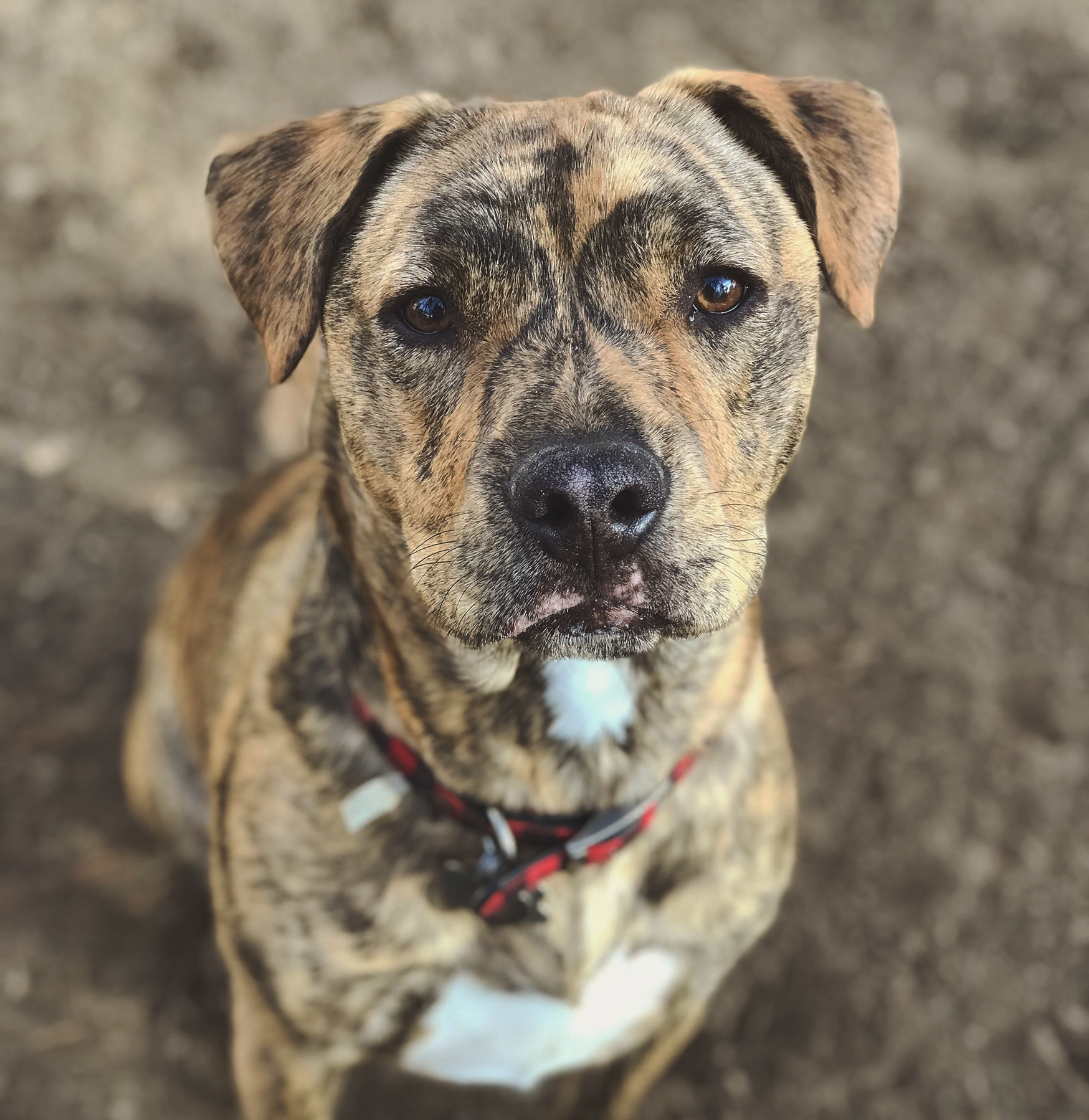
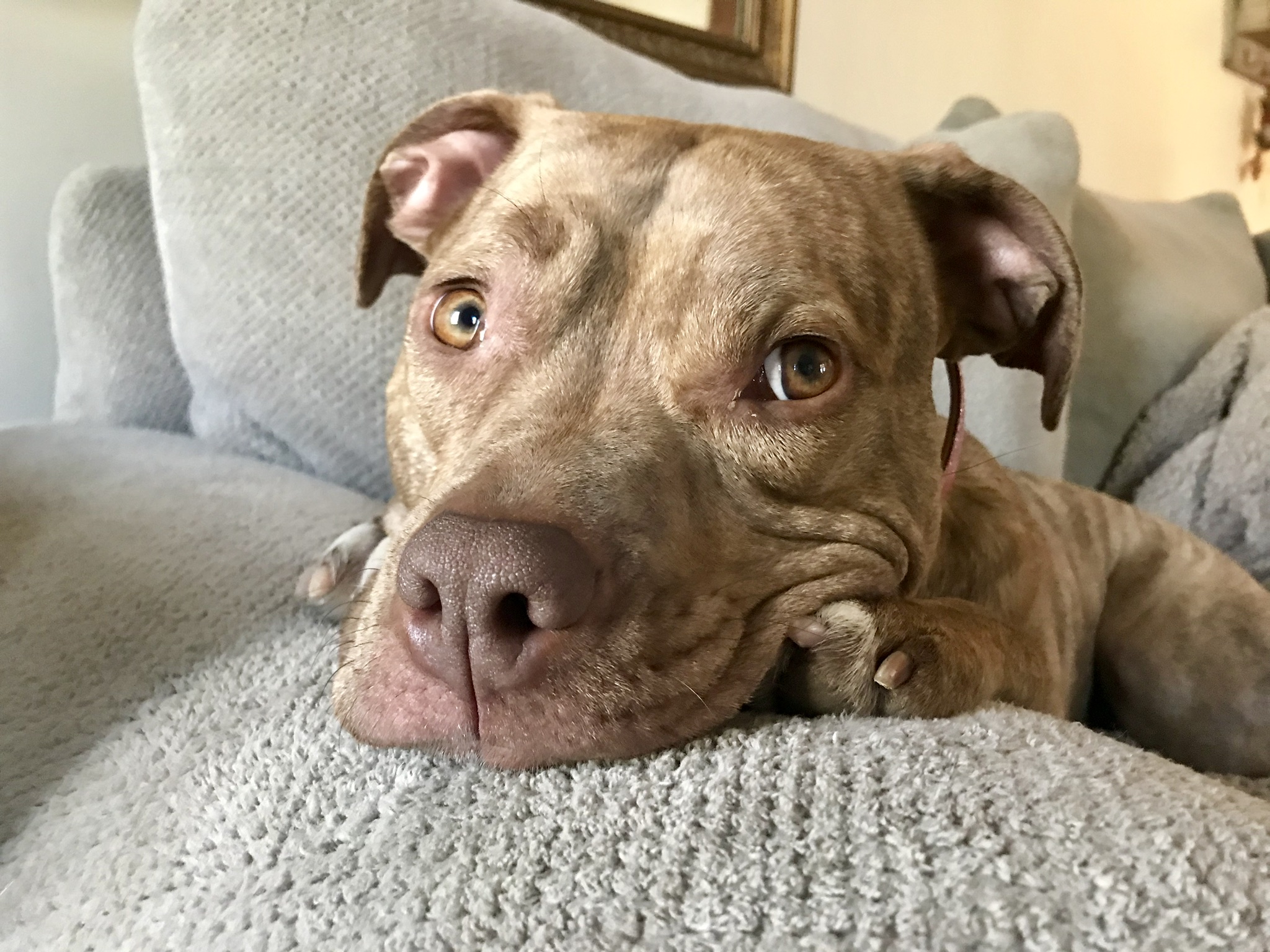
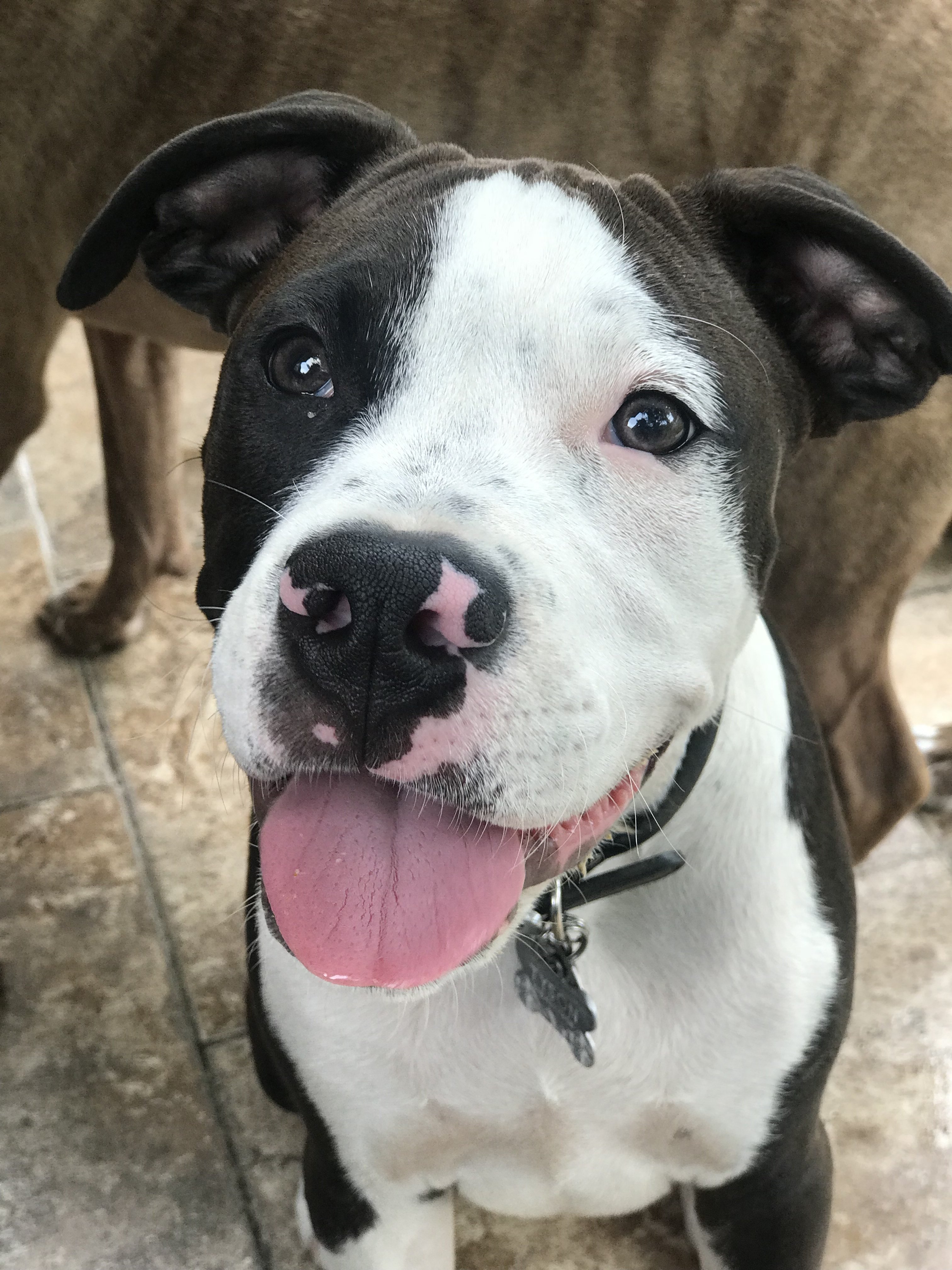
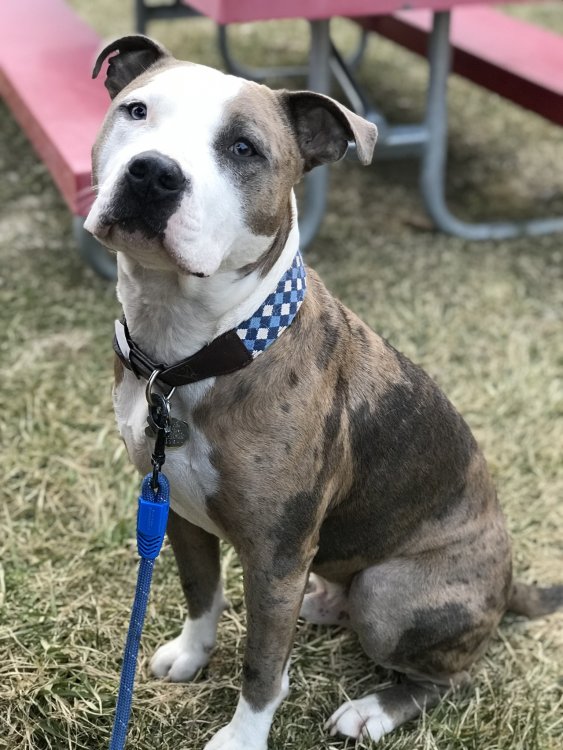
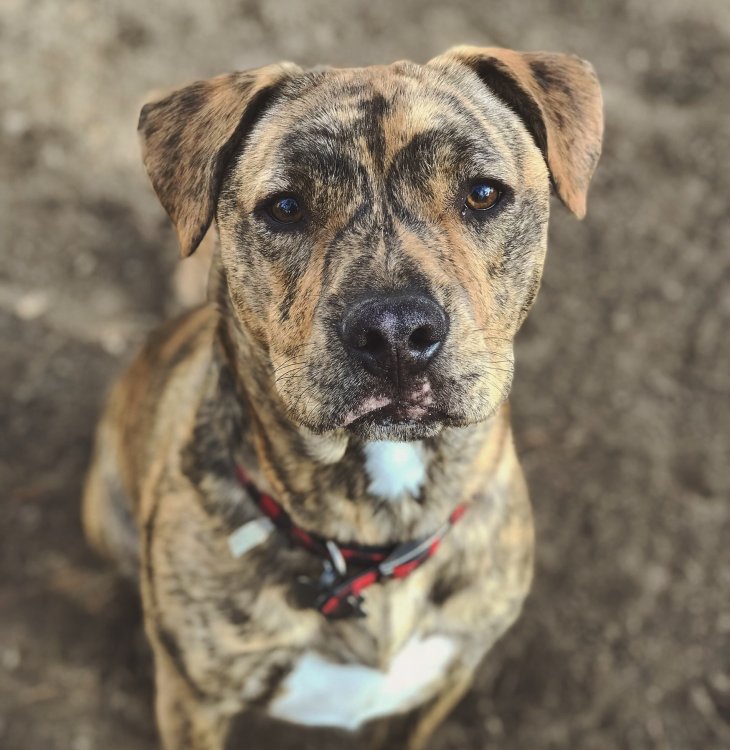
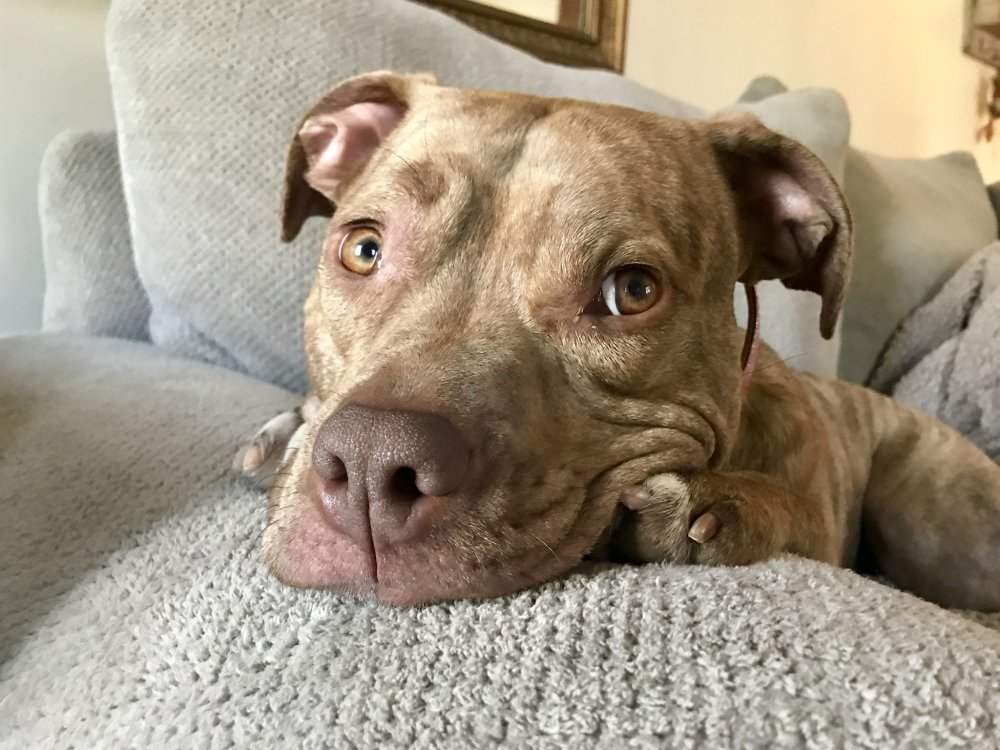
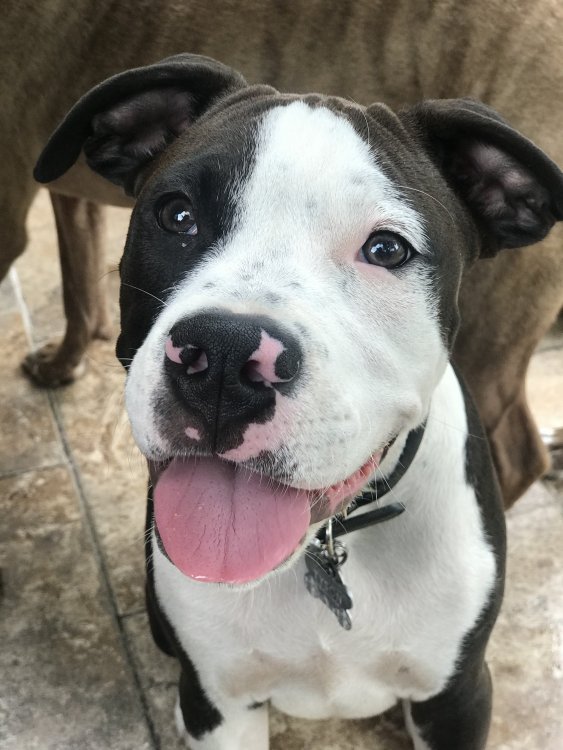
I just got my date for the 30th today!! ??? I feel like it’s not enough time. I’ve been so focused on meeting all the criteria and going to allll the appointments that now that it has an actual date, I am panicking lol.Some people collect magnets or shot glasses....... I collect rescue pitbulls!!☺️ This is Bodhi, Jayce, Piper, and Tyson!
 Me neither!! I’ve done my research and it made him sound so ignorant. I know he’s a great surgeon... but I don’t think I would hire him as a personal trainer lolI’m 5’1! Currently 219, highest/starting weight was 226! Shooting for a September surgery date (:Man, I just wanted some info on keto and I feel like I’m reading an old school MySpace argument lol. Does anyone else have any good resources to find info on it? I just watched The Magic Pill on Netflix, and of course took it with a grain of salt, because I’m not sure who the documentary was funded by, but it definitely piqued my interest.True!! I don’t think I’ll be seeing him very often anyway, so I’m just doing my best to brush it off and stay focused on my own goals! Thanks for the support!!I work in the healthcare field and can confirm that most of them are great at what they do, but socially awkward and usually pretty full of themselves. I’ll just keep telling myself that that’s the case with this one as well!Yes!! That’s what I’m thinking as well. My fingers are crossed also because he was a turd. Amazing surgeon, but kind of a jerkI’m cracking up at this ?? no class whatsoeverThanks, girl!! Yes, this is exactly what my Aunt (who had the same surgery with him in Dec) said. He’s probably the LEAST important person in her post-op care, aside from monitoring her vitamins.So true!! All I need him for is to open me up and then close me again haha everyone else has been so greatThank you!! Since when is wanting to be strong and healthy something to laugh at?! Ugh MENUgh!! I wish he wasn’t the best in the area, but he’s honestly probably the best in New York! It’s the only center in the state that has both a Bariatric and metabolic program combined. I’m just trying to brush it off. He’s operating on my stomach, not my muscles, so I’ll give him the pass this time. It was irritating to say the least, especially because he has no idea that I was an elite gymnast for 10 years ? like I know what I’m doing, bro. Anyway, I appreciate the support! It makes me feel better that I wasn’t just being a SENSITIVE, EMOTIONAL FEMALE... you know how we are ?I agree!! She nailed itWell I’ll be damned.... you just nailed everything I was feeling in a much more eloquent way than I could’ve summed it up. Yes. Yes to all of it. I’m so mad that I didn’t stick up for myself. I’ve always thought of myself as a “tell it like it is” kind of gal, but for some reason, this whole process so far has had me doubting my ability to advocate for myself. I had a weird exchange with a cardiologist as well and was kicking myself for not saying something then too!! What’s happening to me?! Mind you- I WORK in healthcare! I care for patients and help them advocate for themselves every day! I just tried to tell myself that maybe he was having a shitty day.... but at the same time I don’t know that a bad day equates to being misogynistic and rude ? Ugh. My next appointment is with his PA, so I’m going to just try and forget about it. Maybe this time next year, I’ll challenge him to an arm wrestling competition and see how he feels when a GIRL beats him ?I was so discouraged after a conversation with my surgeon this morning and I need to vent for a minute. I am still pre-op, just waiting on my scope that’s scheduled in August, and then will be proceeding with RNY gastric bypass in early September (fingers crossed). I’ve been meeting with nutrition monthly and have been doing really well and am only 3lbs off from meeting my pre-surgery goal of 215lbs. Today was the first time I actually met with my surgeon and all was well until he asked what my biggest goals were after surgery, to which I replied that I wanted to be healthy and strong! He. Laughed. At. Me. ? He informed me that he never recommends for women “bulk” and that the fact that I lift weights now (higher weight, lower reps) was all wrong and that I’m sabotaging my weight loss by building too much muscle. He insisted that I need to just “tone” muscle and really just focus on cardio ? and reiterated that “no woman wants huge, ripped, muscles anyway”. I couldn’t even make this up, I left with such a bad taste in my mouth. Do I just avoid these conversations with him in the future? Or just do what he says? He’s the best surgeon in the area and obviously is much more educated than I am, but it’s really hard to take someone’s advice after they chuckle at your life goals.Hi! I’m a Patient Care Tech in an ER, and I’ve found the general consensus is to take the most time off as possible. It sucks working in a healthcare setting and having to take such a long amount of time off, but there isn’t really such a thing as “light duty” when you’re saving lives! Most surgeons also have lifting restrictions (like 10lbs until you’re six weeks out!) so unless you’re a NICU nurse, that might not be possible ? I’m still pre-op myself, and I’m not looking forward to putting the added stress on my coworkers (and my poor paycheck- holy cow) but you have to put yourself first!I’m probably going to check with my surgeon first and see what he thinks! I’m not really good at advocating for myself on the spot so I was like “yeah sure no problem” but when I left I was kicking myself for not speaking up and asking more questions!It probably will push back the date, yes! If it wasn’t going to I probably wouldn’t care haha. I’m just confused as to why he’s being overly careful, especially because he said I was perfectly healthy and my EKG was totally normal lol. The other people I know that have gone through the same surgeon (different cardiologist though) have only had to go through the initial EKG appointment for their clearance. My blood work is all within normal limits as well, no high cholesterol, no high blood pressure, nothing haha. It doesn’t help that I have a background in the healthcare field, so I’m skeptical when someone orders tests that seem unnecessaryHey all, just wanted to see what different doctors you had to see before you were cleared for gastric bypass! So far, I’ve met with nutrition, my primary care doctor, and had lab work done, and have appointments with my surgeon, behavioral health, pulmonary (sleep study), and an endoscopy appointment scheduled as well! PHEW. Seems like so much when I type it all out ? I had my cardiology appt as well today, and I though a 12-lead EKG would be the extent of it ? I have no family history of cardiac issues, and I’m a totally healthy (except being overweight obviously!) 26 year old. This cardiologist said he would not clear me for surgery until I had an echocardiogram and a stress test??♀️ Which of course is booked out until September! What the heck? Is this normal? Did all of y’all need the extensive testing as well? I’m going to ask my surgeon his opinion when I meet with him next week, but it seems a little overkill to me. I’m almost tempted to make an appointment with a different cardiologist! I get being thorough, and you can never be too cautious, but I feel like this is just going to be another long waiting period for something that isn’t a necessity.How exciting!! I still have a long way to go, just started the process at the beginning of June. All of my appointments are scheduled for next week, except for endoscopy and the sleep study, which are booked out until September ??? I’m hoping something opens up before then because I’m super impatient lolYou’re KIDDING ME ? I’m from Clifton Park! I’m going through Samaritan Bariatric and Metabolic with Dr. McDonald! What a freaking small world!!