FatGuy5000
Gastric Sleeve Patients
-
Joined
-
Last visited
Everything posted by FatGuy5000
-
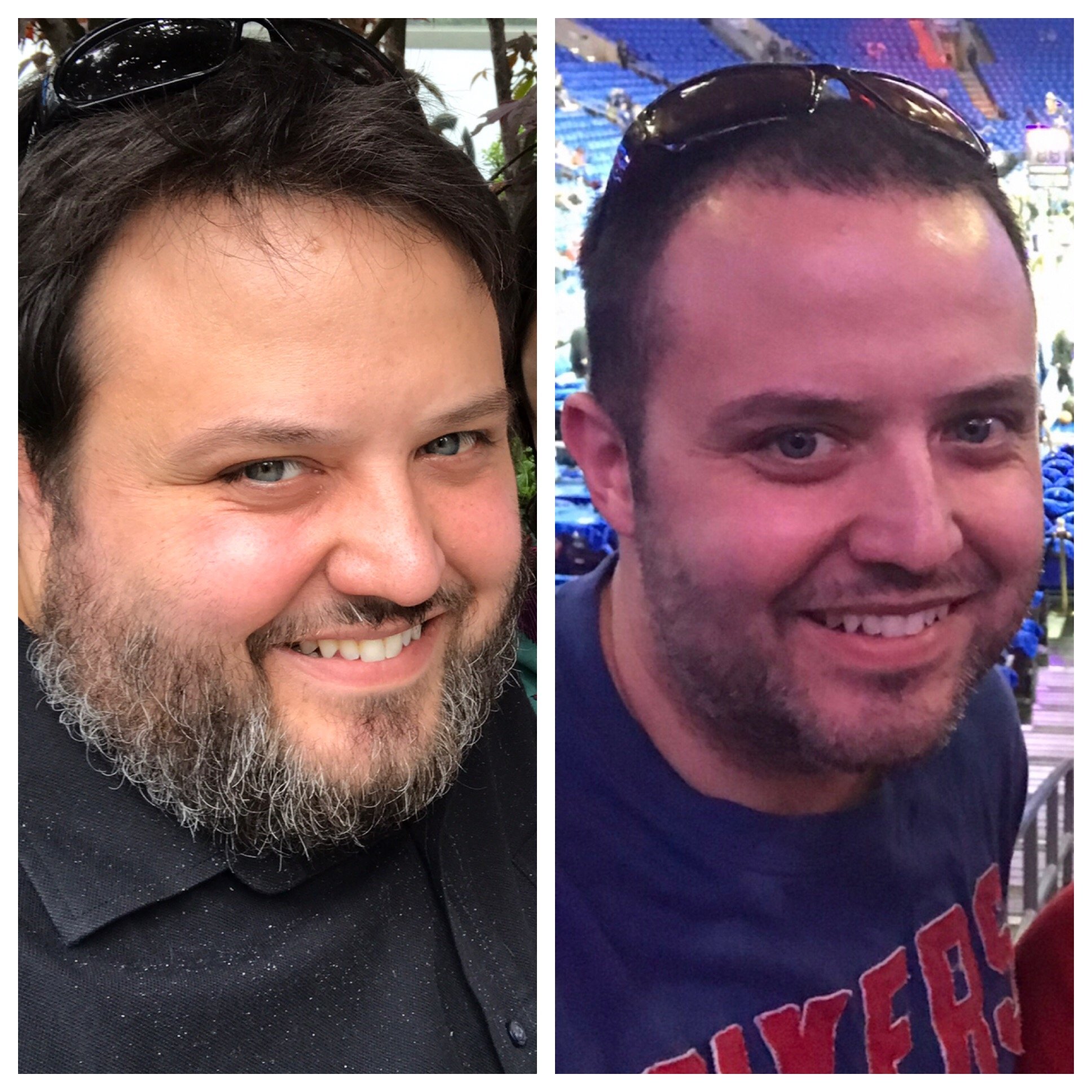
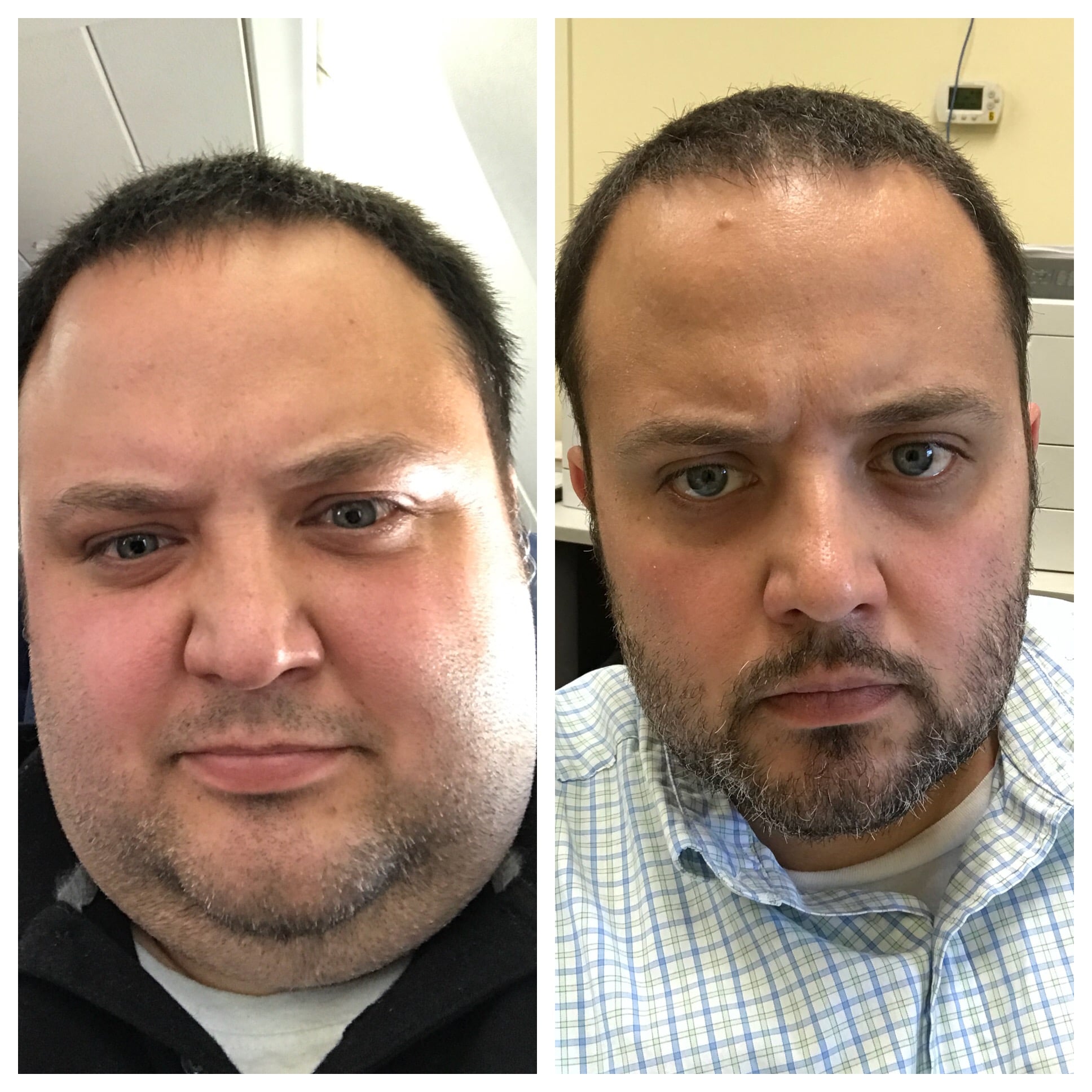
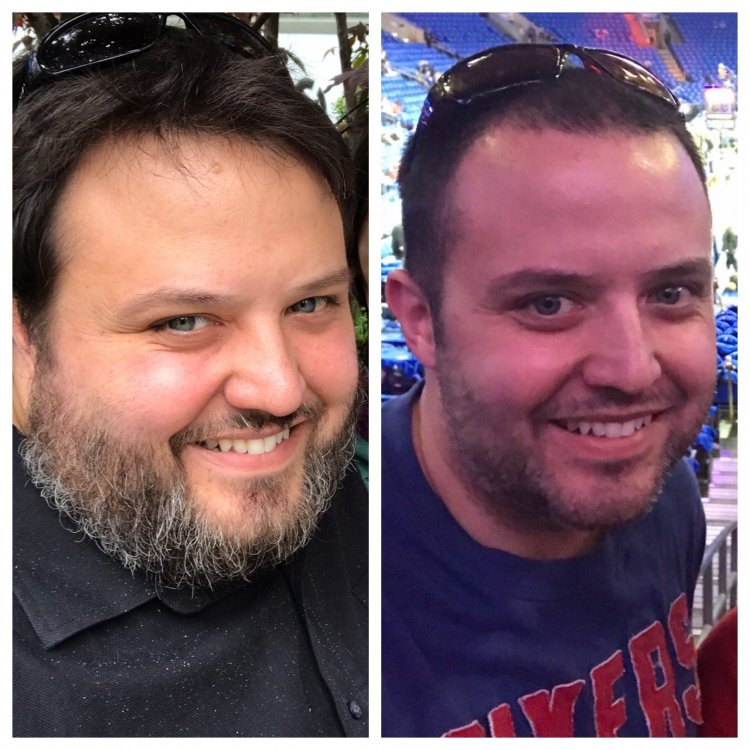
Heaviest: 333 lbs Surgery: 2/22/18 Current: 201 lbs NSV: T-shirt giveaway at a sporting event and it actually fits!
-
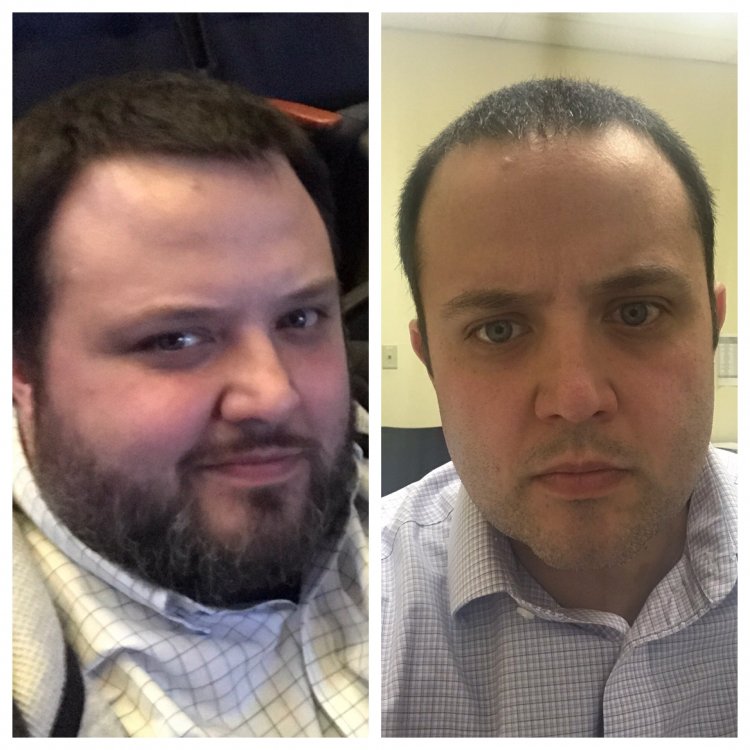
Love when someone tells me that I look different, but then asks, “Did you shave your beard or something?”. Yea....I guess that’s what it is. Starting weight: 333lbs Surgery Date: 2/22/18 Current weight: 203 lbs. Total Weight Loss: 130 lbs.
-
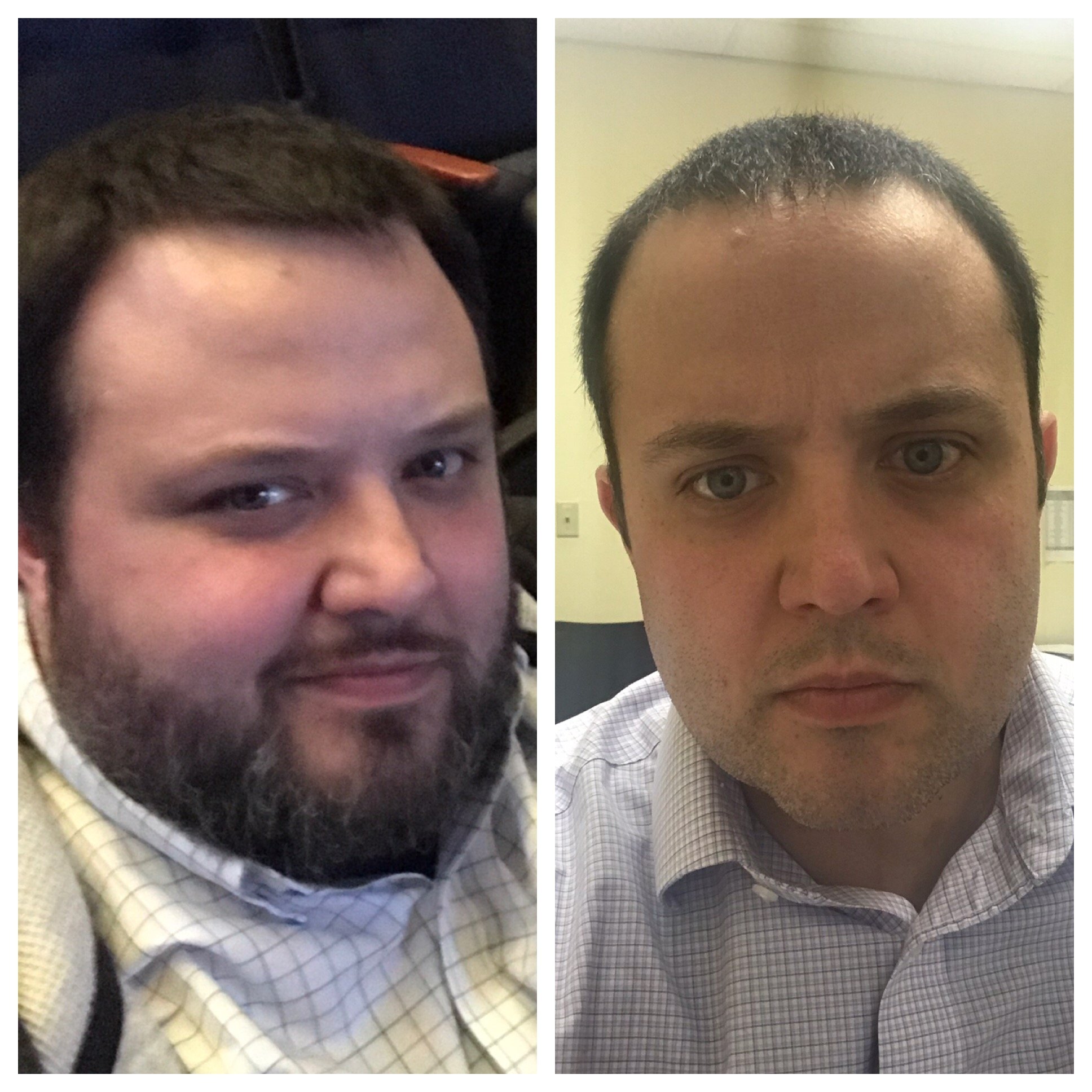
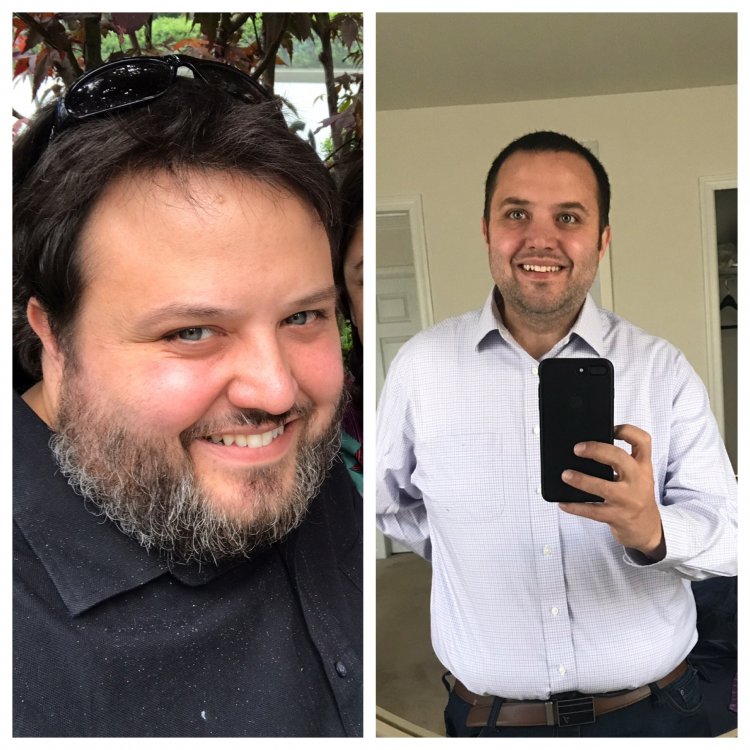
Starting Date: 10/31/17 Starting Weight: 333 lbs Surgery Date: 2/22/18 Current Weight: 212 lbs NSV: Too many to list
-
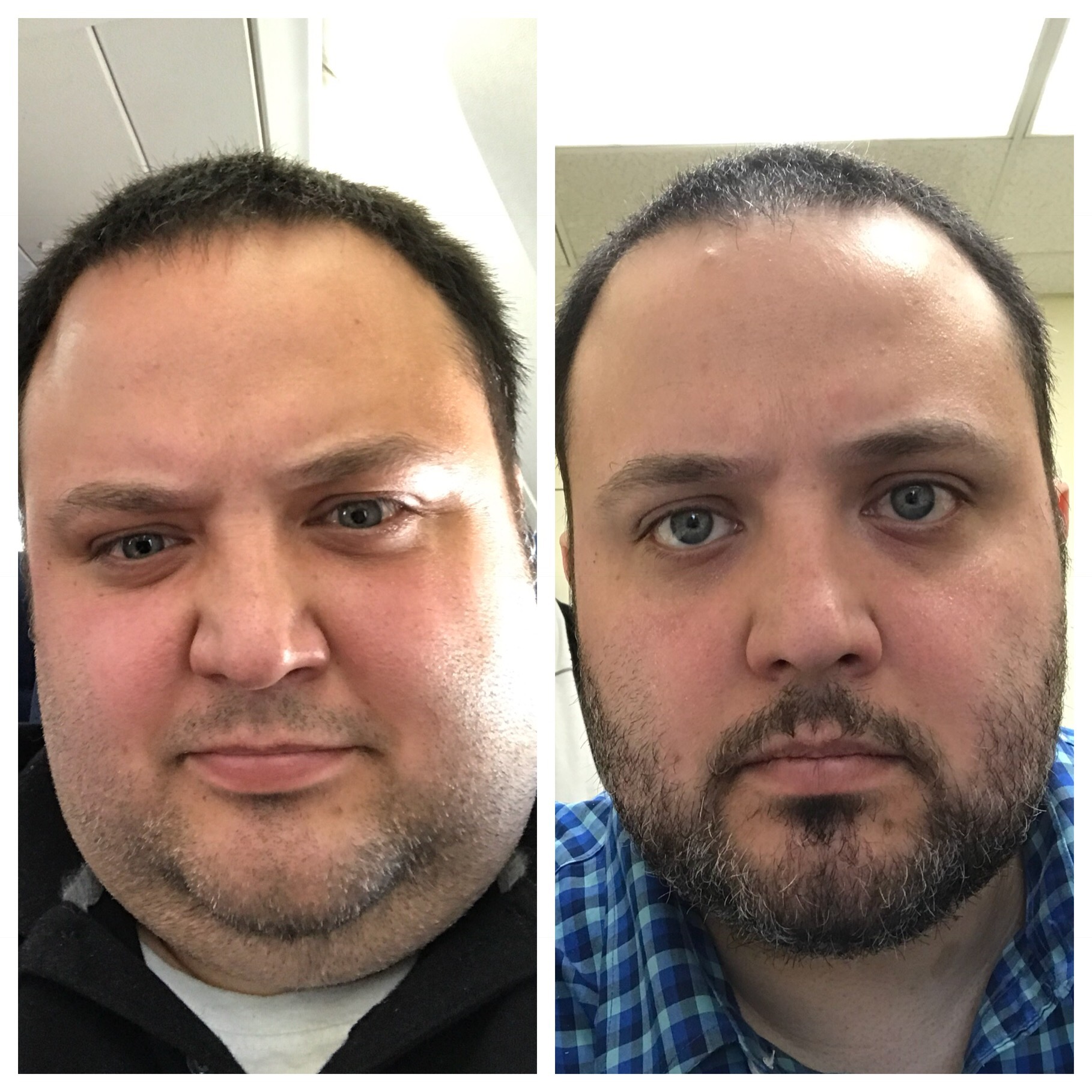
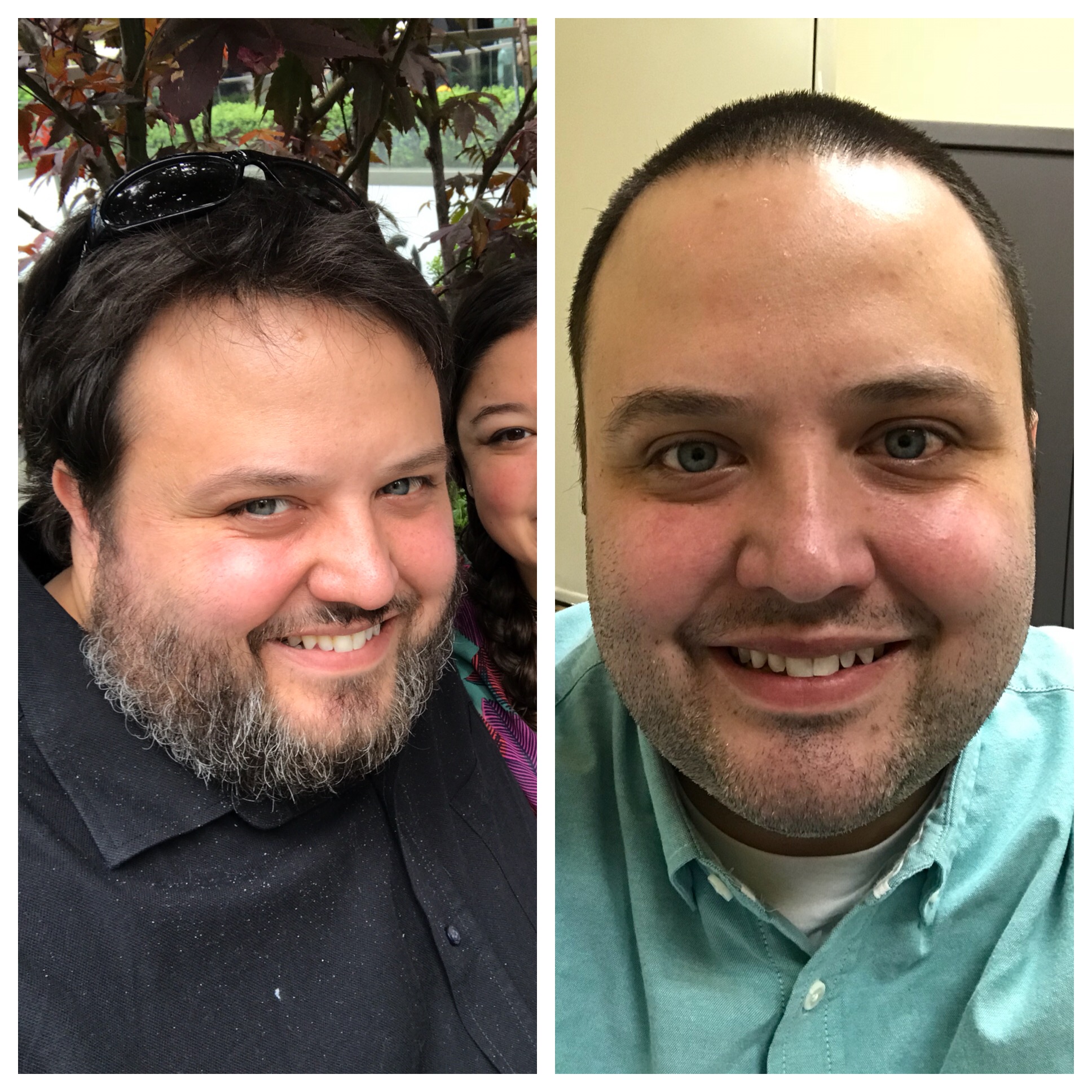
It’s weird. I never saw myself as “fat” unless I was sitting on a plane or at a concert or some other limited space scenario. I never felt unhealthy unless I was at the doctors office and they were telling me how “sick” I was. After a few months everything seems like it’s back to normal, I just eat differently and wear smaller sized clothes. My family loves me the same and my 2 small dogs still don’t listen to me. Deep down, I know lots has changed though. The surgery was worth it just for the improved health and it feels like I’ve turned back the clock 15 yeas in terms of energy. People see me differently at work. The renewed confidence also propelled me to finish my masters degree. So even if I try and downplay the results, they can be felt in almost every aspect of my life.
-
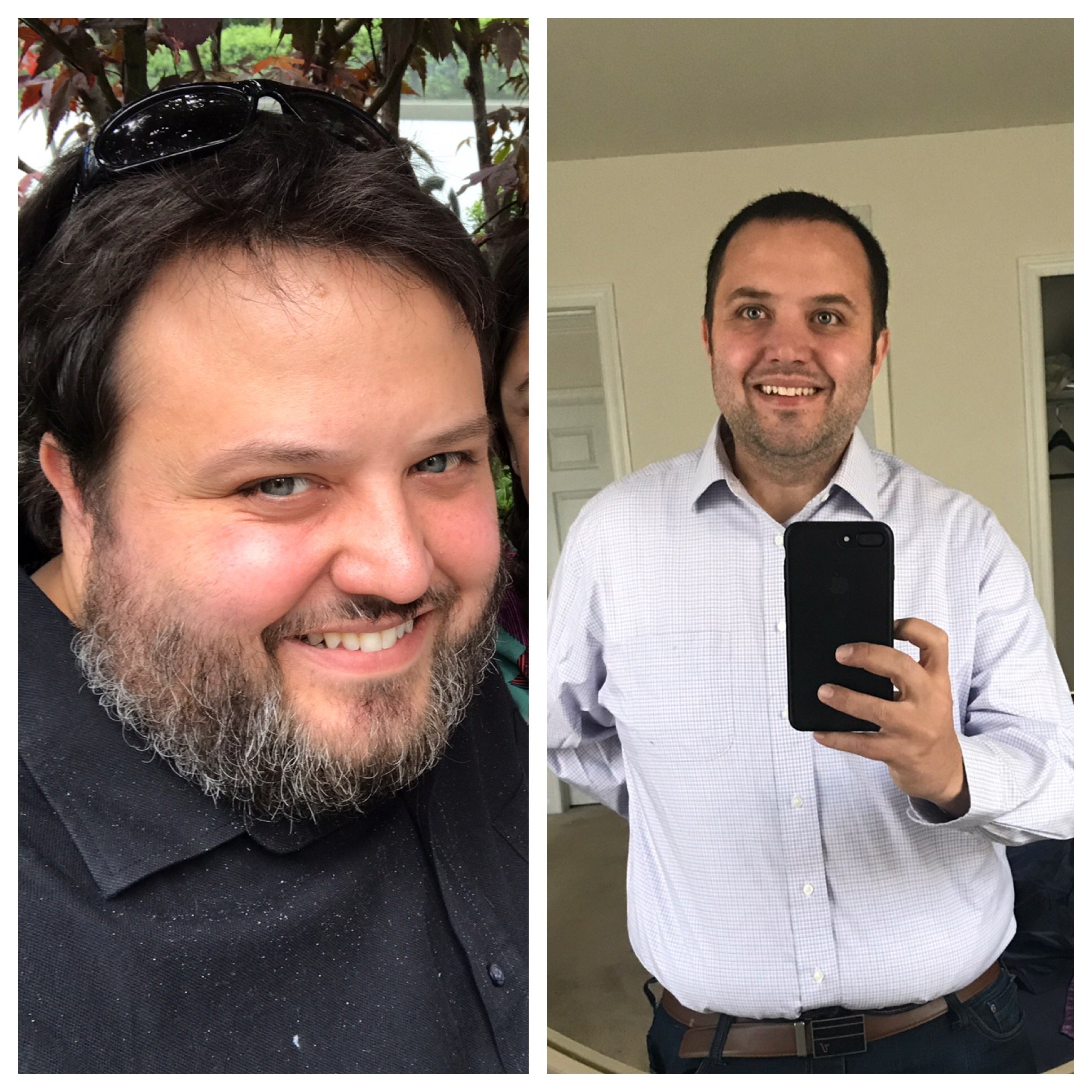
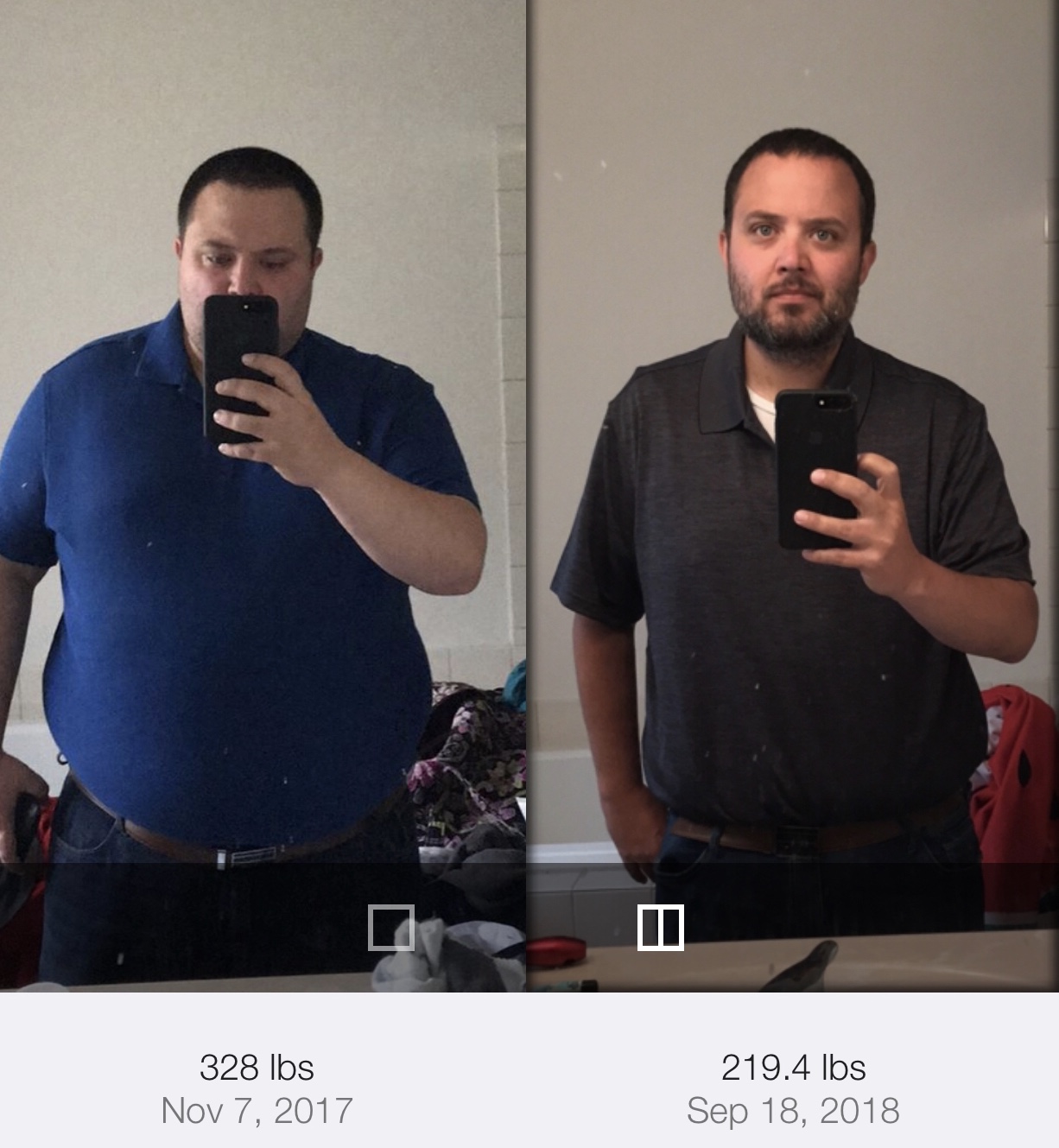
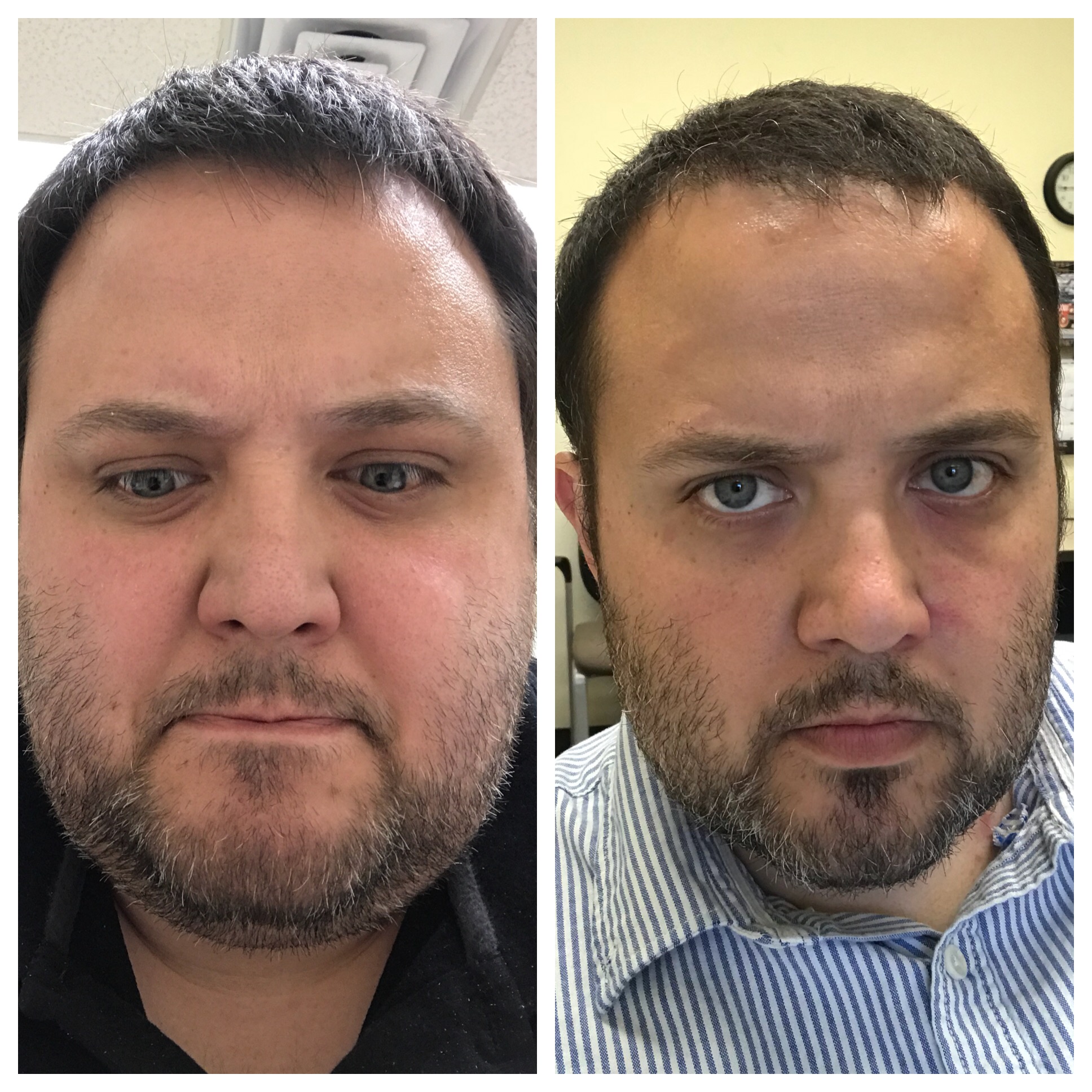
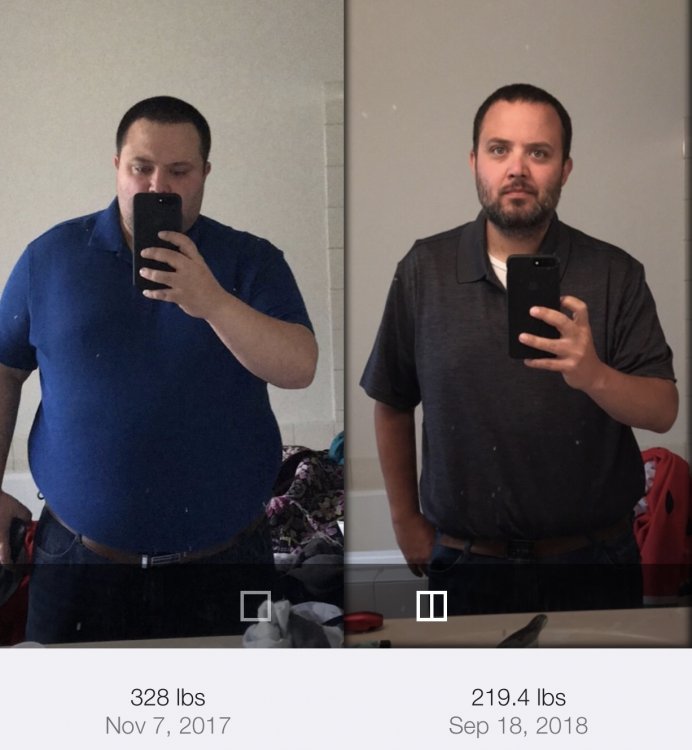
Starting Weight: 333 lbs Surgery Weight: 292 lbs Surgery Date: 2/22/18 Current Weight: 219.4 lbs
-
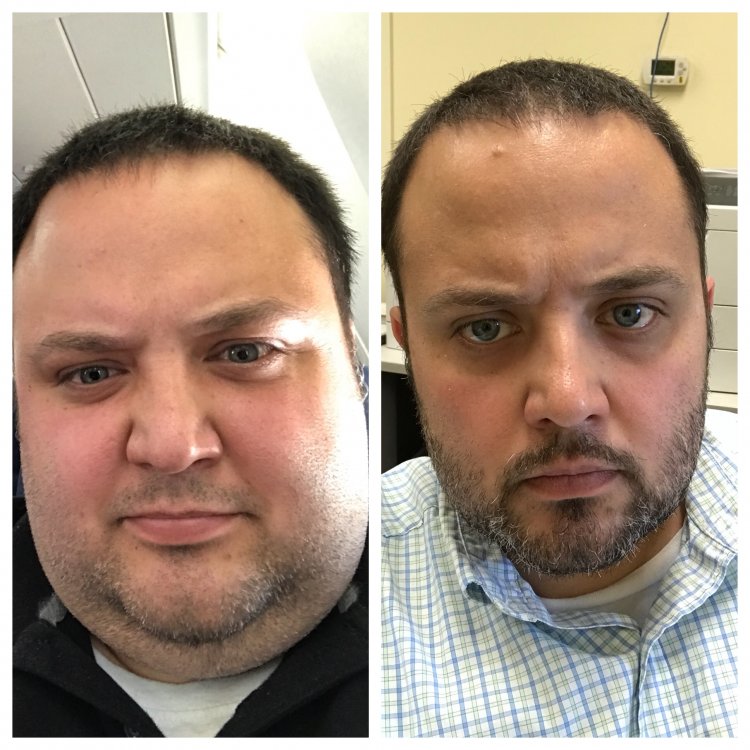
Heaviest Weight (11/1/17): 333 lbs Surgery Weight (2/22/18): 292 lbs Currenr Weight (7/30/18): 226 lbs Mood: One small step at a time, one giant leap towards being healthier.
-
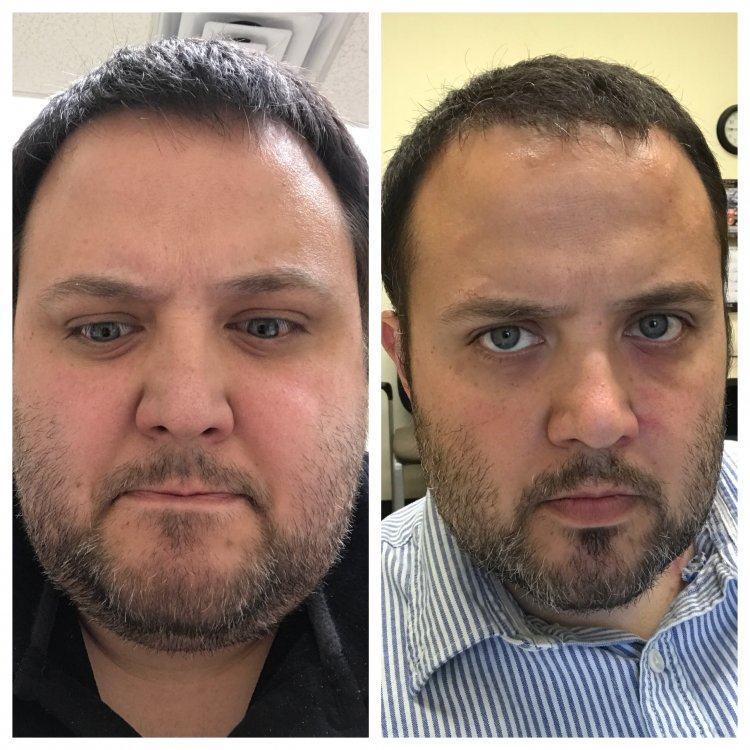
Heaviest Weight: 333 lbs Surgery Weight: 292 lbs Surgery Date: 2/22/18 Current Weight: 237 lbs Mood: Summertime blues....cured
-
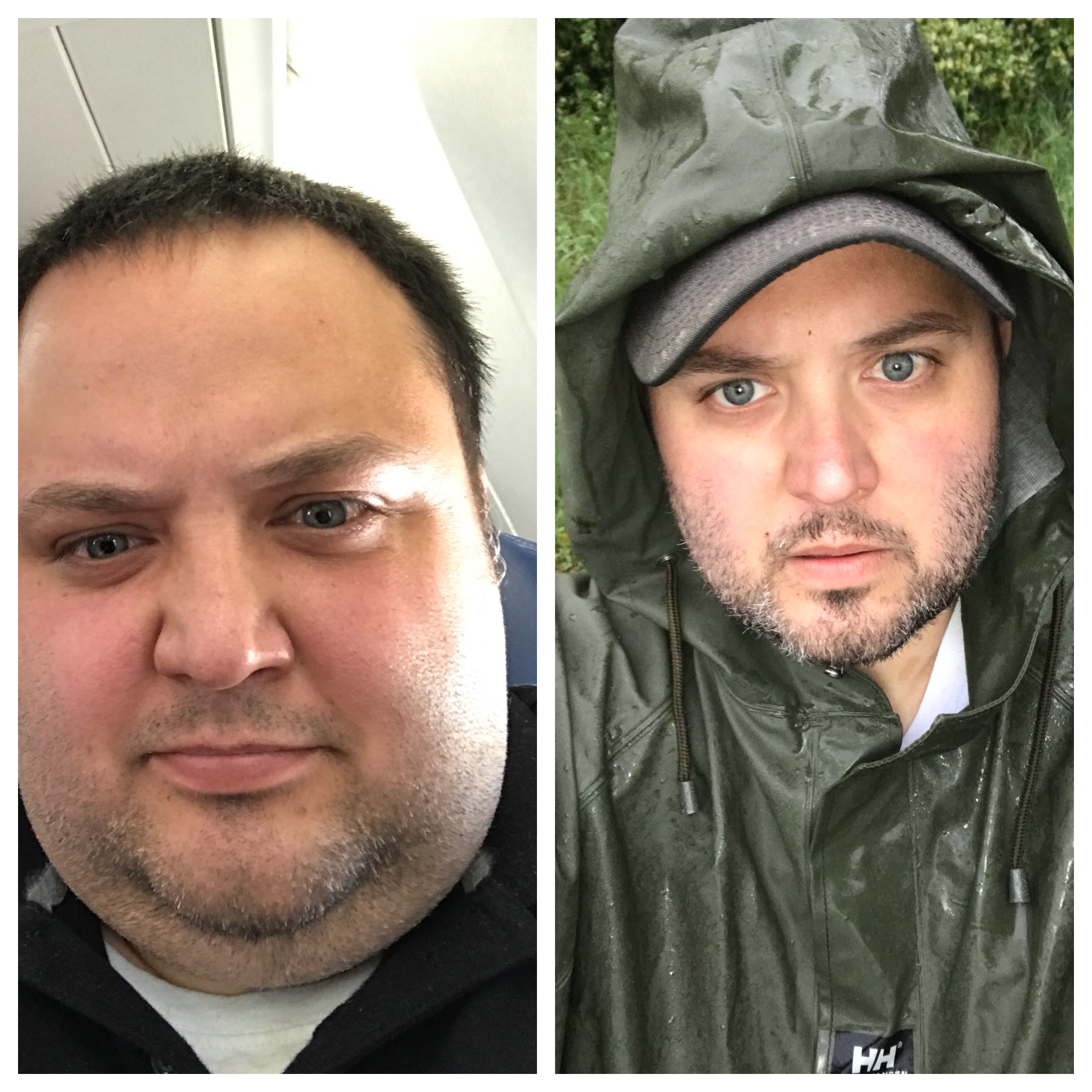
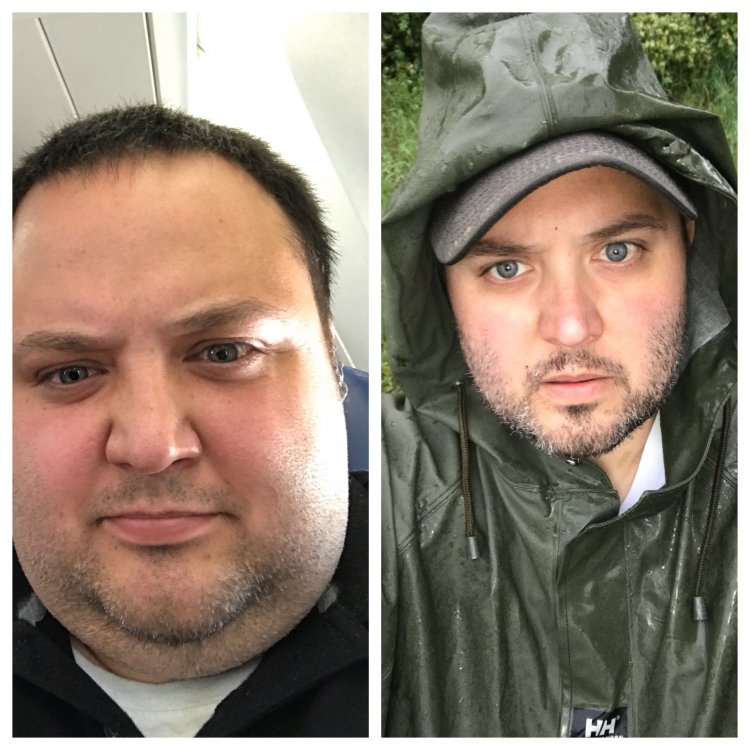
Starting Weight: 333 lbs Surgery Date: 02/22/18 Current Weight: 248 lbs Mood: Singing in the rain
-
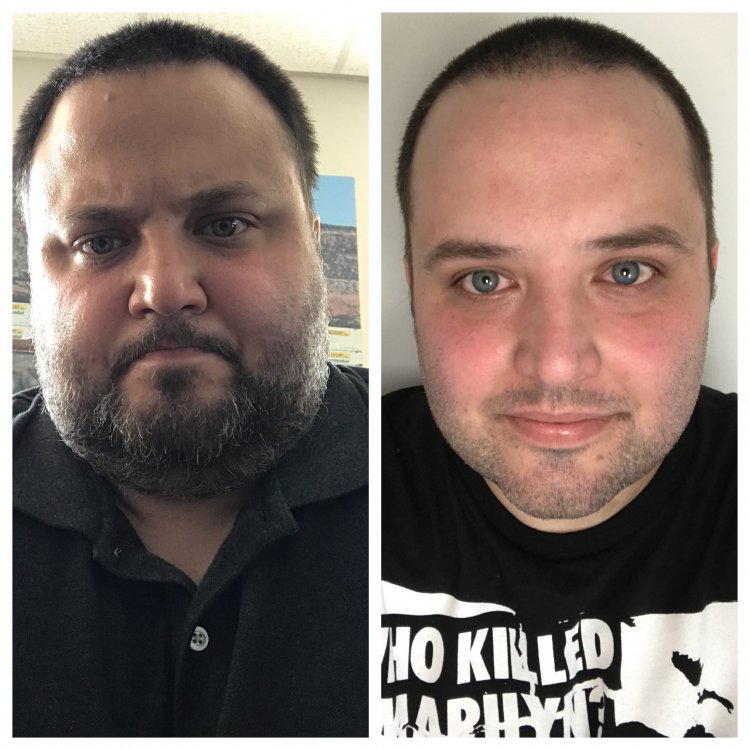
Starting Weight: 333 Current Weight: 253 Surgery Date: 2/22/18 Mood: Awesome
-
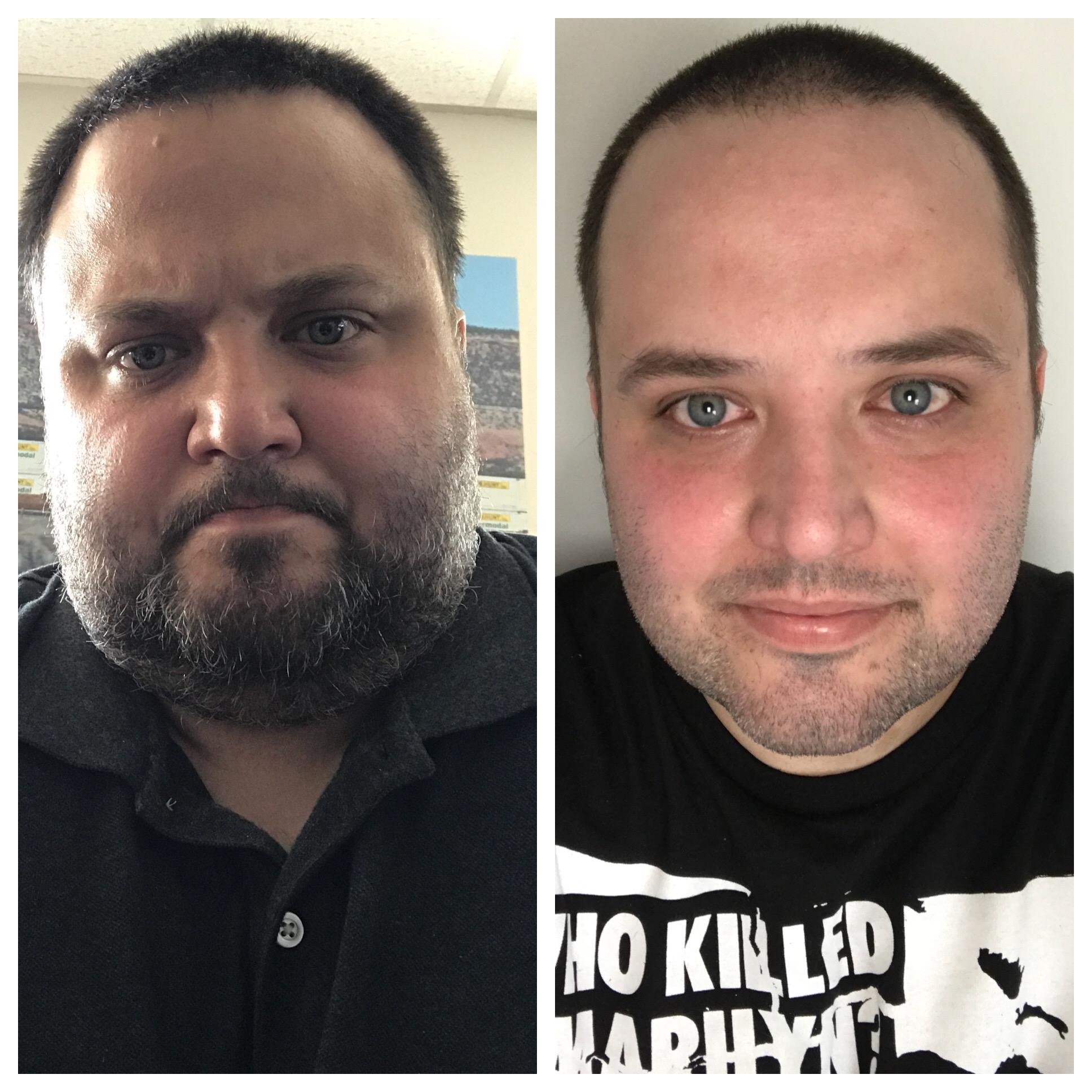
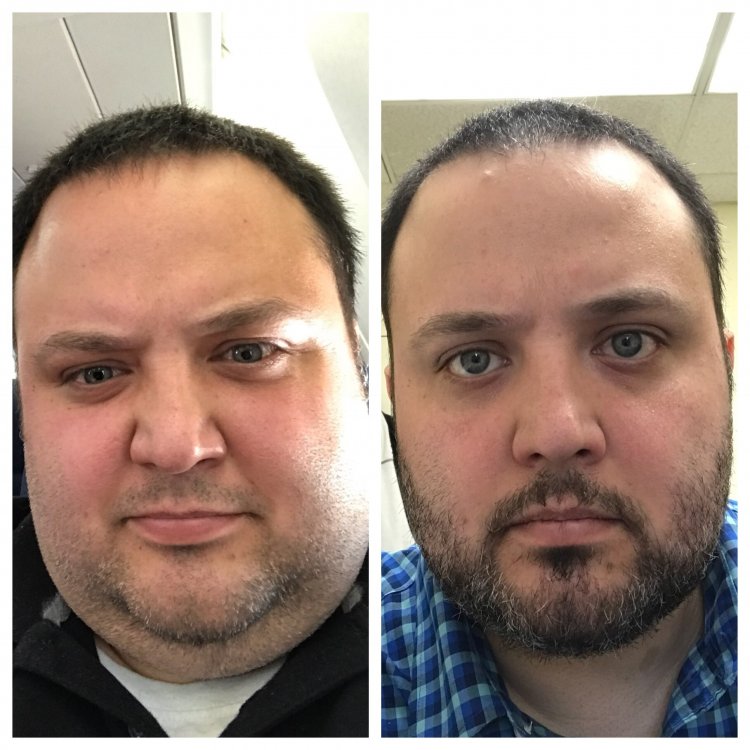
Heaviest Weight: 333 lbs Surgery Weight: 292 lbs Current Weight: 264 lbs Surgery Date: 2/22/18 Mood: Ready for warmer weather.
-
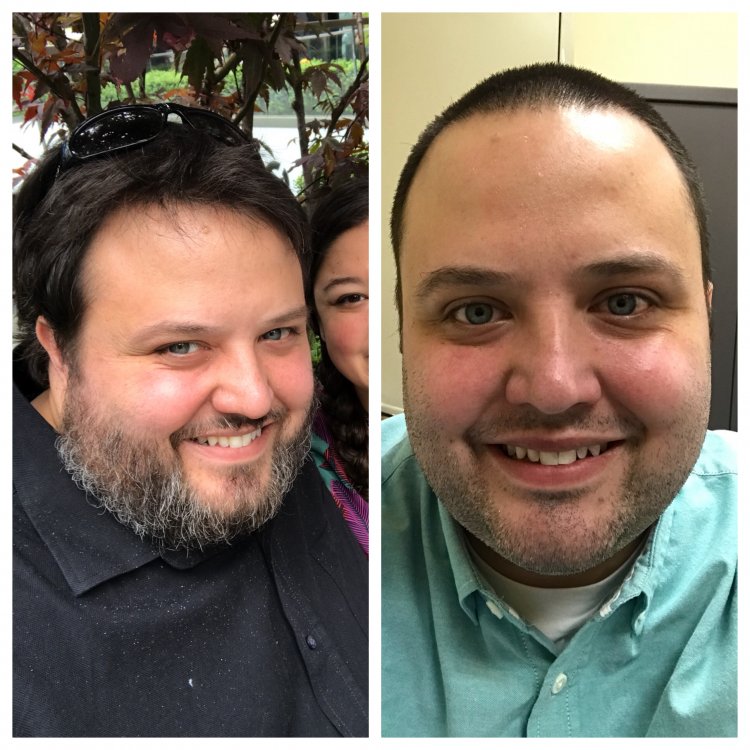
Heaviest: 333 Day of Surgery (2/22/18): 292 Today: 273 Feeling: Pretty....pretty....good.
-
I appreciate the kind words of encouragement. I’ve lost about 15 lbs since surgery (and nearly 60 total since the beginning of November). I decided to take my wife to dinner this evening. I had about 4 ozs of soup and feel about 1000% better about life. It was so nice just feeling “normal” again.
-
First time poster, long time lurker. I was recently sleeved (2/22) and by all accounts my procedure went well. I would argue that I could not had been more prepared for my surgery. I had attended every seminar and group meeting avail. I had spent tens of hours researching the surgery and recovery process. I made major lifestyle changes to my diet and exercise regime (losing 10% of my bodyweight before the procedure. I have the complete support of my family and no issues regarding my time off from work. I was 100% ready. Everything was lined up for a success. Yet here I am, full of self doubt and regret. Like most I have very little, if any hunger. What I have a ton of though is bitterness. Mad about what feels like an overly cautious diet (5 weeks of post op liquids and purée) and resentment/depression knowing my body probably couldn’t handle anything else otherwise. Hate the mood swings. My preop success makes me continually question my decision (which I expected......but doesn’t make it any easier). I was so prepared and informed, I think that’s what makes it seem worse. Warmer weather can’t get here soon enough.......yeeeeeeeeesh.