SethV
Gastric Sleeve Patients
-
Joined
-
Last visited
-
-
-
-
-
-
-
-
-
May 16th is my date. I'm looking forward to it.
-
-
-
-
Stay strong with it and take it one day at a time. Keep focused on why you made this decision in the first place. You got this!

-
-
-
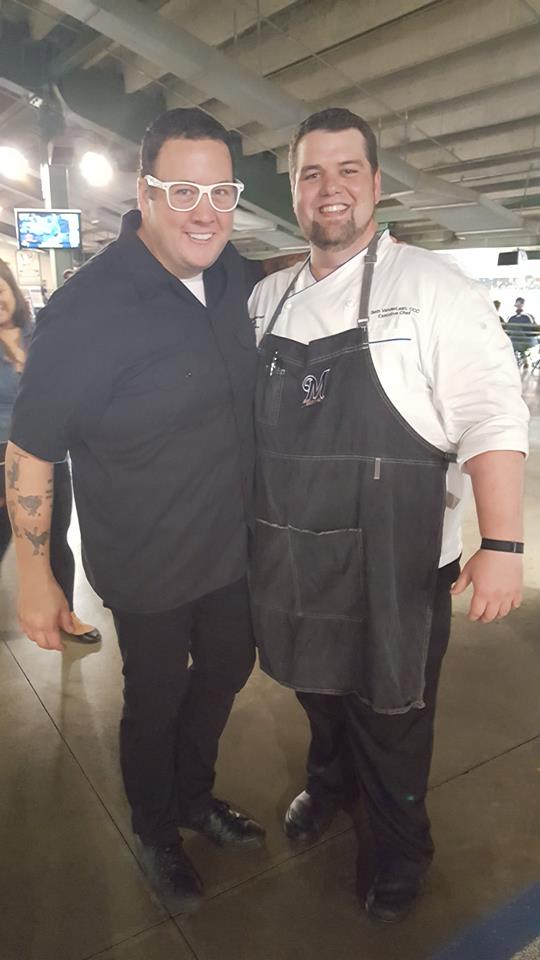
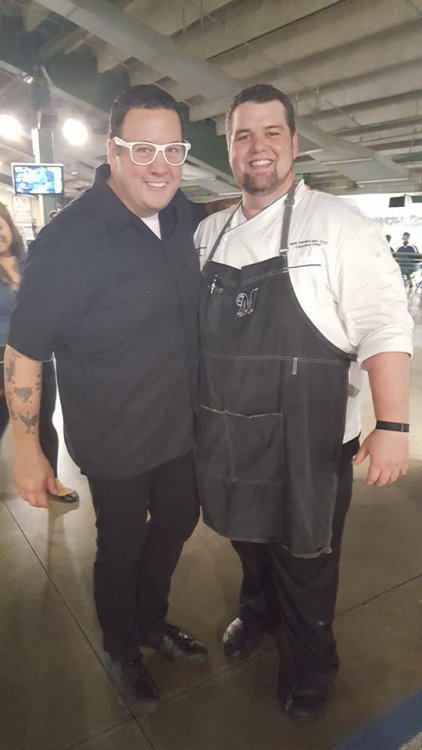
For sure. He is a friend of mine and actually helped me get started on this journey.
-
-
Seeing myself on TV during our opening day media event last year. Yikes. http://fox6now.com/2016/03/21/baseball-fans-foodies-cheer-something-new-to-sink-their-teeth-into-at-miller-park/
-
Great job!
-
-
Same here. I just completed all the appoints and now waiting on approval. Feels a bit odd talking about it but exciting at the same time. Good luck to you all!
-
-
-
-
-
I struggle with this a lot. I am a chef for a living and I wonder how I will ever be able to do my job effectively in the future. I still have to "talk myself into it" from time to time. Good luck!
-
-
SethV changed their profile photo
-
Hello all! I am new here but partially into my journey already. I have at one point lost 200 pounds on my own, but have since put back on 125. I have submitted all the requirements to my insurance company so now I am playing the waiting game hoping for a surgery date in mid may. Complicating things is that I am the chef for a major league baseball team and this surgery would be at the beginning of a baseball long season. Nevertheless, I am ready for the challenge.