gwenmariah
Pre Op
-
Joined
-
Last visited
Everything posted by gwenmariah
-
31%
-
Ok good to know I will try it
-
We are in this together! Sent from my iPhone using the BariatricPal App
-
I know what you're feeling! I e had regrets, but some days I'm good too. Some days I have "bad" eating days where everything feels stuck and heavy and some days that are "good" eating days. I'm just trying to be optimistic. My friend who also had the surgery told me and promised me that it will get better. meat is hard for me right now, it doesn't feel good going down even though I chew and chew... so once this subsides I think I'll feel better about this! Sent from my iPhone using the BariatricPal App
-
No, but do you think brand has something to do with it?
-
Any Water makes my stomach hurt... and I love water but I feel so gross when I drink it, it's a struggle!
-
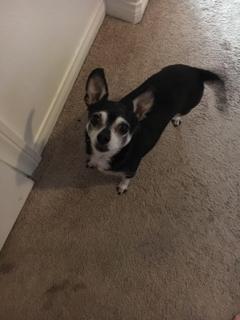
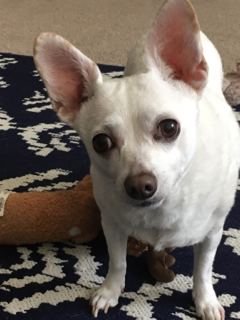
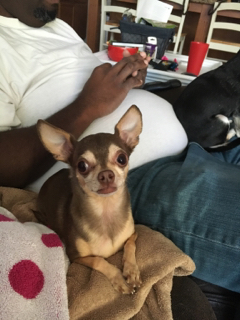
Yeah it's been a bit rough for me, I got the stomach flu from my nieces so that hasn't been fun! I feel like my esophagus is so tight I'm not really able to get a lot of food down. I know it will get better I just need to be patient! I've lost 30 pounds since surgery though so that's good! Here are my babies... Sent from my iPhone using the BariatricPal App



-
Hello! I had my surgery on 11/29. How are you doing? I am 36 but I am also a dog mom! Sent from my iPhone using the BariatricPal App