BooperScooper
LAP-BAND Patients
-
Joined
-
Last visited
Everything posted by BooperScooper
-
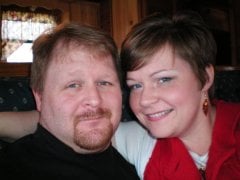
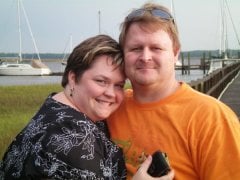
First picture was taken one month prior to surgery, second picture was taken 8 months later :)
-
Hi Lazaruslady! I'm from GA as well. I was a lucky one and insurance covered my surgery - BCBSGA...I had it about a month and a half ago at Emory - I wish you the best of luck with your husbands insurance. I'm so glad I made the jump! I'm down 30 lbs as of today :thumbup:
-
I had my lapband surgery last month and so far, I've lost 23 lbs and I'm off of my blood pressure meds....Best decision ever!
-
Hi! I'm from Griffin and I had my lapband installed last month...I went to Emory and my Dr. is FANTASTIC! When are you planning on having the surgery? There are A LOT of tips in the pre-surgery section, like what you'll need before and after. The one thing I can recommend to you at this point, is to have Immodium ready for when you get home --- If Emory is an option for you, try Dr. Scott Davis - He looks super young, but he's GREAT!!:thumbup:
-
Hi there! I'm from GA also! I just got banded on June 10th. I love this site! Good luck and don't let all of the running around you have to do get you down....It's totally worth it!