lisaheffernan
Pre Op
-
Joined
-
Last visited
Everything posted by lisaheffernan
-
Has anyone tried weight watcher afterwards? I’m stuck at a 105lb weight loss and can’t seem to lose anymore doing what I’ve been doing all along?
-
BariatricPal.com
-
https://store.bariatricpal.com/collections/eat-me-guilt-free
-
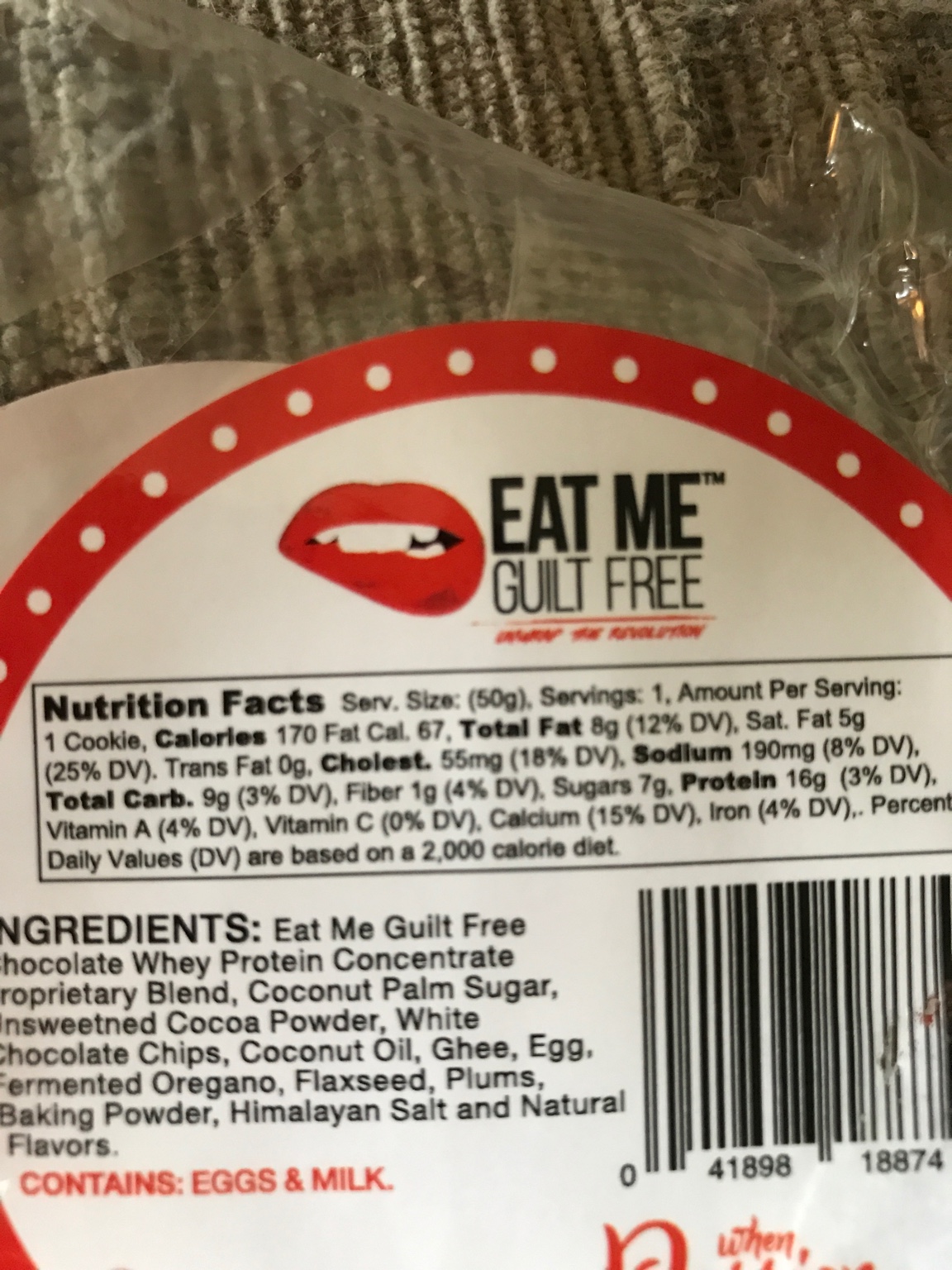
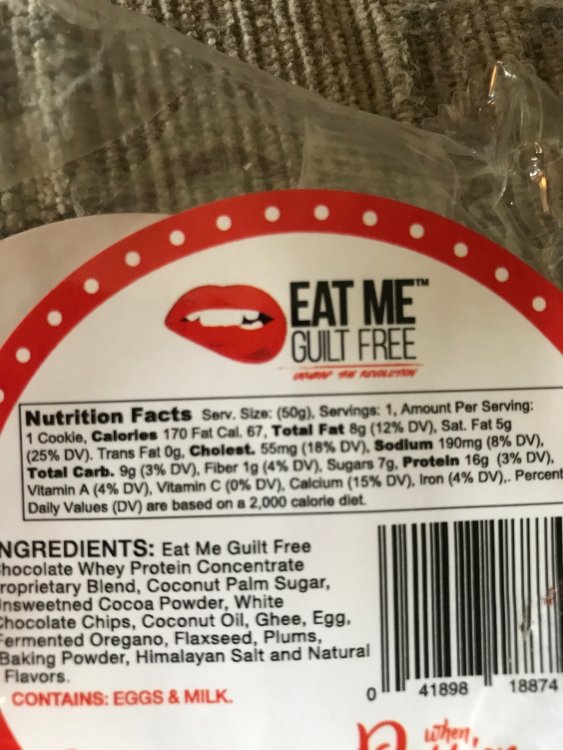
.jpg]. this cookie is amazing!! Cake like texture!
-
Wow!!@Tessy74
-
I agree totally with you Marinagirl! Scale wasn't moving for 3 weeks so I went back to doing actually what u posted and within one week I was 3lbs down!Greatness achieved!! Congratulations!Thanks that's what I was thinking! Sent from my iPhone using the BariatricPal AppAnyone notice they have to pee less after surgery even though drinking more? Sent from my iPhone using the BariatricPal AppHi my name is Lisa and I am having surgery on 9/21 w Dr Angstadt, so nervous!! Sent from my iPhone using the BariatricPal AppHi I'm getting surgery on 9/21 at st Charles! This pre-op liquid diet is so hard! Sent from my iPhone using the BariatricPal AppI'm from Suffolk and having my surgery on Wednesday the 21st at St Charles, on my 6th day of liquid diet and find it very hard! Sent from my iPhone using the BariatricPal AppHi all, I am doing my 2 week shake time and I find it very mentally draining and physically draining! Is this common? Surgery in 9/21 Sent from my iPhone using the BariatricPal App