
kcirym2vp@yahoo.com
Gastric Bypass Patients
-
Joined
-
Last visited
-
-
-
-
-
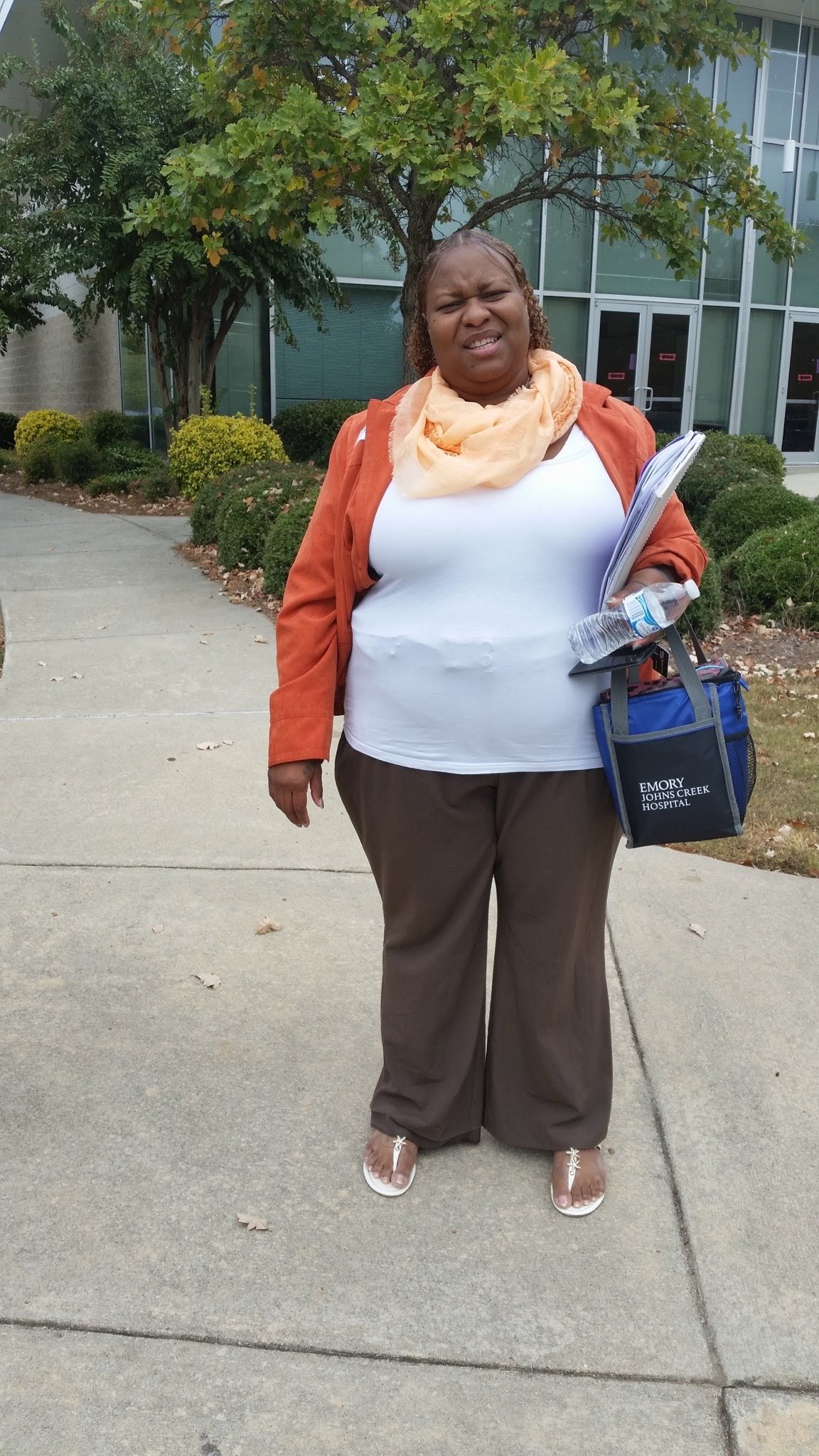
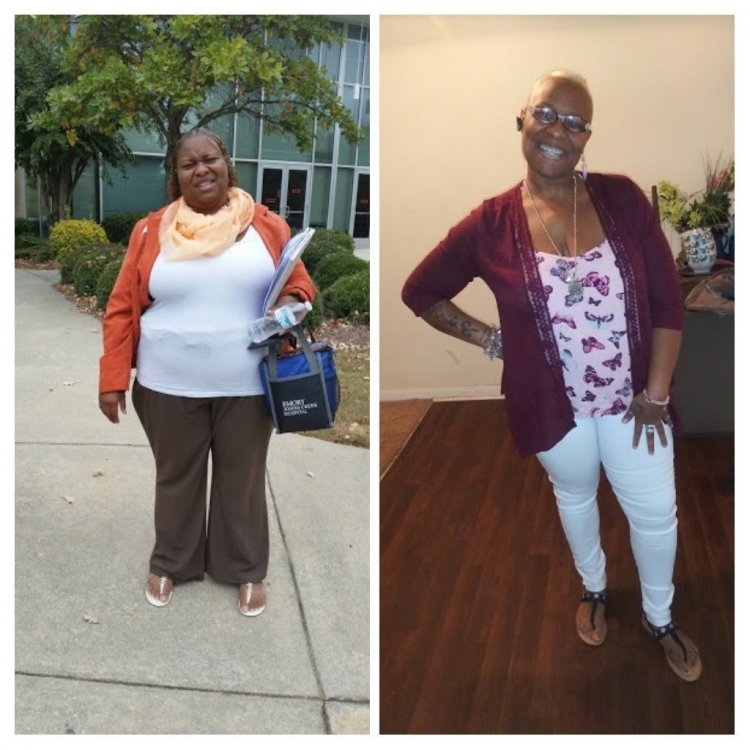
My before and after pictures. Still grinding and dedicated to reaching my healthy weight loss goal


-
-
-
-
-
-
-
-
-
-
-
-
Feeling good group... From 397 to 193 excited more and more every day
-
I am very excited for all of the progress of each individual who've made these life changes. Congratulations to each of you... Looking through post and forums are my early 4am morning gym motivations. Every pic of those listed gives me hope...Stay encouraged each of you are wonderfully/beautifully made/created. Keep up the great work! ms.sss Bari_KS Briswife15 sarah50 Mj77803 FluffyChix GreenTealael Paul Clarke J San Sarah B. proudgrammy (thank you)
-
-
-
-
-
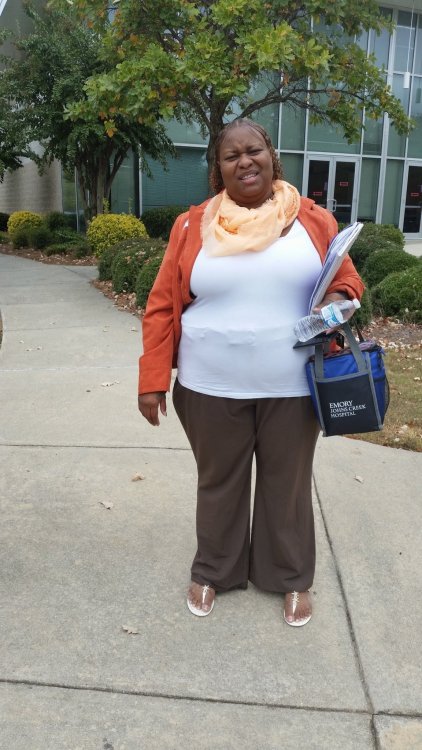
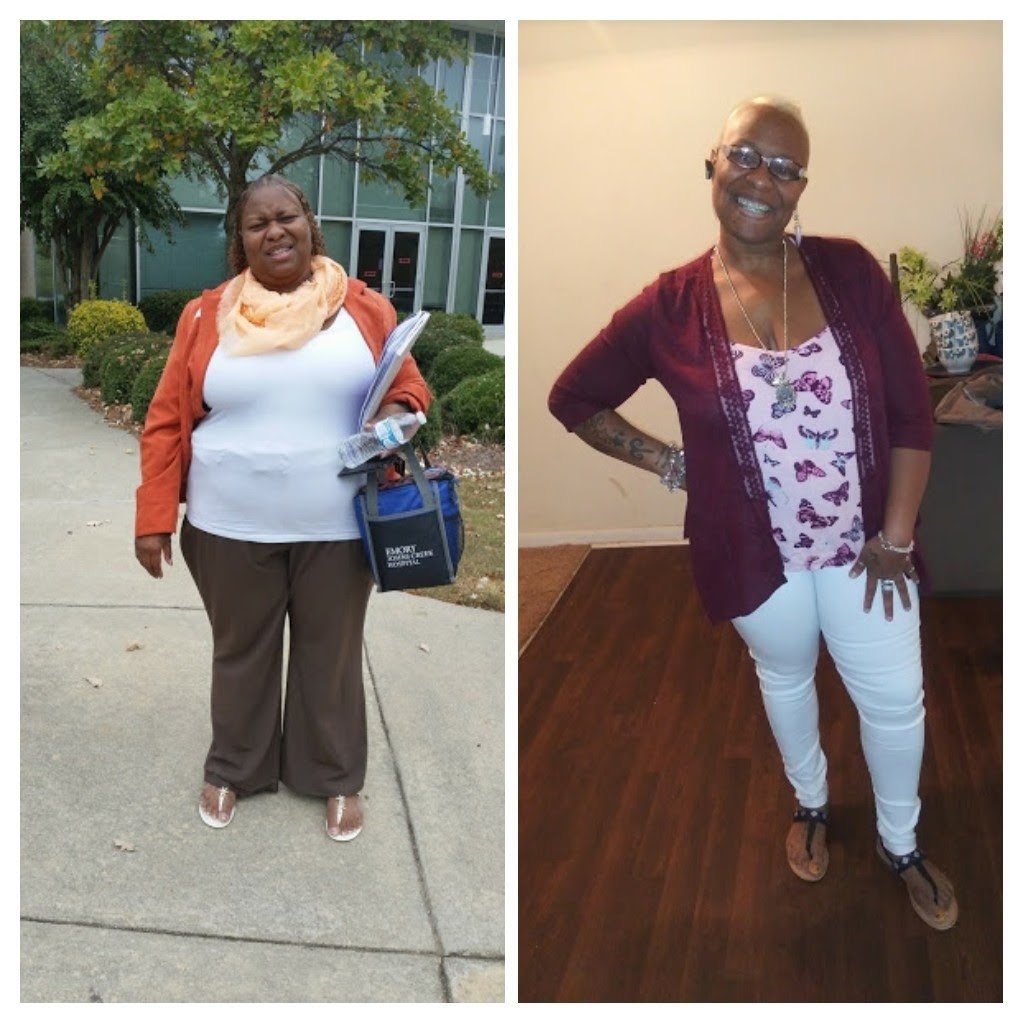
After 200lbs Before 397lbs 1 year Anniversary June 21, 2019

-
Anytime. Be prepared for some life changes. But in your favor. Not sure if you're religious or not. But if so stay prayed up. Find something positive to stay motivated even if it's a will to live healthy and stay alive.???
-
Yes ma'am!!! Later you'll smile at the process......
-
Can't wait to hear your story after surgery. You will do great. Good luck on surgery. If you need motivation afterwards please don't hesitate

-
I'm almost two years post-op and needless to say I feel like you have been peeping through my window. I was wearing one of my old bras under a tight sports bra. And bought tights to wear as a outfit for each day. You just discribed me to a tea. Not judging at all. Better to get fitted now and prepare to be fitted again later. I will say this, I bought my old size when I was a year out and from my weight loss, I hadn't really noticed until I put on said bra and almost tilted over. ? I've found one not that I truly love. I hope you find a great fitting bra...
-
Hello Everyone, My name is Shi. I'm 35 yrs old, I've been married for five months November 6th. I have four children three girls 16, 9 and 6, one boy 16. I was at my highest weight of 324lbs pre-op gastric sleeve. November 30th I will be three month's out and down to 281lbs. I work for the government. I can honestly say that for the most part Thanksgiving went over waaayyy better then I expected it to. But I also can admit that I don't enjoy food the way I used to before sugery. There is only one thing that I have absolutely no problems with eating and that is unsweetened apple sauce 4oz cups. No other fruit, vegetable, meat or anything else sit's well on my new stomach. Every time I think that I've stalled I go in to the doctor and I've loss more weight. Funny thing that I've noticed on this journey is that people see the weight that I've loss more then I do looking in the mirror. I have never been a shopper type. But lately it seems that I have no other choice, it is such a surprise when I put on clothes today because nothing fits...I was in 3X's and 26W comfortably....And is it me or does anyone else have that one family member that has to snap a picture of your most worst dressed day? Today my husband seems to have put on the weight that I once had and is feeling a little down. Bad part is truthfully if it weren't for this surgery I would be right where he is...Can barely breath, wanting to eat everything in sight and all without cause. Just because I see it or smell it. My biggest task in the stages allowed is ???? bread yes it has always been my biggest weakness... Mostly because it was always made homemade fresh in my home...yeast rolls here, loaves there, fresh from scratch cinnamon rolls there... Now when offered any I feel sick to the stomach...Even thinkingbof certain foods get under my skin... Is anyone else having this problem? Also when I told my nurse that I wasn't including any sugar in my diet she asked why? Well because I assumed that since I was on a sugar free everything mentioned that meant no sugar at all she stated that was when I got out of the hospital and the first and second stage so who here has added sugar to there diet and how much have you added? I have not added any still since my last appointment out of fear...Only equal, and sugar free or unsweetened items...Suggestions welcomed....
-
kcirym2vp@yahoo.com replied to kcirym2vp@yahoo.com's topic in POST-Operation Weight Loss Surgery Q&AUpdate, Made it throught second post op visit. Dr said he is overly pleased with my progress. Mood swings are still coming and going. I am less tolerant of things which is a big up for me being that I was a pushover..Eating is still unpleasant, but I do eat. I love that now even my children look at label's for nutritional facts before eating anything, even in school they are asking questions. I'm down 50lbs working out with my husband and we're helping each other stay on track.....
-
-
LxA I love watching the weight drop. Good luck on being a healthier you
-
kcirym2vp@yahoo.com replied to kcirym2vp@yahoo.com's topic in POST-Operation Weight Loss Surgery Q&AStill on track...Liquid Fun...Happy and pleased...Though my mood is or attitude is bad Anyone deal with being mad all the time after VSG? I am normally easy going but over the past few day's I've felt overly upset...????????????That's not my normal.
-
Good Morning All, I had VGS on August 30th Pre VGS Highest Weight: 324lbs 5 day's Post Op Weight: 305lbs 8 day's First Post Op Surgeon Visit Weight: 300lbs 14 day's First Post Op Nutri. Visit Weight: 297lbs Total Loss: 27lbs Not sure how much I weigh today, I don't weigh myself at all. Since I have so many appointments I just wait til the appointments to see the results. Anyone else afraid or surprised of what the scale may reveal? Trying to stay on track....Encouraged to do everything by the book. First Cardiologist Appointment this morning, praying that everything goes well...
-
kcirym2vp@yahoo.com replied to kcirym2vp@yahoo.com's topic in POST-Operation Weight Loss Surgery Q&AI am not a dr/nut I am a patient who recently had VSG, I am seeking advise from those that have also undergone VSG and have advise from their personal experiences dealing with breads, dumping and things of that sort......Yes Alex that is my final answer....
-
kcirym2vp@yahoo.com replied to kcirym2vp@yahoo.com's topic in POST-Operation Weight Loss Surgery Q&AI was advised after surgery that there would be changes that I needed to make. So I would be up til 4-5 in the morning going from site to site researching various questions that for some reason felt like pulling teeth when I asked my dr, my nut said eat this or that but my dr said listen to me. Me being a newbie had me looking not just from one prospective but from many especially from those that have undergone a similar surgery as mine. I read blogs, watch videos and quite frankly I finally understand why so many people actually end their posts or most questions never get answered. If you don't understand the question or misinterpreted what was asked. However instead of rudely replying to my comment how about giving advise from your experience....Just A Thought...IJS...




.png "Care")