Skip to content
View in the app

A better way to browse. Learn more.

BariatricPal

A full-screen app on your home screen with push notifications, badges and more.

To install this app on iOS and iPadOS
  1. Tap the Share icon in Safari
  2. Scroll the menu and tap Add to Home Screen.
  3. Tap Add in the top-right corner.
To install this app on Android
  1. Tap the 3-dot menu (⋮) in the top-right corner of the browser.
  2. Tap Add to Home screen or Install app.
  3. Confirm by tapping Install.
  • Appearance

Join BariatricPal free

  • Ask your own questions
  • Reply and follow topics
  • Message other members
  • No cost, no spam

karseym

Gastric Sleeve Patients
  • Joined

  • Last visited

  1.    beachgal2935 reacted to a post in a topic: My one year Surgiversary Pics!
  2.    karseym reacted to a post in a topic: My Husband Finally Gets It!
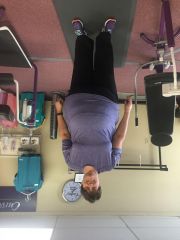
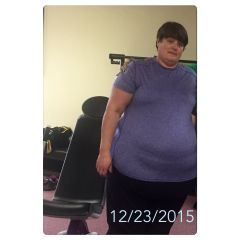
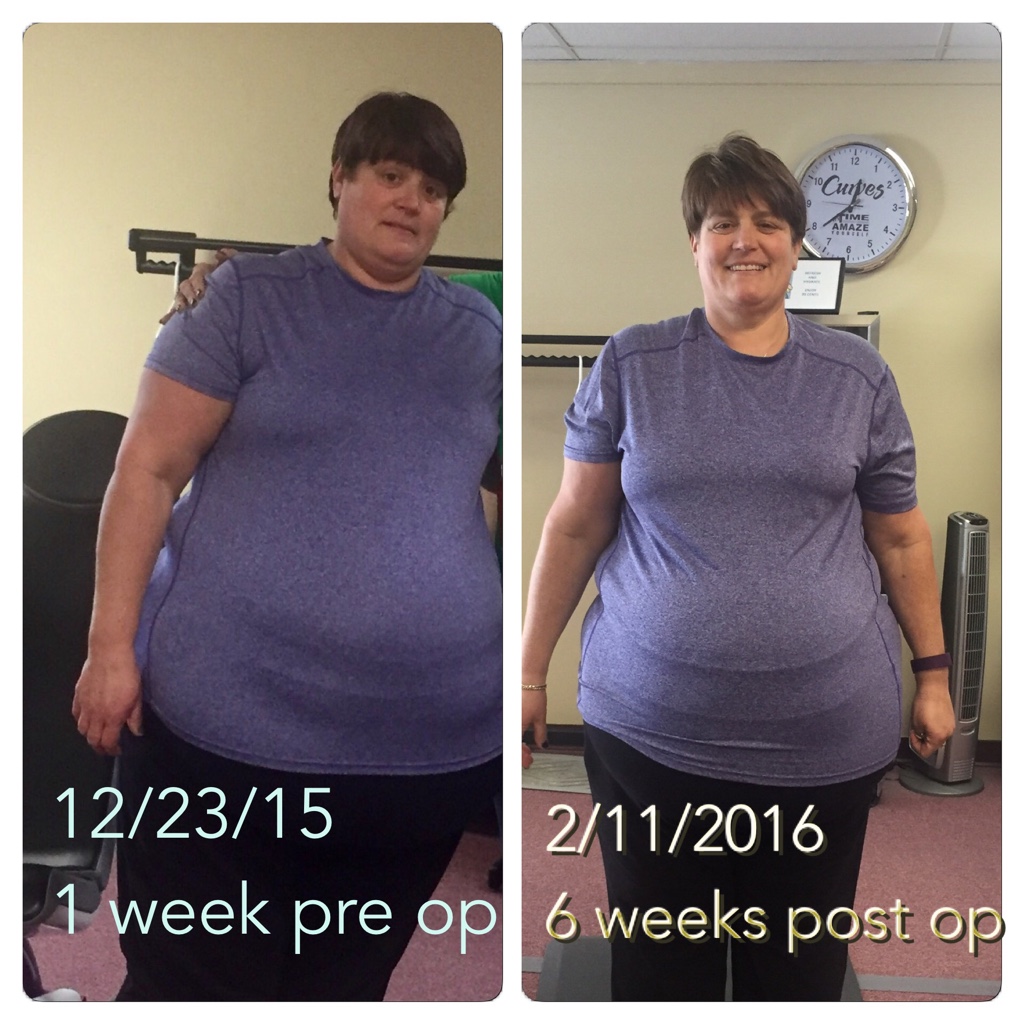
  3. I was sleeved Dec 30, 2015 and doing great. Down 22 inches and 64 lbs since my 2 week pre-op started!
  4. Images added to a gallery album owned by karseym in Before and After Gastric Sleeve Photos
    karseym, a weight loss surgery photo album by karseym on BariatricPal. 2 photos in Before and After Gastric Sleeve Photos.
  5.    sassyfrass23 reacted to a post in a topic: The year to the new me. 2016
  6.    anewme2015 reacted to a post in a topic: The year to the new me. 2016
  7.    WorkinOnMe reacted to a post in a topic: The year to the new me. 2016
  8.    Babbs reacted to a post in a topic: The year to the new me. 2016
  9.    BurNingBriDget reacted to a post in a topic: The year to the new me. 2016
  10. Finally time to take care of me. Pre op 2 week prep starting weight 380 12/17/15. Surgery date weight 366 12/30/15. Leave hospital January 1 2016!! 8 weeks post op 2/24/16 weight 320. Down total of 60 pounds so far. Joined the Y, working out with a trainer 2 days a week and going to curves 1-2 days a week. Feeling great. Was able to buckle my seat belt in my car for the first time since I bought it! 2016, the year to the new me.
  11.    VSGAnn2014 reacted to a post in a topic: Let's talk about some NSV for the week
  12. Was able to buckle my seat belt for the first time since I owned my car in 2 1/2 years!

Account

Navigation

Search

Search

Configure browser push notifications

Chrome (Android)
  1. Tap the lock icon next to the address bar.
  2. Tap Permissions → Notifications.
  3. Adjust your preference.
Chrome (Desktop)
  1. Click the padlock icon in the address bar.
  2. Select Site settings.
  3. Find Notifications and adjust your preference.