Smills
Gastric Sleeve Patients
-
Joined
-
Last visited
-
-
-
-
-
-
-
-
-
-
-
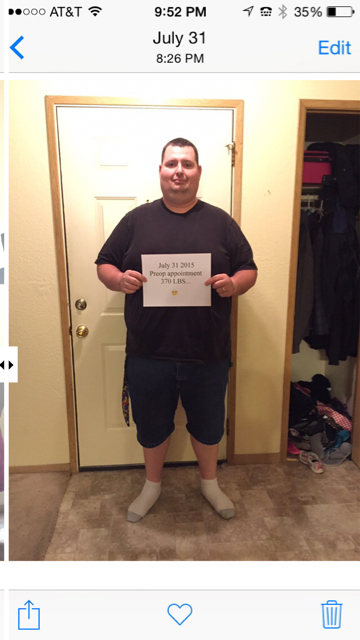
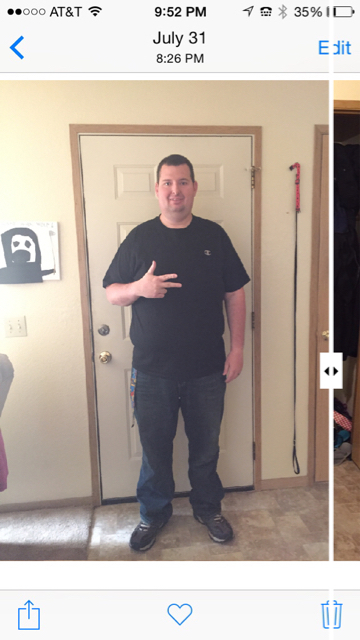
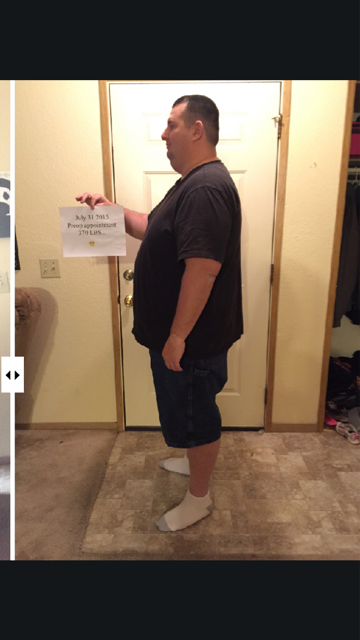
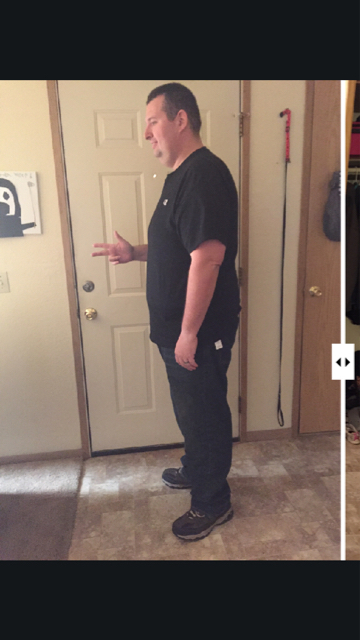
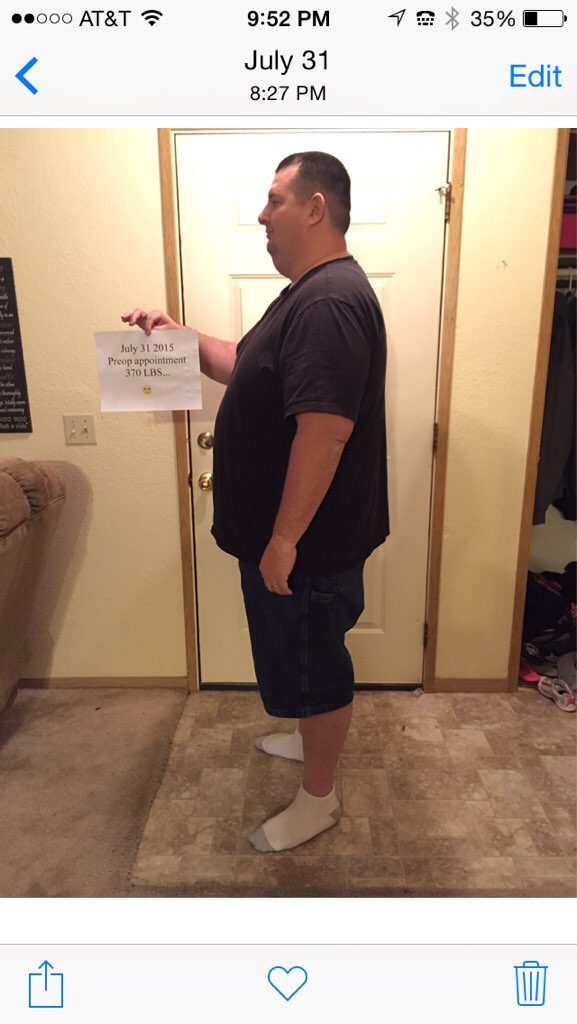
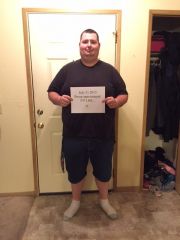
July 31 preop 370 Aug 12 surgery 355 Today nov 12 290 80ibs down and counting
-
July 31. 370 Aug 12 355 Nov 12 290




-
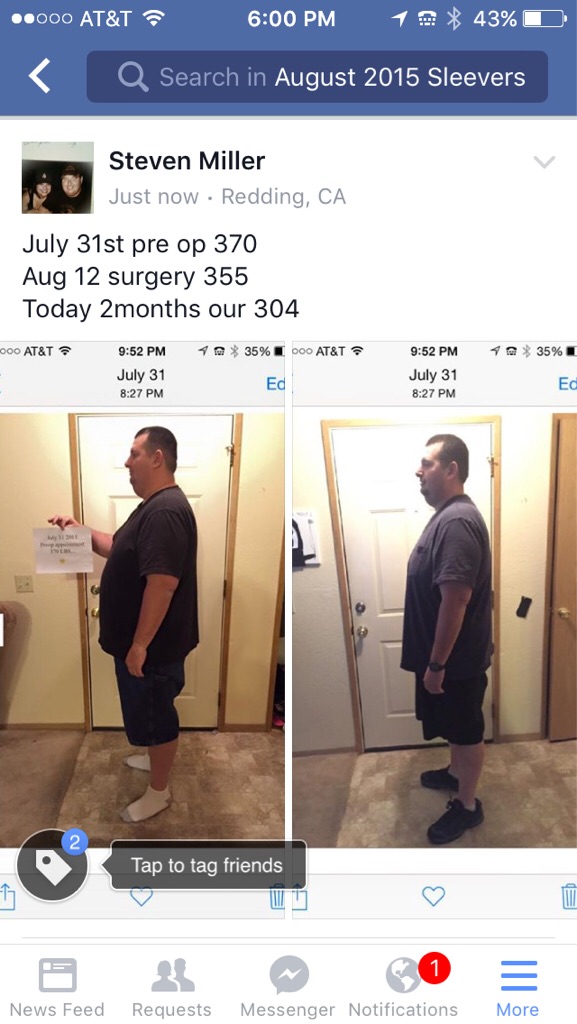
2 months out July 31 preop 370 Aug 12 op 355 today 304
-
. I also am August 12 surgery was 370 July 31 and am currently 311.. Congrats surgery buddy!!
-
-
U can't get a bypass... The only option at this point would be duodenal switch but.. Don't think that's the answer... Sorry to hear of ur husbands misfortune
-
The best place is outback a 6 oz steak and baked tater for 7.99 and I only eat half the steak
-
You can download it off obesity help . Com
-
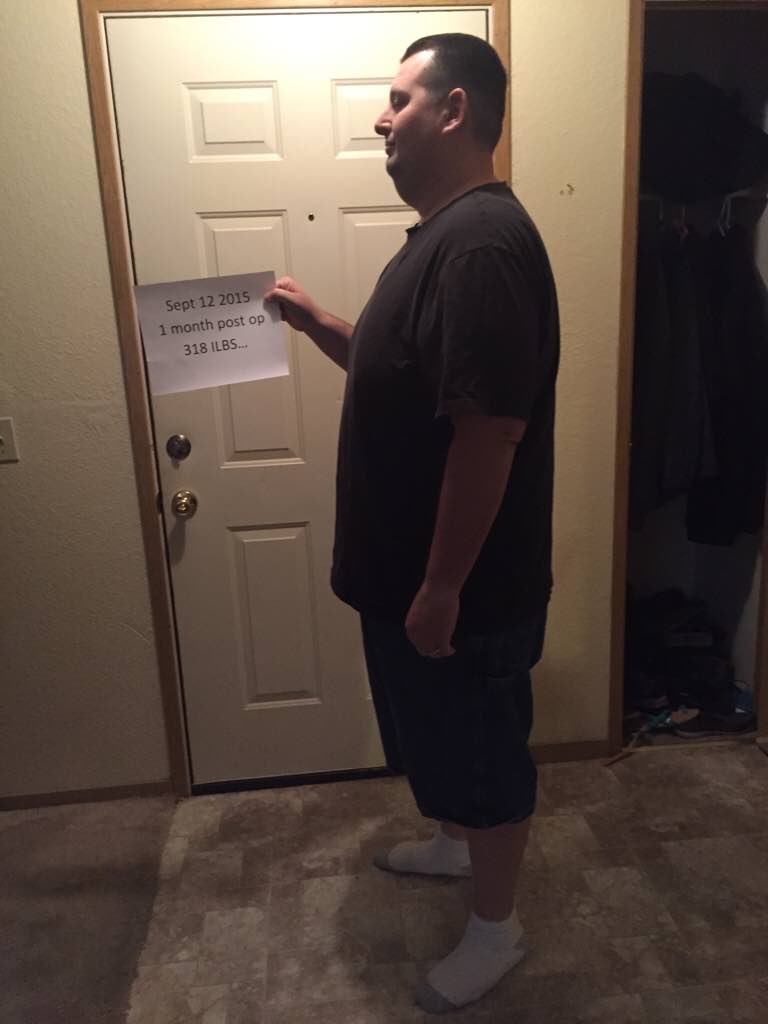
1 month post op

-
It only takes 2 and about 45 min I'm out for me
-
I take benedryl knocks me out.. Get a huge bottle at Costco Kirkland brand for 5 bucks
-
Smills, a weight loss surgery photo album by Smills on BariatricPal. 2 photos in Before and After Gastric Sleeve Photos.
-
Been on the Celebrate Vitamins the last month, but they are getting low now.. What are people taking??? Cost effective wise.. The celebrate are pretty pricey. Optisource or any others???
-
They are the cheapest at Costco just FYI
-
Awesome I'm August 12th so just waiting for another couple days lol
-
I also lost a good number the first 2 weeks about 20 ibs but then stalled for 2 and a half weeks.. Number even went up a couple days by a pound.. It has finally broken 2.5 weeks later.. It's frustrating but keep doing proteins and hydration and it will pass!!