Java91
Pre Op
-
Joined
-
Last visited
Everything posted by Java91
-
Hi Jess! I'm sorry you are struggling. I'm a year out and I'm struggling right now too. I would love to create a support group in the Salem area. Unfortunately the one for the Salem Hospital is restricted to just those members. Would you like to meet up sometime soon?
-
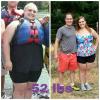
I am so excited to be participating in the WLS journey! I am still working on my eating habits and will be starting weight training class in a couple of weeks. I have a long way to go, but very motivated. SW:278 Surgery:260 CW:226 GW: 142
-
Awesome Pedsgirl! I will see you there! What's your name so I know who you are?
-
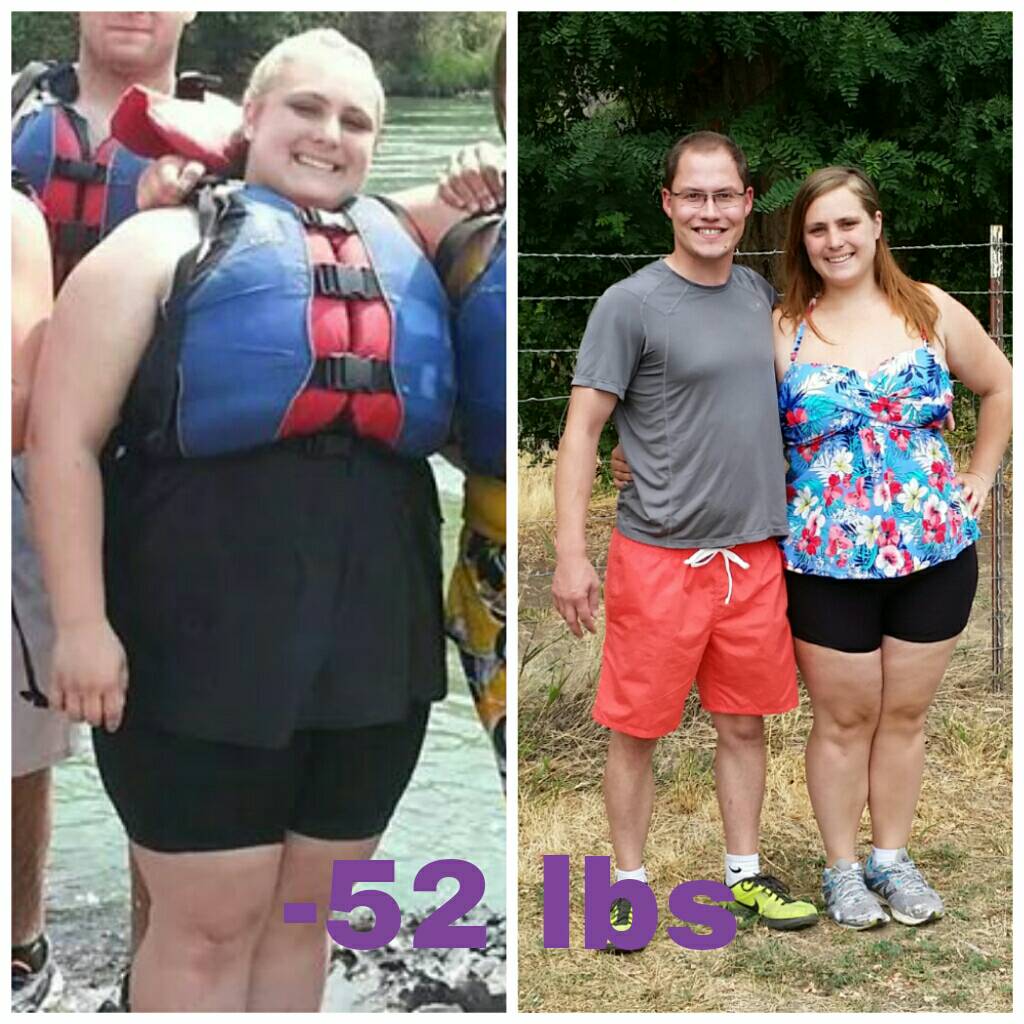
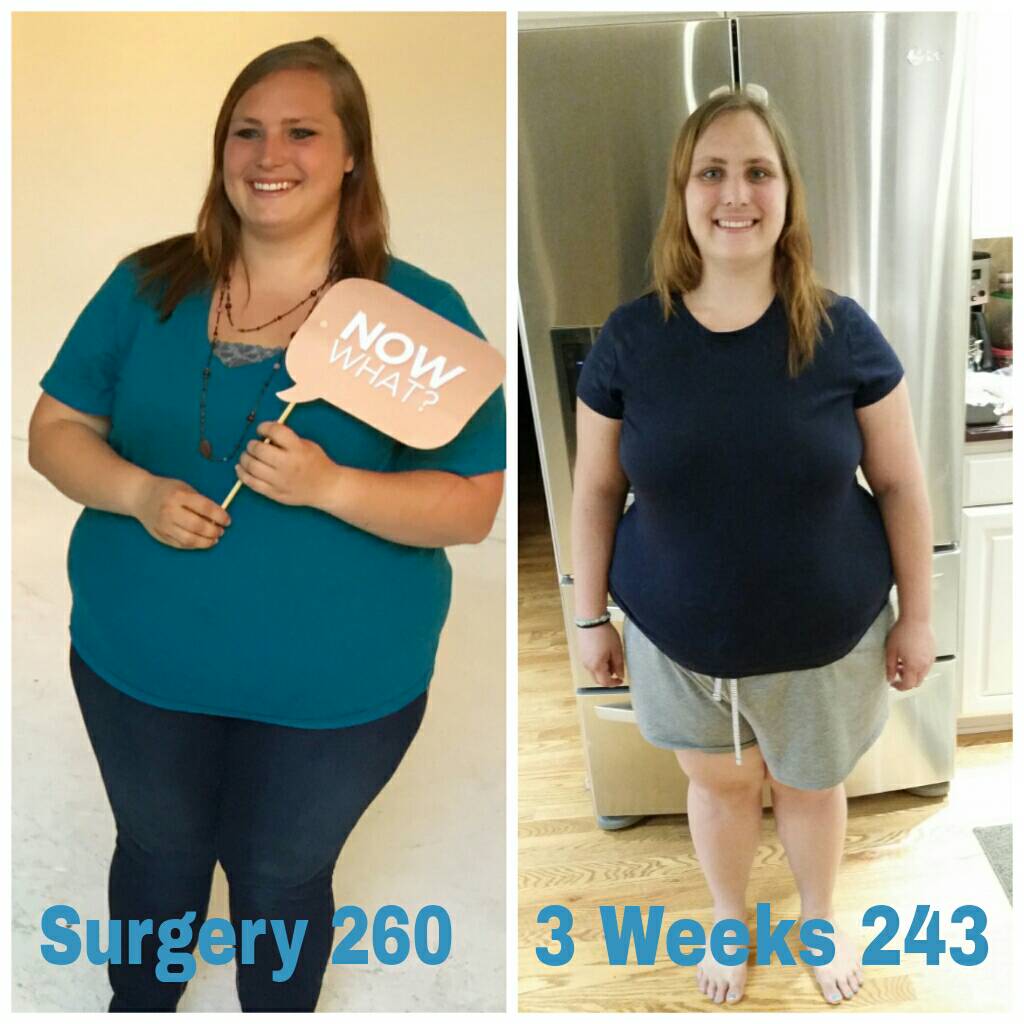
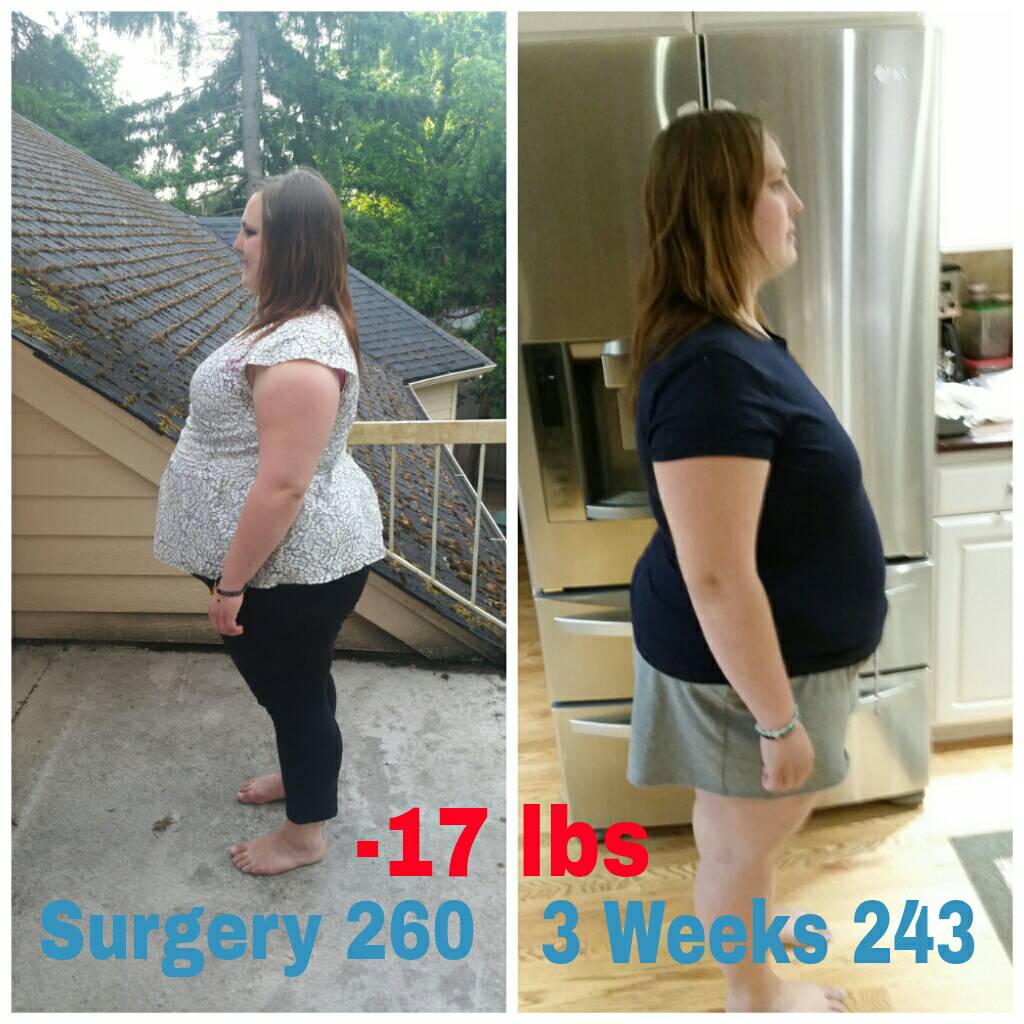
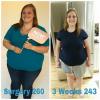
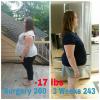
3 weeks out and down 17 lbs with 35 lbs overall so far! HW:278 SW:260 CW:243
-
These are all so inspiring! I cant wait to start this phase I mean with my dr on Monday and hope I can move on!
-
I understand following the plan, but sometimes the plan doesn't follow you. I will call my surgeon tomorrow and ask him what he thinks. Meanwhile I'm having my protein shakes and a little yogurt. I'm happy now
-
I am so happy! I am officially a week out of surgery now and never could have imagined that I would be here today, sleeved and recovering. I am still sore but feeling pretty good. However, I am having a hard time getting all my Protein in because I am SO SICK of the Protein shakes. I am having no pain drinking and can drink just fine, so I was thinking I could try some cottage cheese or yogurt or something. I see the doctor Monday, but dont think I will last that long on protein shakes, I gag just thinking of them. I called my nurse and she said that I should be able to move to the third stage soon because I am healing so fast. What do you guys think? Do you think I can eat a little protein so I at least get some or wait until Monday and not get enough protein from the shakes? Help!!!!
-
Wow! That is soo exciting! You'll do great! Each day gets easier and you won't even remember the first day! I can't wait to meet you.
-
Oh interesting that yours is outpatient! I have heard of that before! So they work fine, but it takes longer to kick in and you just have to be more aware of how much your taking and when. I have a little chart by my chair. It's really helpful! So how long do you have to stay in Coos Bay? Who is going with you? (I could not have gotten through it without my mom) I'll come visit you after if you'd like!
-
Hey! You'll do great as long as you just follow the instructions they give you. I had 3 to 4 protein shakes a day with clear liquids. It's more strict than some, but it made me feel more disciplined, confident and I let around 18 in two weeks. I would confront my food issues instead of avoiding them which will help you overcome cravings and be more successful after surgery. I am just four days post op but I feel great. Good luck on your surgery and just remember to confront not avoid food and you'll do great!!
-
@jose: Yeah, mine was an overnight stay and then after my swallow test i started taking oral pain meds. The transition between hospital and home was the hardest for me because of the lack of injectable pain meds and my bed at home doesnt move up and down. I tried taking a nap and cried because I couldnt get up, so I am sleeping in a chair all night. But I am so happy to be home and be able to walk around and feel better each day. You will do great!
-
My pain is ok, they are good about giving pain meds but I am handling it a lot better now. At first I was having muscle spasms which really hurt and standing up and down hurt a lot but I'm hoping today will get better. At this point I'm more sore and bloated feeling than anything, unless I move. Haha Don't be shy to ask for pain meds, they help you rest and heal quicker!
-
Wow great job Elode!! That is very exciting. I just had my surgery today and can't even imagine doing something like that!
-
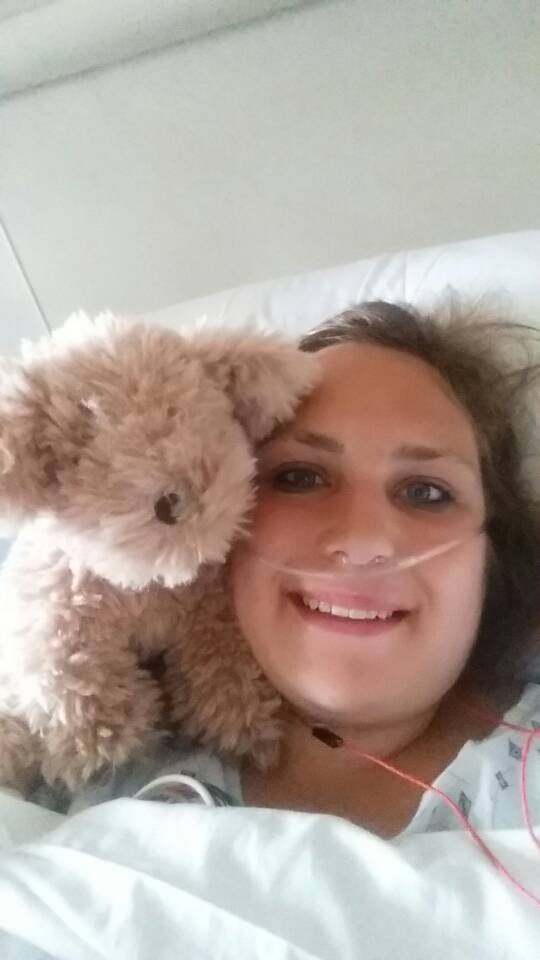
Hey guys! I just finished my surgery this morning! I am sore and tired but feel good! Good luck on all of yours! I hope they are just as successful!
-
I did it!!! I got sleeved this morning and am feeling good! I have had very little pain other when I stood up and laid down again. I am so excited to start this life journey!! I hope all you other June Sleevers get the best experience with your surgery and have quick recoveries!

-
You are such an inspiration! I hope to be like you in a year!
-
Yay for June 18! I check in at 6:15 am
-
Btw, I will be writing a Facebook blog about my WLS experiences, so you are welcome to check it out when it's up in a couple of weeks I hope it will help inspire people. You can find it on Willamette Medical Center (McMinnville Hospital) Facebook page.
-
@Jose: I am sorry that didn't work, but I'm glad your able to get the revision! Are you excited?
-
Hi Pedsgirl! You will really like Dr Higa. My surgery is tomorrow, OMG!! But I am excited. We would love to have you at the support group. If you'd like to meet another time, let me know!
-
Oh wow! Thats too bad you missed Dr Higa, but I'm glad you found a good doctor! That's interesting you had a lap band. Why did you change?
-
Yeah! Why did you pick Coos Bay?
-
Awesome! Good luck! It's open to anyone We are a large group but very supportive. It's at the McMinnville Hospital
-
I can't believe that we have Surgery in two days!! It's so surreal...I'm excited but nervous...but the preop diet was fairly easy for me so I hope post op is too...
-
Hey! We should get together Jose. I have my surgery Thursday though. I hope yours goes well! Btw, you can come to our support group in McMinnville. It's the third Monday of each month at 6pm. I hope to see you there!