MicheleL
Pre Op
-
Joined
-
Last visited
-
Audrey we are surgersisters! I was the 16th too!
-
-
Ok so I had my first postop appt today. Since leaving the hospital 2 full weeks tomorrow I have lost 25 lbs! That does include some fluid weight I had gained in the hospital but I am very happy
-
Yes appeal!
-
-
-
Yeah Fabiana when do u start you preop diet
-
Take Gasx also Radar hormel double protein nectar peach flavor has 24 g protein in 2.5 oz bottle. 3 bottles have 72 g of protein so you can do 2 1/2 bottles. I put over ice
-
-
You all will do fine!
-
-
-
 DeLiGhTfUlLy DeTeRmInEd reacted to a post in a topic:
Hey there September sleevers! Any one out there?
DeLiGhTfUlLy DeTeRmInEd reacted to a post in a topic:
Hey there September sleevers! Any one out there?
-
-
-
-
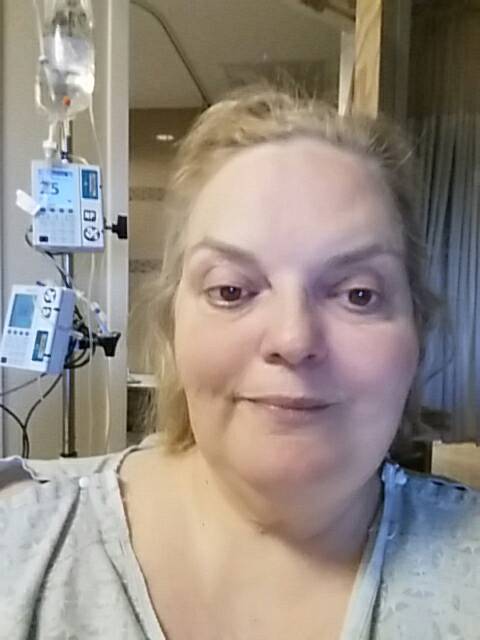
Feeling better 4th day post op

-
Ok rough couple of days with pain and 7 holes then felt better until I ripped and almost pulled my drain out...more stitches. Have not weighed yet as they are pouring liquids in me to get my bridging levels up for my coumadin.
-
I am slowly getting there Eating and drinking little bit little. I actually have 7 openings and to d at I accidentally ripped one of my pump switched
-
My surgery started at 8 amlsh and I didn't get to my room until 9 30 pm pain bad
-
Off to get prepped for surgery!
-
Off to get prepped for surgery!
-
Ok I am off to prep for surgery at 8 am! I'm still nervous
-
Surgery tomorrow at 8:30...still nervous
-
I am very nervous but trying not to be. I can't believe I made it to day 14 of this preop diet but I did! Ty for thinking about me. You are almost there too!