Skip to content
View in the app

A better way to browse. Learn more.

BariatricPal

A full-screen app on your home screen with push notifications, badges and more.

To install this app on iOS and iPadOS
  1. Tap the Share icon in Safari
  2. Scroll the menu and tap Add to Home Screen.
  3. Tap Add in the top-right corner.
To install this app on Android
  1. Tap the 3-dot menu (⋮) in the top-right corner of the browser.
  2. Tap Add to Home screen or Install app.
  3. Confirm by tapping Install.
  • Appearance

Join BariatricPal free

  • Ask your own questions
  • Reply and follow topics
  • Message other members
  • No cost, no spam

AimeeMay24

Gastric Sleeve Patients
  • Joined

  • Last visited

Everything posted by AimeeMay24

  1. I just had my sleeve surgery on the 27 of August and I'm doing alright I guess. I miss my favorite foods so much right now! Hungry, but I'm drinking more then eating because the food makes me nauseous. I'm on stage 2 and I cannot wait for stage 4. Is the coughing normal??
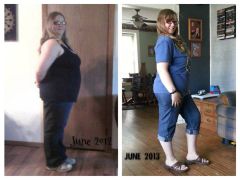
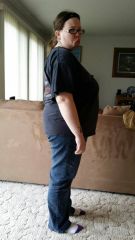
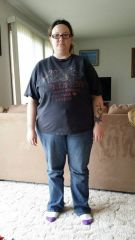
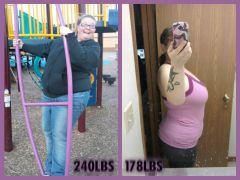
  2. Images added to a gallery album owned by AimeeMay24 in Member Photo Gallery
  3. Did anyone else here test positive for H. Pylori before surgery??
  4. I'm still working on eating out at my favorite restaurants before my surgery. Has anyone else done this? *AND* they just brought back my favorite m&ms of all time!
  5. Why does my pic show up on their?

Account

Navigation

Search

Search

Configure browser push notifications

Chrome (Android)
  1. Tap the lock icon next to the address bar.
  2. Tap Permissions → Notifications.
  3. Adjust your preference.
Chrome (Desktop)
  1. Click the padlock icon in the address bar.
  2. Select Site settings.
  3. Find Notifications and adjust your preference.