





Montreal H.
Pre Op
-
Joined
-
Last visited
-
-
-
-
-
-
 Montreal H. reacted to a post in a topic:
22 Months Post Op - 155 Pounds Lost - Before & After Pics :-)
Montreal H. reacted to a post in a topic:
22 Months Post Op - 155 Pounds Lost - Before & After Pics :-)
-
-
-
-
-
-
-
-
-
-
-
-
-
-
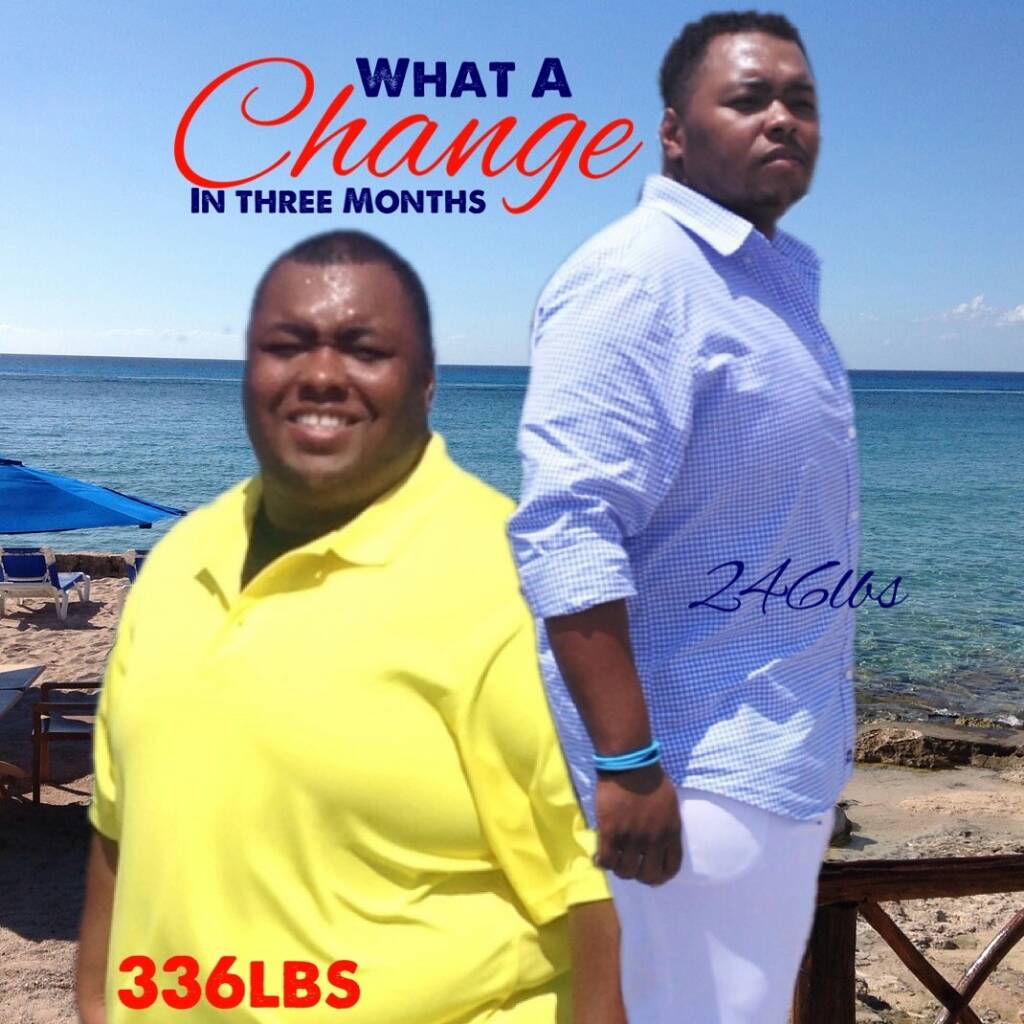
B4 and after 3 months

-
-
I was sleeved Feb 23rd........ I'm down 70lbs and I'm enjoying the process.
-
Feb 2015 - March 2015U look great manThanks drew..... I'm 2weeks post open and I'm down 30lbs already....Can u help me, how did u drop so much so fast.....U are my sleeve idol...lol31 years oldSo did u drop weight fast?Thanks for your help........ I really appreciate it.I fear that I will fail with the sleeve. I'm 1week post-op and has lost 28lbs already but I fear failure because I'm able to drink all my liquids and don't really feel any real restrictions. Can someone comment on my concern.Yesterday I was in lots of pain but they gave me New meds that was really helpedOk will do..... thank youHey everyone today is my surgery I'm the 1st of the day 6:30 AM. Any words of encouragement would be great right now! Thanks

Account
Navigation
Search
Configure browser push notifications
Chrome (Android)
- Tap the lock icon next to the address bar.
- Tap Permissions → Notifications.
- Adjust your preference.
Chrome (Desktop)
- Click the padlock icon in the address bar.
- Select Site settings.
- Find Notifications and adjust your preference.
Safari (iOS 16.4+)
- Ensure the site is installed via Add to Home Screen.
- Open Settings App → Notifications.
- Find your app name and adjust your preference.
Safari (macOS)
- Go to Safari → Preferences.
- Click the Websites tab.
- Select Notifications in the sidebar.
- Find this website and adjust your preference.
Edge (Android)
- Tap the lock icon next to the address bar.
- Tap Permissions.
- Find Notifications and adjust your preference.
Edge (Desktop)
- Click the padlock icon in the address bar.
- Click Permissions for this site.
- Find Notifications and adjust your preference.
Firefox (Android)
- Go to Settings → Site permissions.
- Tap Notifications.
- Find this site in the list and adjust your preference.
Firefox (Desktop)
- Open Firefox Settings.
- Search for Notifications.
- Find this site in the list and adjust your preference.