ai1992
Pre Op
-
Joined
-
Last visited
Everything posted by ai1992
-
Thanks!
-
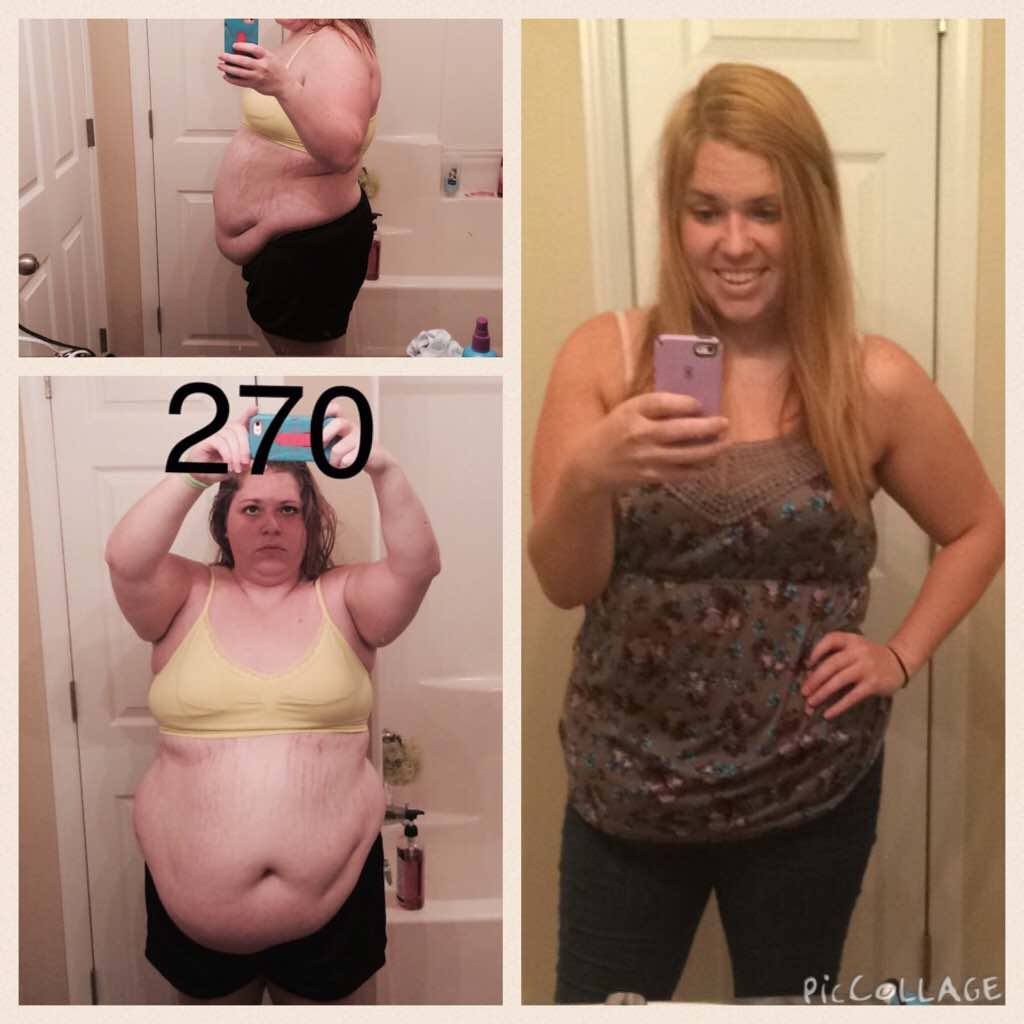
Hi everyone! It's been about 10 months now and I am (and have been) in ONEderland for a while! I'll share a before/current pic below. I've never before shown anyone these as they are embarrassing but I am so proud of myself. One thing with a smaller stomach that I have found has been getting in all my fruits and veggies because that is vital. I finally found a company that literally has fruits and vegetables powders in capsule and shake mix form which has seriously changed my life. Anyway, I always post on here every few months to let you all know having the surgery was the best thing I ever did and I am so blessed and thankful to be where I am today. This forum helped me so much pre-op, so I can only hope this reaches/helps out/inspires someone else out there. I'm also on Instagram @ Ahli92. I love making friends!