STARTING NEW
Gastric Bypass Patients
-
Joined
-
Last visited
-
-
I just had surgery and I was covered with children's COMUNITY ... DO Not change the only thing you need with them is to have a high bmi that is it you don't have to have co-morbidities nothing just have a bmi over I believe it's 40 6 months supervised diet with primary and nutritionist and that's it ! If you have all that done u are approved it usually takes them 8 days to let you know your approved if not sooner! Good luck I am 7 weeks out 55lbs down so far and so excited about how this is working out for me! Vicky
-
-
Congrats!!! left you a message on you tube!!
-
-
-
-
-
-
-
-
-
-
-
-
-
-
@@dhrguru you should be excited 45lbs down imagine you do that again in 2 months that is 90lbs in 4 months yikes that's awesome so keep doing what your doing!! And be proud of your 45lbs that's 4 10lb bags of rice and 1 5lb bag that's a heck of alot of weight!!!! And rice lmao!!
-
@@dhrguru if you don't mind me asking when did you have surgery how much was your begin and what are you at.now?
-
Hello, I am having my Rny surgery on 7/8 and i was informed it is distal 150cm what does this mean .. i am confused i have been reading and i am understanding there is less weight loss. My Doctors assistant advised me i would loose more ?? I am confused someone please educate me that knows the correct answer... I want to know if this is the case to let him know not to do a distal he recommended it because of the fact that i told him my bowels are sometimes hard for me?? Please if anyone can answer??
-
-
@@muzical1 thanks for the reassurance! ! Praying for your speedy recovery!!
-
@@muzical1 how was the surgery I have mines on 7/8 is it painful?? Details please!!!lol
-
Good luck to everyone!!! Prayers for a fast and speedy recovery!! I have my surgery July 8th at 5am!!
-
-
I am having rny on July 8th! Can't wait!!
-
-
@ if you don't mind me asking what pain med are you on and how many times a day do u take it. I have 5 ,herniated disks, degenerative disk disease, Ostioarthriatis in my knees and I was on all types of pain meds for years got addicted in the sense I couldn't function without them. I have been on methadone for 5 years for my chronic issues contrary to popular belief methadone is also given for chronic issues I was on a high dose 1 time daily and I have been tapering down my docs all seem to think I should wait till after surgery to continue to taper down they feel that because of all my chronic pain and issues I will forever need something for pain and I am trying to be optimistic and hope with the weight loss my pain will be manageable
-
-
@@mwilson1981 you look beautiful wow! What a inspiration! ! If you don't mind can you share your starting weight?
-
@@Tracy6035 thanks for the reassurance. I had my stress test today and it was not what I imagined it to be the most uncomfortable I got was a little warm they were really good in calming my nerves especially my nurse and the cardiologist so now I am ok to have surgery...so excited???? so how is your weight loss going an most important how are you feeling?
-
My surgery is rescheduled to July 8th I need to do a stress test on Jun 4th because my ekg came back slightly abnormal so I am feeling sad because I have to wait and nervous because of my stress test
-
-
Congrats!!!! My surgery is scheduled for the May 20 th sending prayers and positive vibes everyrthing will go smooth for you!! ????
-
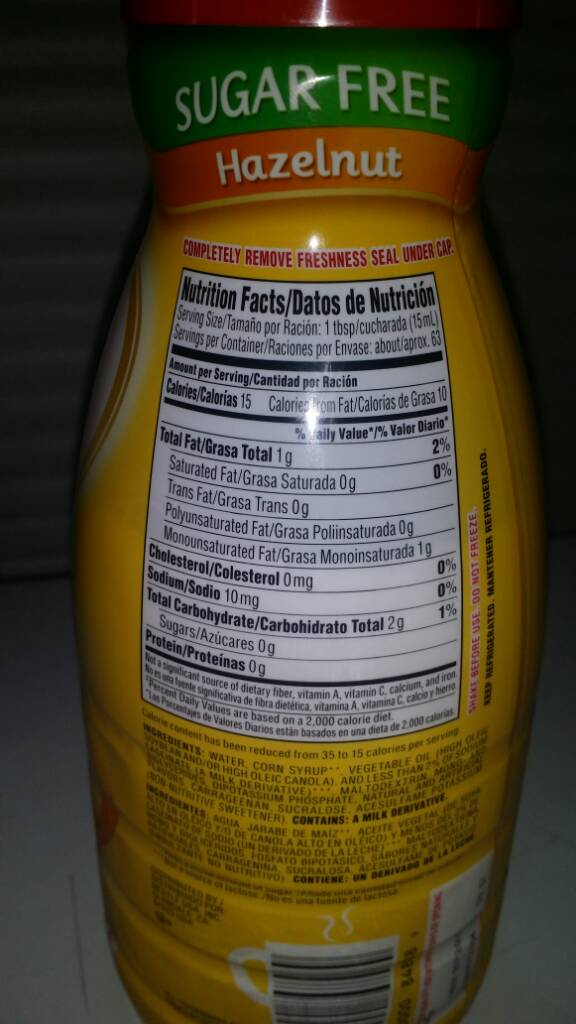
Try these for flavors to add to protien once we are at protien phase they come in different flavors just make sure its sugar free!! SO YUMMY!