james1962
Pre Op
-
Joined
-
Last visited
-
-
Well done mate it gets better just don't rush things. Enjoy being a looser. Lol
-
-
Great stuff everyone, also good to see another guy in here
-
-
-
-
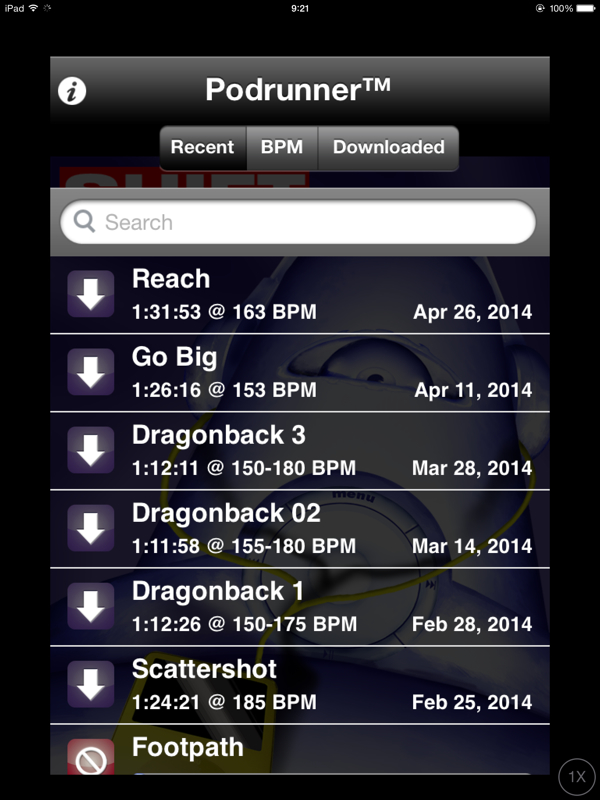
Oh I also forgot another good one, I like to walk as my excessive, I don't go every day as I work 12 hour shifts with my work so mainly do it on my 3 or 4 days off a week. There are two types of this app. One paid one free. This app allows you to speed up or slow down the track that you're interested in using, so that one you are at a comfortable walking time or running time, and so you can keep it up for a long time and gradually raise the tempo as you improve your health. I found some other walking or running music pretty hard to keep up with all was just too slow because it didn't suit my body type in walking stride, this app allows it to Tyler to you yourself personally. You can slide the beats per minute. BPM to a rate that you feel comfortable with.
-
. Bloody good work!!!!
-
Hi all, I eat 800 calories a d ay of good good I have found for me, that staying around that area I keep the weight off ( for some that maybe low for you. you just have to find your own balance) and still keep loosing slowly now. An app I use to track calories fats, carbs etc is called livestrong. Helios me keep track of everything.
-
Wow fantastic!!!!!!!!! Marcihunter
-
I hit goal in March and at some point would like to lose another 5-8 lbs to reach my stretch goal and create a bounce range. Here's a photo from two weeks ago. CW: 140 I hit goal in March and at some point would like to lose another 5-8 lbs to reach my stretch goal and create a bounce range. Here's a photo from two weeks ago. CW: 140 . Fantastic!, you look great. You must feel so good
-
-
-
-
-
-
fantastic!! You look great
-
Hi all, so far I have lost 44 KGS which I understand is about 97lbs. So my goal is in two weeks to have a happy 50th kilo party with friends. My original goal was 40. But that came and now past, so happy 50th coming soon. Lol. Good luck to you all
-
Thanks Erp, how is your journey going?
-
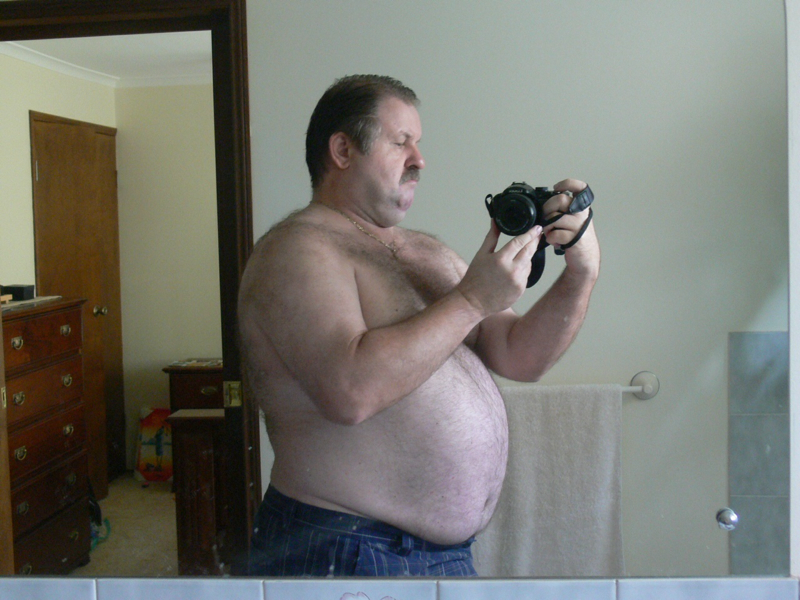
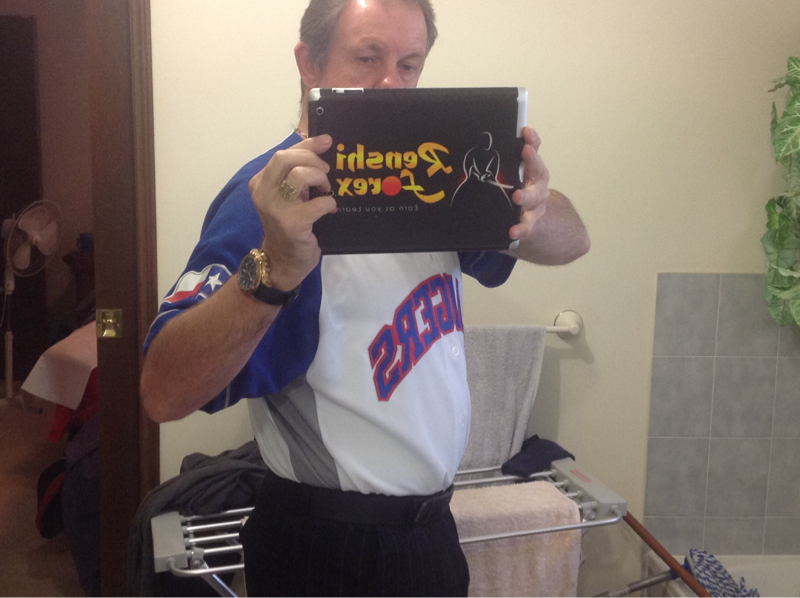
Hi all just want to boast LOL about my progress I'm finally feeling great I've gone down 44kg so far my goal was 40 KGS but now I have reset my goal to get to 50. The large photo was when I had lost just over 10 kg on the pre-op diet. And of course this other photo was taken yesterday