plumpone
Gastric Sleeve Patients
-
Joined
-
Last visited
-
-
-
-
-
-
-
-
-
-
-
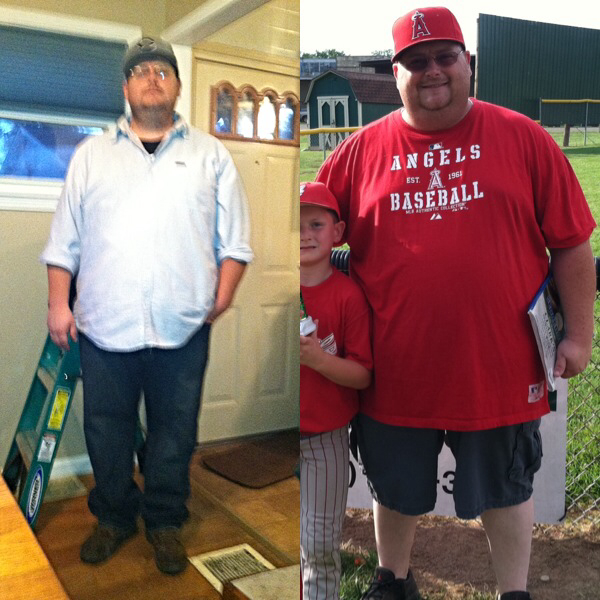
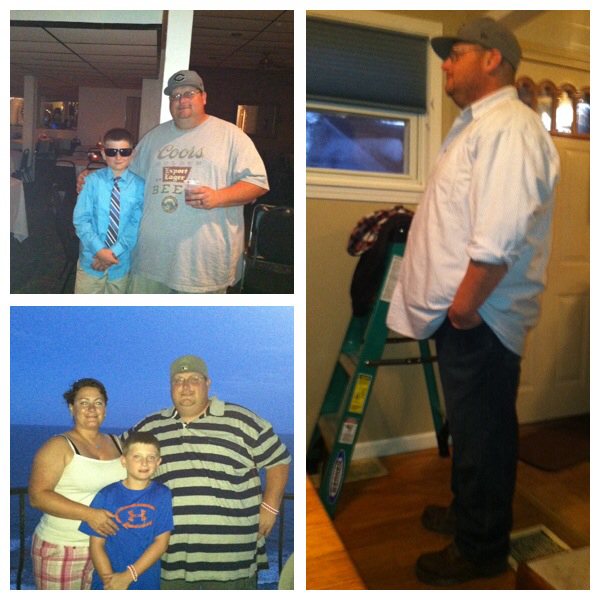
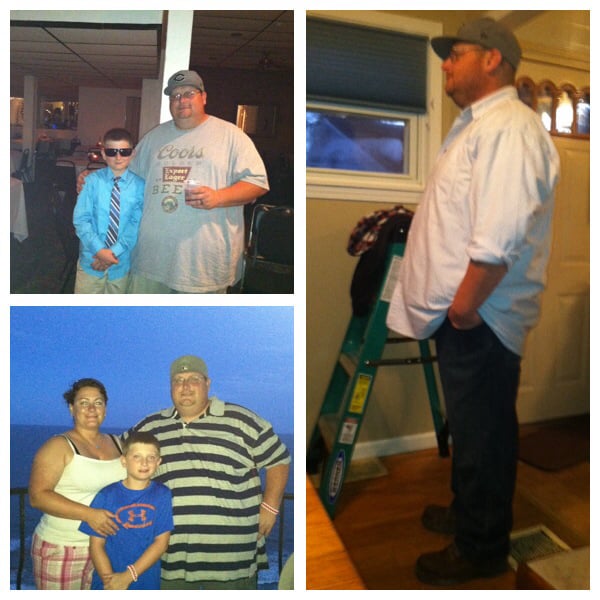
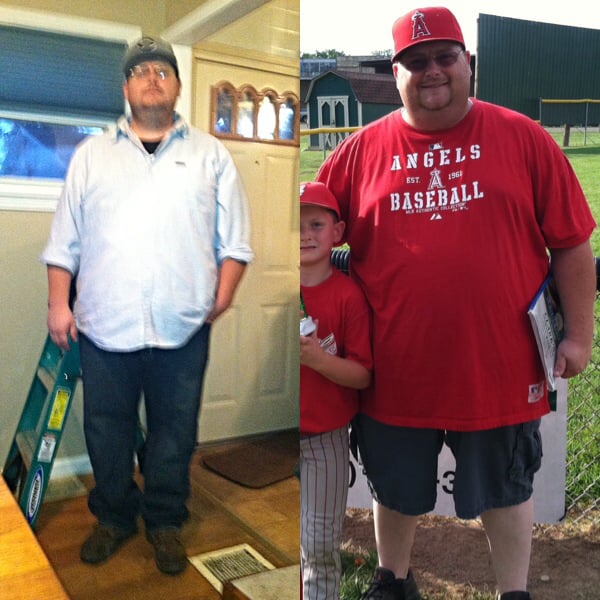
405 to 310. I'm 295 now.
 Arron, I started at 405 sleeved 6/27/13. I'm 295 now. Things have slowed but I keep on kickin'. I hope to get to 225. You've done an amazing job!Eating the same sh*% over and over! No variety in my diet. I've got a handful of things I know meet my calorie/carb/ Protein marks so I just stick with them Oh and also jack and diet coke. I'm gonna take heat for that one. Lolplumpone, a weight loss surgery photo album by plumpone on BariatricPal. 2 photos in Before and After Gastric Sleeve Photos.Bottom left about 400. Top left 390. Right 310.
 My first post. I've been lurking for over a year. Had the sleeve 6/13. Started at 405. The pic is of me at 310. I'm 299.4 as of last night! Who-hoo!