




Skip to content
View in the app

A better way to browse. Learn more.

BariatricPal

A full-screen app on your home screen with push notifications, badges and more.

To install this app on iOS and iPadOS
  1. Tap the Share icon in Safari
  2. Scroll the menu and tap Add to Home Screen.
  3. Tap Add in the top-right corner.
To install this app on Android
  1. Tap the 3-dot menu (⋮) in the top-right corner of the browser.
  2. Tap Add to Home screen or Install app.
  3. Confirm by tapping Install.
  • Appearance

Join BariatricPal free

  • Ask your own questions
  • Reply and follow topics
  • Message other members
  • No cost, no spam

Raquel Rena

Gastric Sleeve Patients
  • Joined

  • Last visited

Everything posted by Raquel Rena

  1. Thanks guys, I needed something new to try asap.... Ordering some right now, can't wait to try it.
  2. Agreed you can see it in your face!!! Great job!!!
  3. I had surgery on May 19th as well! I had a 1 1/2 week stall, it sucks I know. I noticed I didn't have a movement in a while so I took some dulcolex and that got me losing again. Hang in there! Set small goals for yourself -- you can do this!!!
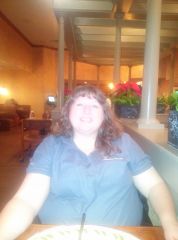
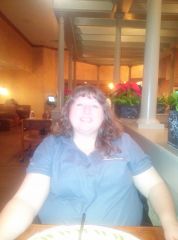
  4. Images added to a gallery album owned by Raquel Rena in Before and After Gastric Sleeve Photos
    Raquel Rena, a weight loss surgery photo album by Raquel Rena on BariatricPal. 2 photos in Before and After Gastric Sleeve Photos.
  5. Yes!!! I had my surgery done on 5/19 and I do pretty good on getting my protein in. These last few days I feel HUNGRY, What am I doing wrong?
Account

Navigation

Search

Search

Configure browser push notifications

Chrome (Android)
  1. Tap the lock icon next to the address bar.
  2. Tap Permissions → Notifications.
  3. Adjust your preference.
Chrome (Desktop)
  1. Click the padlock icon in the address bar.
  2. Select Site settings.
  3. Find Notifications and adjust your preference.