Emma Locklear
LAP-BAND Patients
-
Joined
-
Last visited
-
-
-
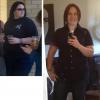
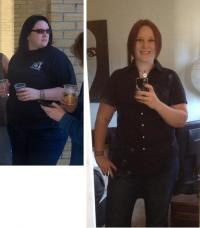
I started my journey, pushing the scales towards 300lbs. While I'm still a bit of a ways from my goal, I'm on the right track....slowly but surly.
-
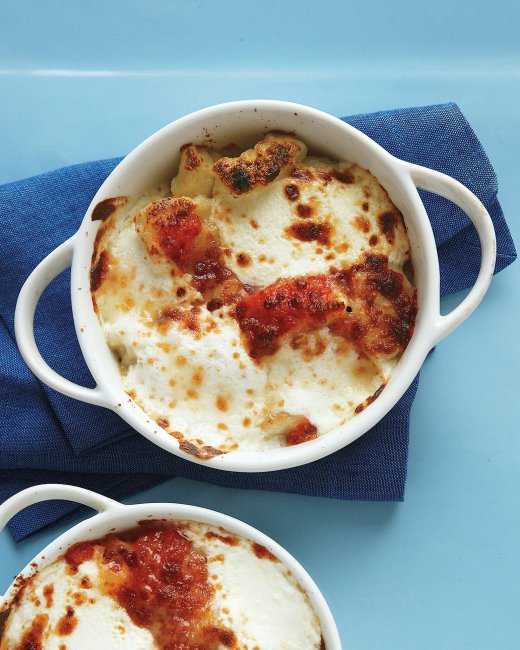
I found this recipe shortly after my surgery in a Martha Stewart magazine and it's become one of my favorite quick meals during the cooler months. The gnocchi is very filling, so I like to make this dish in small ramekins - they keep well in the fridge and are easy to warm up at work for a filling lunch or for yummy dinner if I'm working a late shift. INGREDIENTS 1/2 batch cheese 1/4 cup grated Parmesan DIRECTIONS STEP 1 Heat broiler, with rack in top position. Divide gnocchi among four 8-ounce shallow baking dishes or place in an 8-inch square baking dish. Season with salt and pepper, then top with dollops of marinara sauce and ricotta cheese. Sprinkle with grated Parmesan and broil until tops are browned in spots and gnocchi are heated through, 3 to 5 minutes, rotating once.
-
-
These sound aaaamazing! And I actually have all of the ingredients on hand - I may make these for dinner tonight. I'm always looking for protein rich recipes, thank you!!!