





cindyface
Gastric Bypass Patients
-
Joined
-
Last visited
-
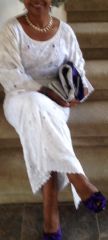
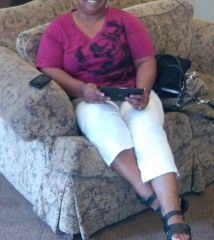
cindyface, a weight loss surgery photo album by cindyface on BariatricPal. 2 photos in Before and After Gastric Bypass Photos.
-
I am 53, I had my operation in April.
-
Wow! You look great. Congratulations!
-
For breakfast 1omega 3 egg with 3/4 cup egg white with tomatoes, red peppers Spanish & salsa . High in protein & packed with flavour. Just need to get out of bed & make it.I Han my operation on April 8, 3012 and have lost 35 pounds. I feel really good about this and looking forward to reaching my goal of loosing 95 pounds.

Account
Navigation
Search
Configure browser push notifications
Chrome (Android)
- Tap the lock icon next to the address bar.
- Tap Permissions → Notifications.
- Adjust your preference.
Chrome (Desktop)
- Click the padlock icon in the address bar.
- Select Site settings.
- Find Notifications and adjust your preference.
Safari (iOS 16.4+)
- Ensure the site is installed via Add to Home Screen.
- Open Settings App → Notifications.
- Find your app name and adjust your preference.
Safari (macOS)
- Go to Safari → Preferences.
- Click the Websites tab.
- Select Notifications in the sidebar.
- Find this website and adjust your preference.
Edge (Android)
- Tap the lock icon next to the address bar.
- Tap Permissions.
- Find Notifications and adjust your preference.
Edge (Desktop)
- Click the padlock icon in the address bar.
- Click Permissions for this site.
- Find Notifications and adjust your preference.
Firefox (Android)
- Go to Settings → Site permissions.
- Tap Notifications.
- Find this site in the list and adjust your preference.
Firefox (Desktop)
- Open Firefox Settings.
- Search for Notifications.
- Find this site in the list and adjust your preference.