





Krystal7k
Gastric Bypass Patients
-
Joined
-
Last visited
Everything posted by Krystal7k
-
Im out partying with friends its going good
-
Does anybody have a problem with drinking with meals I try not to but its hard
-
Sounds yummmmy!!
-
What kind
-
Thank you dorian
-
get this I can eat a fried chicken strip but fried chicken is a whole different story
-
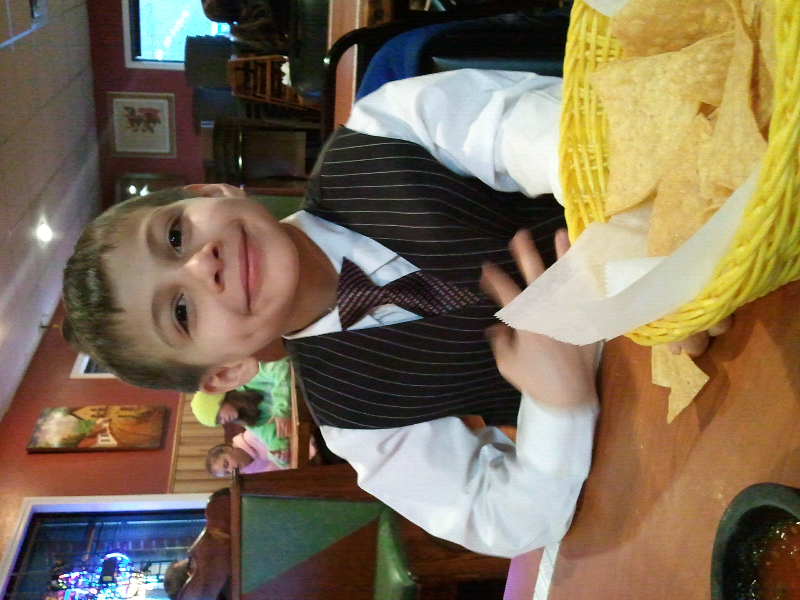
Well im in a stupid stall again to oh well im feeling a little better and im going out for girls night tomarrow I want to drink but its only been 6 weeks since my surgerycongratulationsI have never dumped but then I dont really eat real sugar and I eat low carbHow are you feeling todayLookin goodYaaayyy for the pantsOmg I fit into size 16I willI willThanks he has a twin sister[ATTACH]3633[/ATTACH] Thank you this him happy


Account
Navigation
Search
Configure browser push notifications
Chrome (Android)
- Tap the lock icon next to the address bar.
- Tap Permissions → Notifications.
- Adjust your preference.
Chrome (Desktop)
- Click the padlock icon in the address bar.
- Select Site settings.
- Find Notifications and adjust your preference.
Safari (iOS 16.4+)
- Ensure the site is installed via Add to Home Screen.
- Open Settings App → Notifications.
- Find your app name and adjust your preference.
Safari (macOS)
- Go to Safari → Preferences.
- Click the Websites tab.
- Select Notifications in the sidebar.
- Find this website and adjust your preference.
Edge (Android)
- Tap the lock icon next to the address bar.
- Tap Permissions.
- Find Notifications and adjust your preference.
Edge (Desktop)
- Click the padlock icon in the address bar.
- Click Permissions for this site.
- Find Notifications and adjust your preference.
Firefox (Android)
- Go to Settings → Site permissions.
- Tap Notifications.
- Find this site in the list and adjust your preference.
Firefox (Desktop)
- Open Firefox Settings.
- Search for Notifications.
- Find this site in the list and adjust your preference.