sherry24184
Gastric Sleeve Patients
-
Joined
-
Last visited
-
-
-
-
-
 FatPharm reacted to a post in a topic:
Anyone have extra Gas X strips they want to sell? Everyone seems to be out of stock
FatPharm reacted to a post in a topic:
Anyone have extra Gas X strips they want to sell? Everyone seems to be out of stock
-
sherry24184 reacted to a post in a topic:
Anyone have extra Gas X strips they want to sell? Everyone seems to be out of stock
-
sherry24184 reacted to a post in a topic:
Anyone have extra Gas X strips they want to sell? Everyone seems to be out of stock
-
In all honesty the gas pain from surgery isn't the same gas x treats.....
-
Alex Brecher reacted to a post in a topic:
Another Patient Death at A Lighter Me (ALM) with Dr. Jose Luis Curiel Marchena
-
How sad! I hope she gets home asap!!! Prayers
-
No I'm a patient of Dr. Illan and have visited him on my visits back to Tijuana. I was sleeved 8/31/13 at Florence hospital & booked my surgery through this group. No shady here.....
-
I've know him since 2013 & have been in Tijuana about 6 times ( plastics) Omar has been a stead fast gentleman to me & friend. Dr. Illan knows this as well. And yes I'm a Member of Team Omar!
-
-
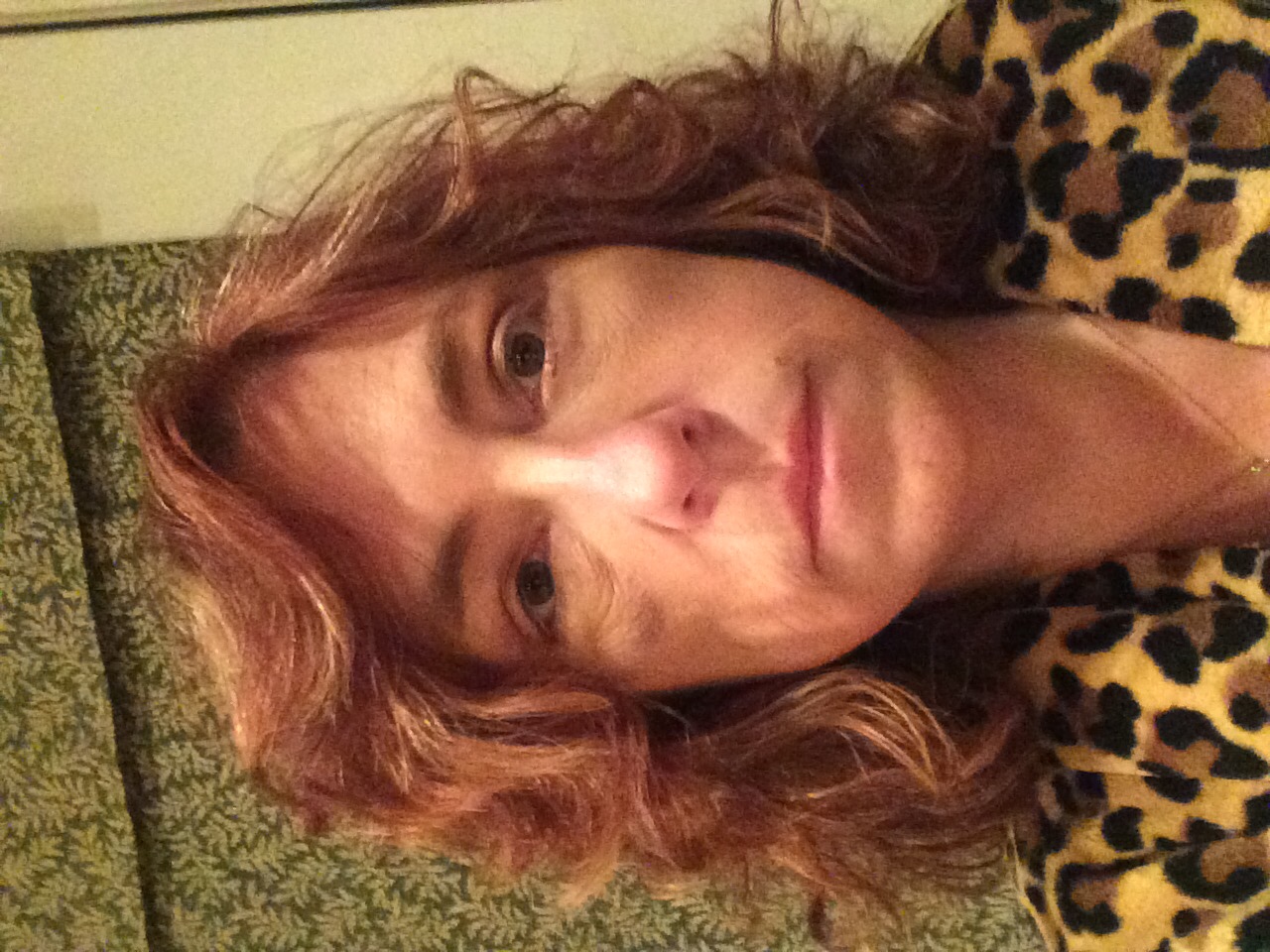
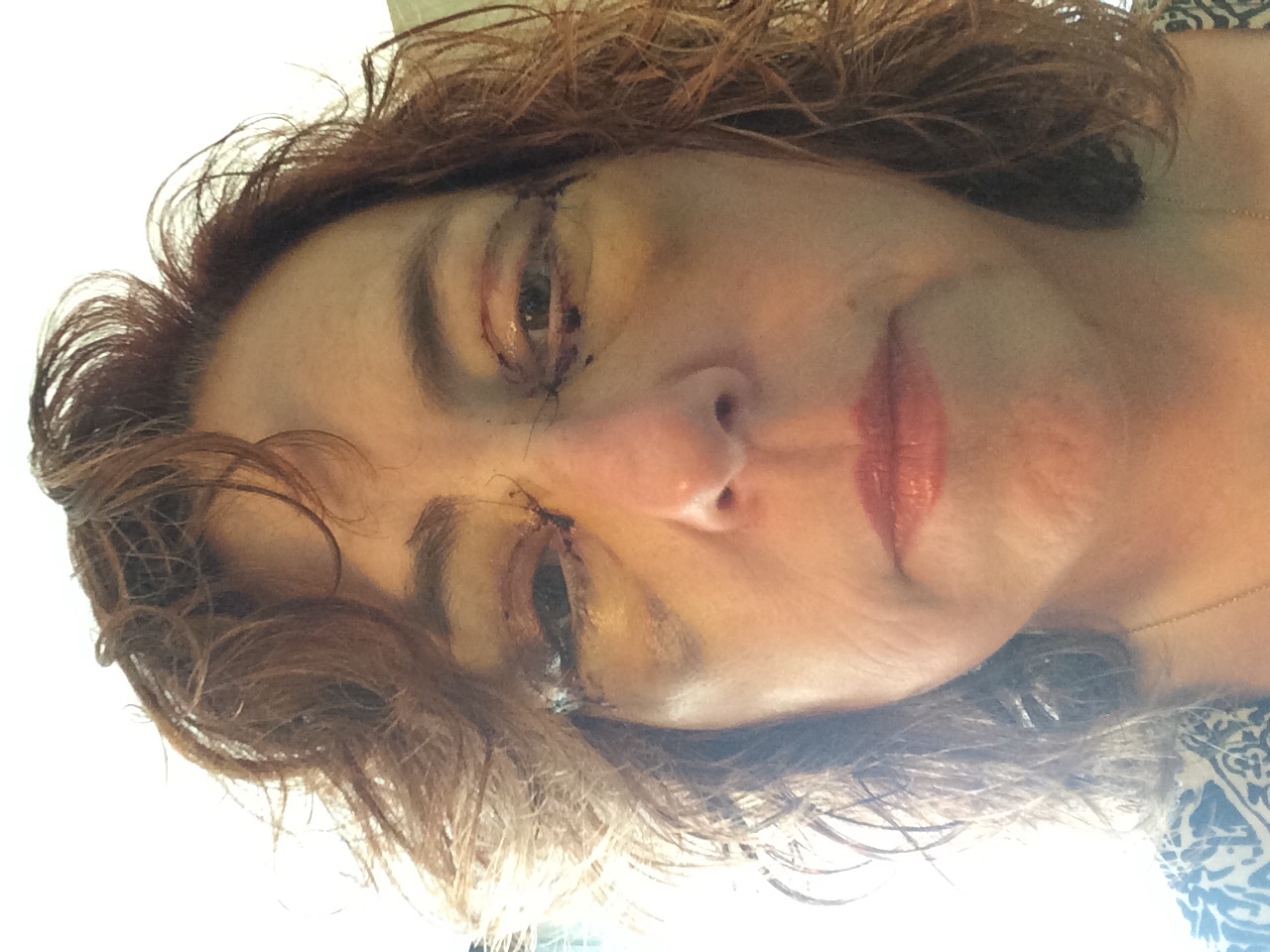
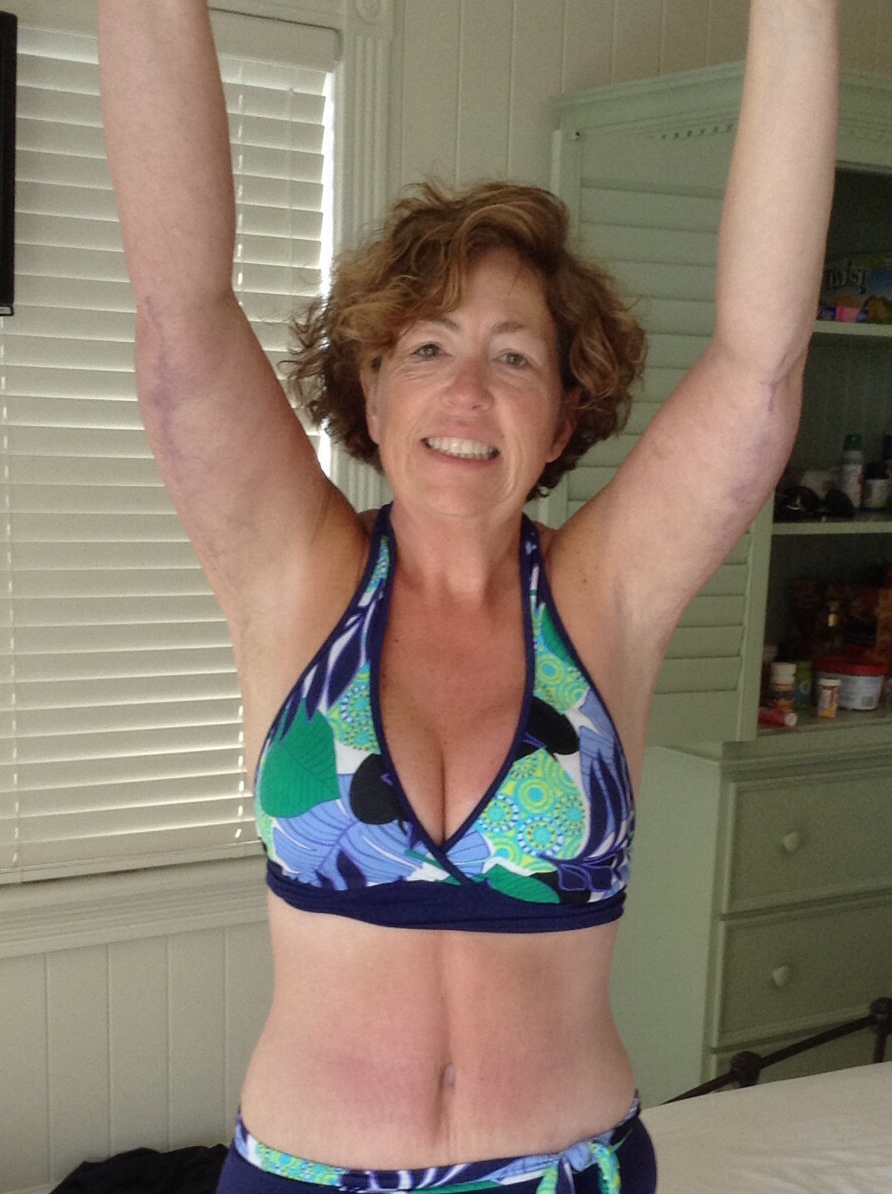
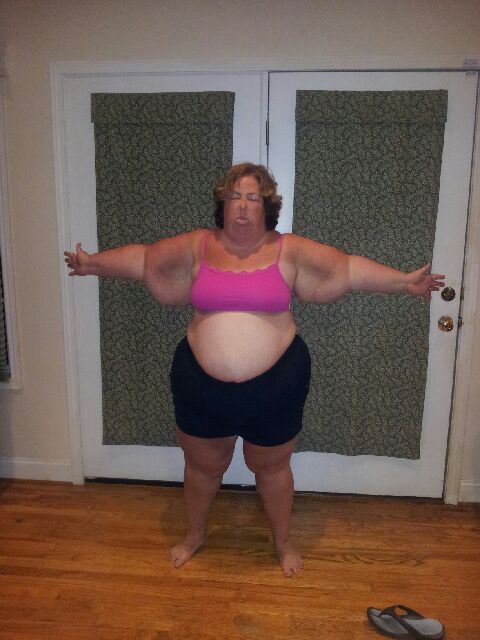
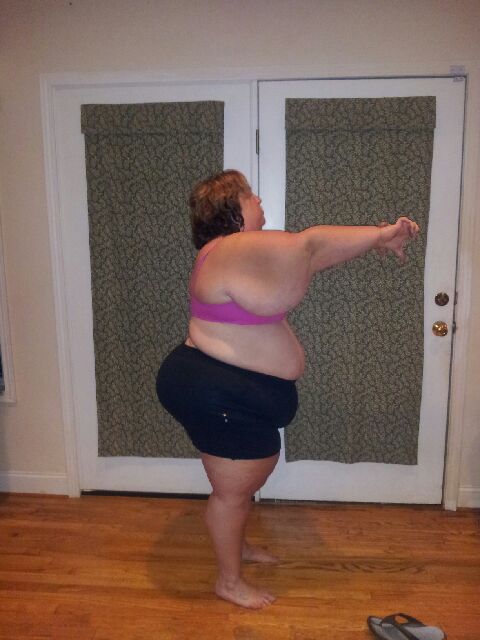
30 yrs difference....loving results from Plastica & VSG surgery in Tijuana!!!! Sent from my iPhone using the BariatricPal App


-
-
-
sherry24184 reacted to a post in a topic:
Plastics after massive weight loss! Dr. Juan Pablo Cervantes
-
-
-
-
They go in great details on what to do. You have pain meds but it's really an easy recovery. Sent from my iPhone using the BariatricPal App
-
You should check out Dr. Illan for sure in Tijuana. Bajabariatrics.com Sent from my iPhone using the BariatricPal App
-
Oh good!! That would've been rough, lol! What's MMO? mommy makeover (tummy tuck,breast lift & butt lift) It varies on what you need done.Www.plasticatijuana.com
-
No lol. Arms 9/1/14, MMO 12/6/14, face/neck 3/8/16
-
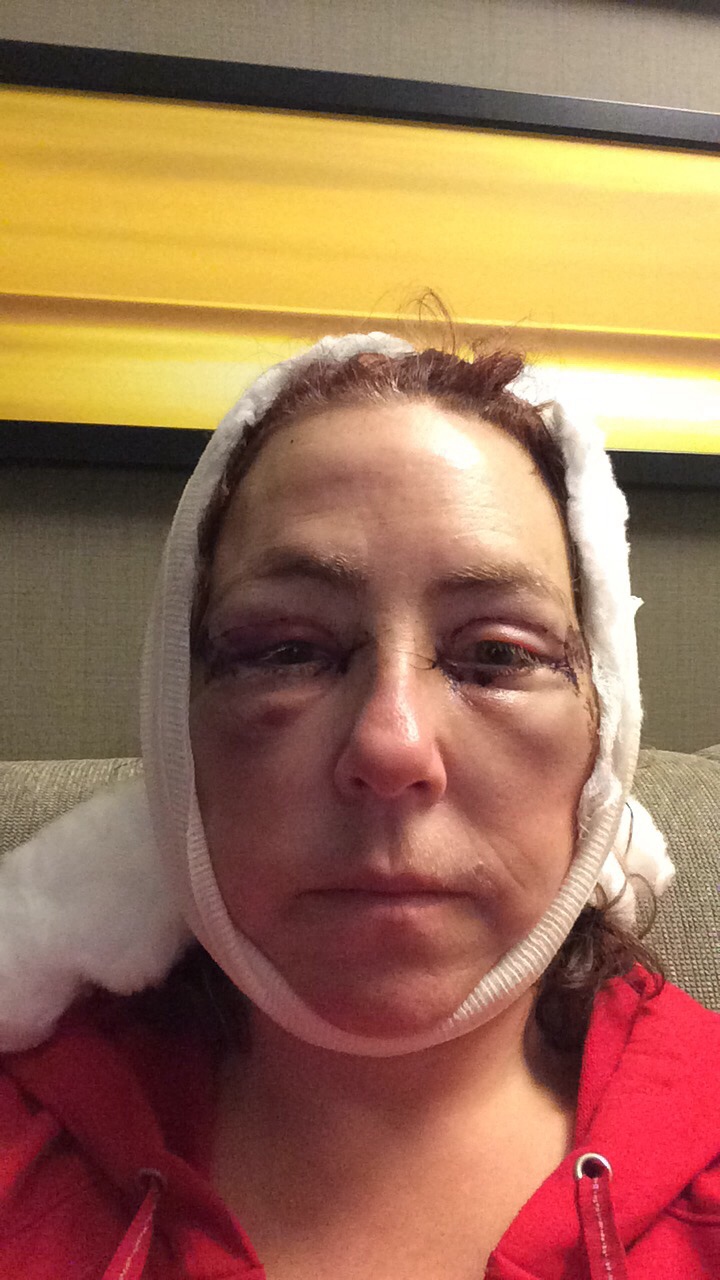
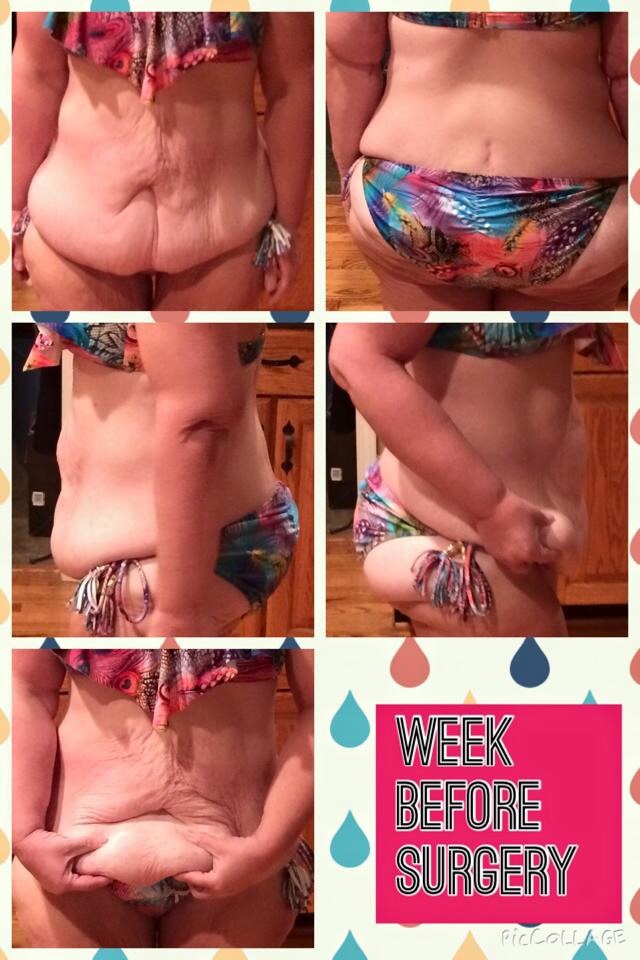
Plasticatijuana.com. Tijuana Mexico Circular tummy tuck, arm lift, thigh lift, breast lift w implants, fave/neck lift
-
I went with Dr. Illan & love my results. This wasn't intended to sway you towards my Dr (even though I love him) but to sway you away from Dr Kelly. You can look at my profile if you'd like.I've talked to a nurse that has worked with him. I've also seen post on here in the past that have said he didn't actually remove the stomach. I did talk to nurse in person but this is hear say so I won't repeat but I personally would not use him.I wouldn't go to Kelly!!! I've heard too many bad stories!!!I'm almost 2 yrs post op and I went to Mexico for my VSG 8/31/13. I'm down 177lbs!!!!!! I'm maintaining I'm so happy I found this site which lead me to my doctor and many friends I've met along the way. VSG works!