





jmarie
Gastric Sleeve Patients
-
Joined
-
Last visited
Everything posted by jmarie
-
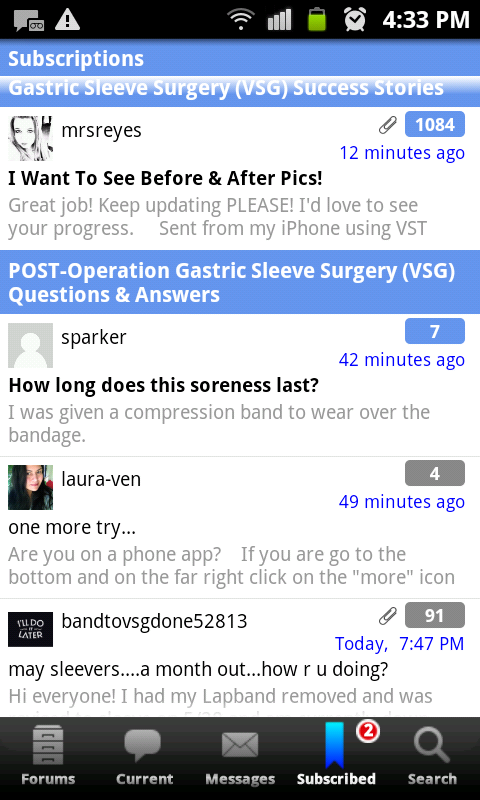
Well it distorted my face so my pic is weird looking anyway.Got itGot itOk. I will again at 2 months!Never heard of that.[ATTACH]14402[/ATTACH] I am on a phone app.i don't see something that says "more".
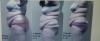
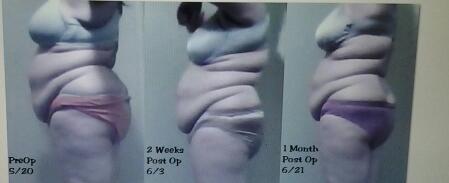
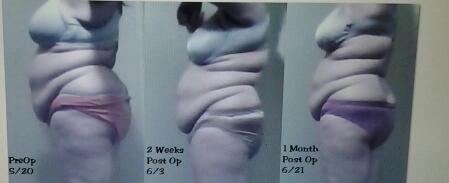
 Band?How do you post a freakin profile picture in here?[ATTACH]14397[/ATTACH] before, 2wks & 1 month
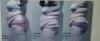
 So happy for you. Congratulations! How dies eating feel now? Is it easier? are there things you can't eat still?[ATTACH]14380[/ATTACH] 1 month: 35 pounds Pics!!!
 1 month today. I weigh in tonight!!I miss steak. Soon!Advice?I've complained a lot on here and you have all been so kind and encouraging. I'm so thankful for your support. I will weigh in tonight and update some before and after pics. MAJOR change already!Mmmm that sounds good... ThanksI am 1 month post op and I feel like all I eat is slushy slop. When will it ever feel normal to eat normal foods without fear of creating a leak! I don't feel human eating this way.Feeling dizzy is normal even without throwing up at this point. Just drink water, it will pass.It's because you are in ketosis... Burning fat... It's a good thing. Google it.My dr gave me the sticky behind the ear patch for the sickness. Worked like a charm.Stick with ice chips... Small ones. You will want more later.
Account
Navigation
Search
Configure browser push notifications
Chrome (Android)
- Tap the lock icon next to the address bar.
- Tap Permissions → Notifications.
- Adjust your preference.
Chrome (Desktop)
- Click the padlock icon in the address bar.
- Select Site settings.
- Find Notifications and adjust your preference.
Safari (iOS 16.4+)
- Ensure the site is installed via Add to Home Screen.
- Open Settings App → Notifications.
- Find your app name and adjust your preference.
Safari (macOS)
- Go to Safari → Preferences.
- Click the Websites tab.
- Select Notifications in the sidebar.
- Find this website and adjust your preference.
Edge (Android)
- Tap the lock icon next to the address bar.
- Tap Permissions.
- Find Notifications and adjust your preference.
Edge (Desktop)
- Click the padlock icon in the address bar.
- Click Permissions for this site.
- Find Notifications and adjust your preference.
Firefox (Android)
- Go to Settings → Site permissions.
- Tap Notifications.
- Find this site in the list and adjust your preference.
Firefox (Desktop)
- Open Firefox Settings.
- Search for Notifications.
- Find this site in the list and adjust your preference.