MommyofFive
Gastric Sleeve Patients
-
Joined
-
Last visited
-
-
-
-
-
-
-
-
-
-
-
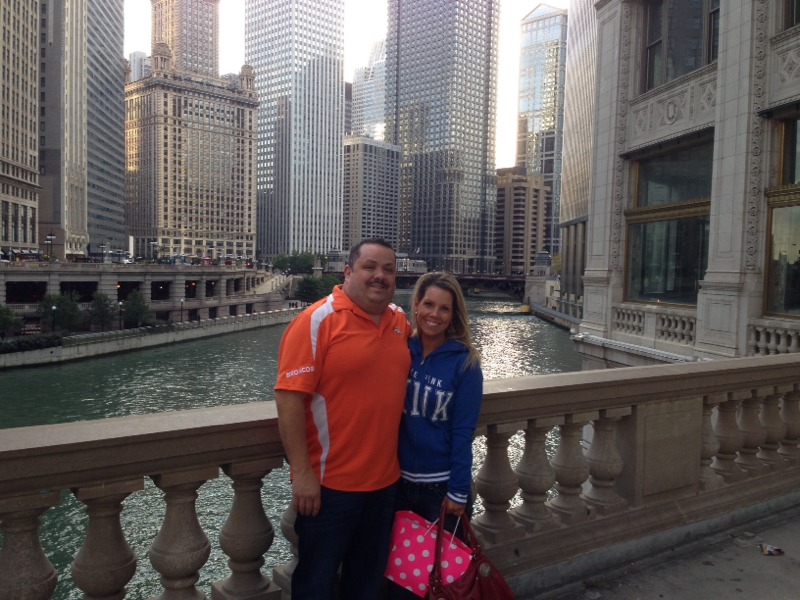
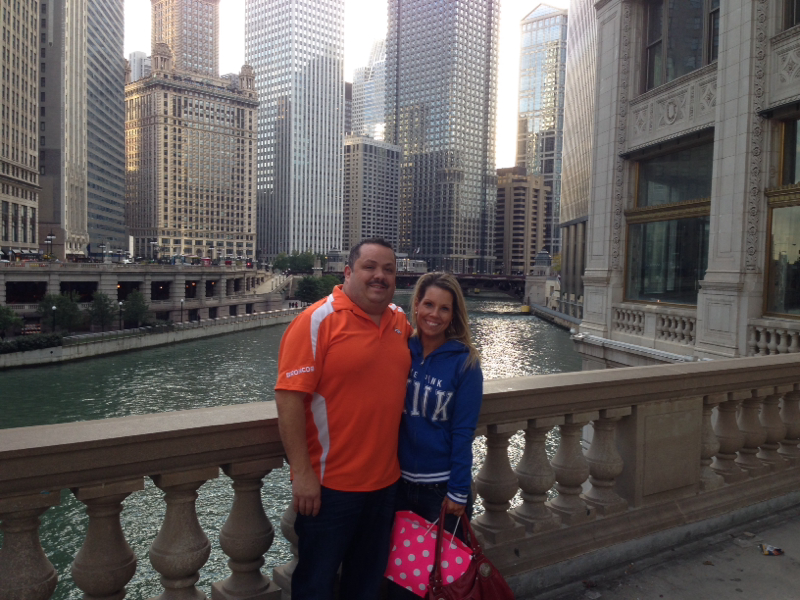
I had surgery on a Thursday and went back to work the following Monday! I felt great. The only concern I've had is maintaining my weight. (I know, tough problem to have) 10 months out starting weight 246 Current 126 120 lbs gone FOREVERMy Mom is flying in from Michigan. I haven't seen her since the weight loss. I don't know why but I'm a little bit nervous. the last time she saw me I weighed more than 100 lbs more than I do right now. It's crazy!!Sounds like lots of changes for you. Stay strong with everything. You must be so excited to see what your new life has in store. I am very sorry to hear about your husband but take the time to focus on you. You won't regret this decision and the timing to introduce yourself to the world couldn't be better. ***HUGS*** I'm so excited for you!!I'm 10 months post op and still can't gulp which stinks when you're very thirsty but the ice chips do help. I love them.Thank you!! I feel AMAZING!! I sure wish I would have done this for myself years and years ago. We all deserve to look in the mirror and be happy with what we see. There's nothing like it.My husband said I've always looked like this to him. He has "shallow Hal syndrome" hahaThank you. I'm not used to the attention. It is weird for both me and my husband but he takes it in stride. After 5 kids and all of these Years he knows I'm not going anywhere. I'm crazy about him and he is equally crazy about me now and even before the surgery. Who could ask for more!!!?? I am blessed.Slimbo! LOVE IT!! go us!!Thank you so much. It's awesome sharing with folks who truly understand.I'm almost 10 months out. I'm at goal (and then some) with my current weight at 126 lbs. I eat what I want. If I want cake, I eat cake but after a few bites I'm done. I refuse to be a slave to dieting. I don't "count" anything. Each of us do what works for us. As long as we are all successful then how we got there and/or maintain doesn't matter. Let's all support each other. We surely run into enough negativity and nay Sayers. Can't we all just get along.It is kinda fun!!I haven't worked out at all, to be honest. It's really just portion control.Thank you!My husband and I took a impromptu weekend get away to go see Peyton play in Indy and spend a day in one of our very favorite cities Chicago. We've been there many times but I can't begin to tell you what an incredibly different experience we had : *no panic feeling when we didn't get upgrades to the big first class seats and I ended up in the back row of economy in the middle. I didn't get that "great the fat lady is sitting in the middle seat" look. *Nexr AND THIS IS A BIGGIE. The seatbelt fit without any hesitation. This was such a big accomplishment because prior to surgery I was very close to needing an extender particularly on small planes. IN FACT I had to tighten it and has a good foot and a half of seatbelt left. I was so incredibly proud of this I immediately sent a pic to my Mom. (I was going to post it but as I was showing pics from our trip it was weird when I scrolled through and there was a pic of my lap lol) *We must have walking for 15 miles that day and I breezed all through Chicago without being a single bit winded or dreading the hills) *i'm a ding dong and since it's not quite cold enough in Seattle for a coat I just naturally didn't bring one and it was CHILLY so we went to Neimen Marcus and headed to the petite section where I had to ask the sales associate for an EXTRA small since the small was too big. (Which they didn't have) so I ran into Victoria Secret where I DID Buy an EXTRA small I remember walking in there and being so offended that they carried very few XL's and NO XXL. NOT ANYMORE! *Often times trips like this we spend A LOT of time eating and every time we smelled something from a street vendor we would eat again and we spent WAY less money almost making up for the $500 we spent on nose bleed tickets to the game from a scalper. * I hope this doesn't come across as conceded but I was getting tons of people checking me out. They weren't looking at me and (in my own mind of course) thinking I'm on my way to an all you can eat fried food bar and I walked with confidence. Isn't it sad that I was so ashamed in my own skin that when someone DID look at me I felt the need to pull my shirt down praying there wasn't a fat roll hanging out. *when we went through the gates for the game in Indy I didn't have to strategize on how I was going to move through quickly as to hopefully not get stuck in the turny thing (not to get al technical on you) which HAS happened to me before. *and FINALLY I ENJOYED myself and talked trash to Indy fans (all in good fun of course) never worrying they were going to come back with a personal joke about my weight. What an awesome weekend.