kateuk
Gastric Sleeve Patients
-
Joined
-
Last visited
-
-
-
-
-
-
-
Ooops forgot to add... Stalls um no not really i do eat pretty much most things. Ooooh my goodness how could i forget this food... BREAD cannot eat it in any way shape or form :-( so that includes toast pizza anything dough like :-(
-
Feel sick quite a lot no soecific triggers not always when ive eaten too. I am waiting to have my gall bladder out so it might be related. Foods i cant eat... Rice, tough meat, celery, roast potato, parsnips all since my op!!
-
-
-
-
thank you very much... maintaining so far is easy, but i've reached a stable weight only about 3 months ago. I am a 4-5 times a week weigher... bad i know but it allows me to stay ontop of my weight. Still plenty of things I can't eat, but alot I can. I have good days when i can eat like a horse (fly), and other days I get 1 mouthful in and i'm stuffed! I still to this day have HORRIFIC nausea, I vomit about 4-5 times a week mainly to stop pain or get rid of nausea ( worst feeling in the world for me). BUT.... I'm a size 12, healthier, happier and full of life
-
Re the hair loss... Before I started my wls journey... I had elbow length THICK hair. I got to about 17/18 weeks and my hair started to fall out, just a little but then it progressed, I could pull handfulls out. I'm now 18 months post op and my hair although shorter after chopping it is growing back. good supplements are zinc and selenium!
-
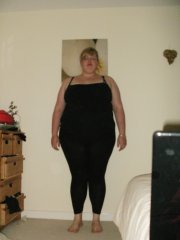
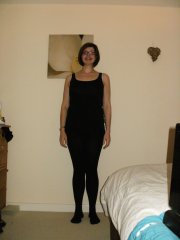
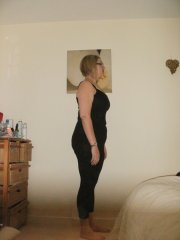
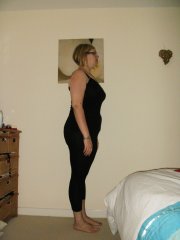
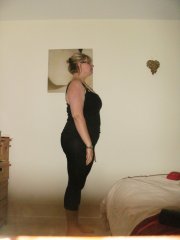
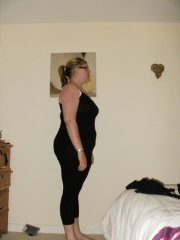
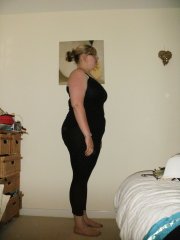
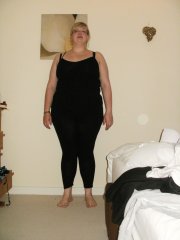
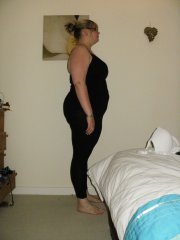
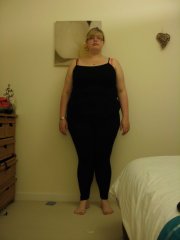
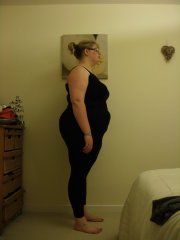
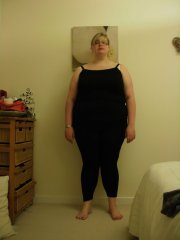
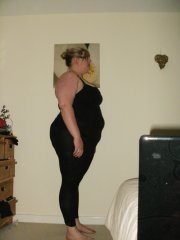
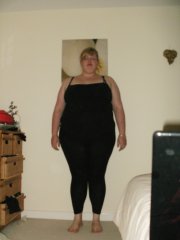
hello, new to this website. I am almost 18 months post op and 12st 4lbs lighter! Love my sleeve.... hate nausea though! lol
-
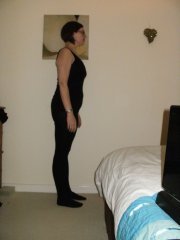
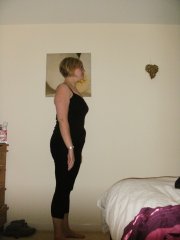
kateuk, a weight loss surgery photo album by kateuk on BariatricPal. 2 photos in Before and After Gastric Sleeve Photos.
-
wls pre op to 52 weeks, a weight loss surgery photo album by kateuk on BariatricPal. 19 photos in Member Photo Gallery.