-
-
-
-
Scrubs needed size XL and Large
I will give them to you for free. Just looking to bless someone.
-
-
Scrubs needed size XL and Large
I have what color
-
-
-
Any Size 14s?
-
Fat burners
Or maybe for a boost. Just thinking out loud. Lol
-
Fat burners
I'm not taking them I was just asking what y'all think. Yes for workout only at the gym.
-
Any Size 14s?
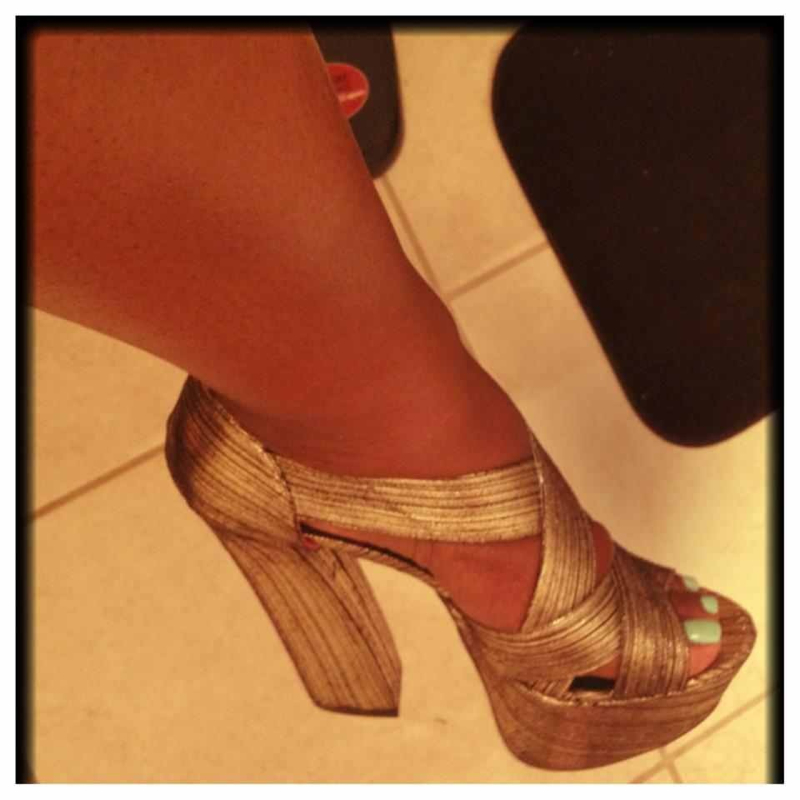
Just one of the shoes tell me if you can see the pi c of the shoe.
-
-
Any Size 14s?
Sure I'm not home I will do it this weekend for you
-
-
Fat burners
Hello I was just wondering as anyone use any fat burners while working out.
-
Any Size 14s?
I have dresses and pants size 14. And shoes size 9
-
-
-
Cheeseburgers?
- Weight Watchers
I was sleeved sept 28. I have the new weight watcher before I got sleeved. It's really good even the cook books have a lot of heathy choices- Weight Watchers
- Weight Watchers
Is anyone following any plans out there like weight watchers or Akins. Just has a guide line.- September Was Your Progress?
So true.- Why Is Water So Important?
This was a good Explanation.
Join BariatricPal free
- Ask your own questions
- Reply and follow topics
- Message other members
- No cost, no spam
deekelley07
Gastric Sleeve Patients
-
Joined
-
Last visited
Account
Navigation
Search
Configure browser push notifications
Chrome (Android)
- Tap the lock icon next to the address bar.
- Tap Permissions → Notifications.
- Adjust your preference.
Chrome (Desktop)
- Click the padlock icon in the address bar.
- Select Site settings.
- Find Notifications and adjust your preference.
Safari (iOS 16.4+)
- Ensure the site is installed via Add to Home Screen.
- Open Settings App → Notifications.
- Find your app name and adjust your preference.
Safari (macOS)
- Go to Safari → Preferences.
- Click the Websites tab.
- Select Notifications in the sidebar.
- Find this website and adjust your preference.
Edge (Android)
- Tap the lock icon next to the address bar.
- Tap Permissions.
- Find Notifications and adjust your preference.
Edge (Desktop)
- Click the padlock icon in the address bar.
- Click Permissions for this site.
- Find Notifications and adjust your preference.
Firefox (Android)
- Go to Settings → Site permissions.
- Tap Notifications.
- Find this site in the list and adjust your preference.
Firefox (Desktop)
- Open Firefox Settings.
- Search for Notifications.
- Find this site in the list and adjust your preference.