debbie0406
Gastric Sleeve Patients
-
Joined
-
Last visited
-
-
-
-
-
-
-
You look beautiful. You are so skinny. Congrats, you have done awesome. Sent from my iPhone using VST
-
It's unreal seeing everyone's progress pictures. That is what motivated me. Thank you Sent from my iPhone using VST
-
-
Thank you! I've never been called skinny before. I like it lol. Sent from my iPhone using VST
-
-
Thank you! I feel amazing. Sent from my iPhone using VST
-
-
Thank you! Sent from my iPhone using VST
-
-
Thank you so much! Sent from my iPhone using VST
-
-
-
-
-
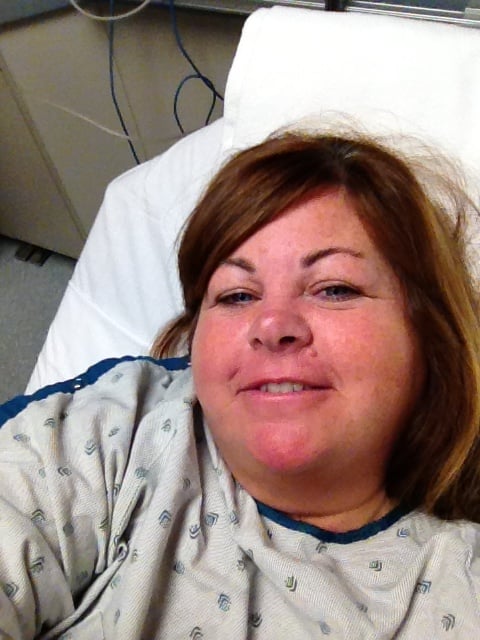
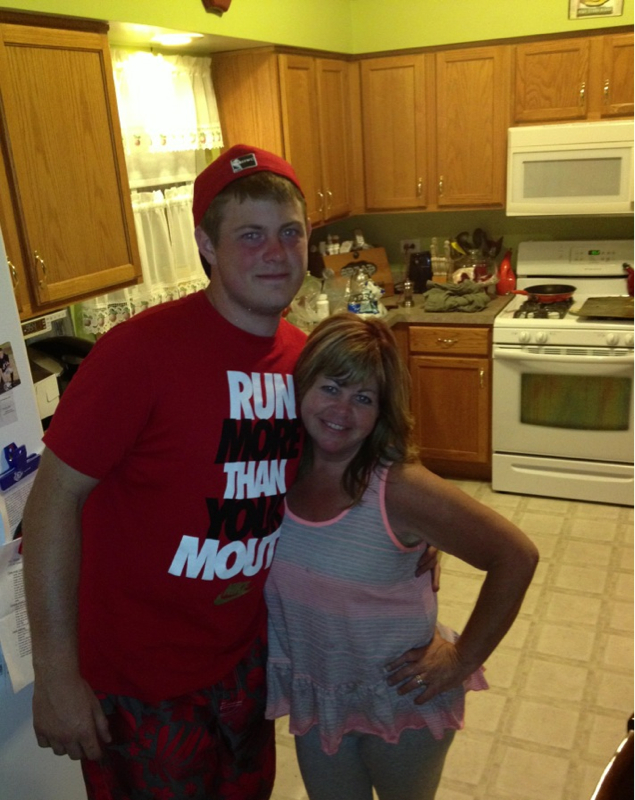
I am trying. LOL. THnks Sent from my iPhone using VSTThank you. Sent from my iPhone using VSTAww, thank you. Sent from my iPhone using VSTWell it's been a year of ups and downs. Mostly ups when it came to my weight loss. I am so thankful I had the opportunity to have this surgery. I never ever want to go back to the old me. My initial goal was to get to 145, I did get to it, but then I changed it to 135. I am at 142, and now want to get to 128. But I think my body likes this weight. I am ok with it and so is my Surgeon (I work with once a month). Thank you to everyone who posts on here, it really hoed me get through this journey. Here are a few before and after pictures. Sent from my iPhone using VST



 Thank you. I don't feel the same either. . Sent from my iPhone using VSTThank you. Sent from my iPhone using VSTBefore 220 lbs After 142 lbs. still have more to lose. Sent from my iPhone using VST