Skip to content
View in the app

A better way to browse. Learn more.

BariatricPal

A full-screen app on your home screen with push notifications, badges and more.

To install this app on iOS and iPadOS
  1. Tap the Share icon in Safari
  2. Scroll the menu and tap Add to Home Screen.
  3. Tap Add in the top-right corner.
To install this app on Android
  1. Tap the 3-dot menu (⋮) in the top-right corner of the browser.
  2. Tap Add to Home screen or Install app.
  3. Confirm by tapping Install.
  • Appearance

Join BariatricPal free

  • Ask your own questions
  • Reply and follow topics
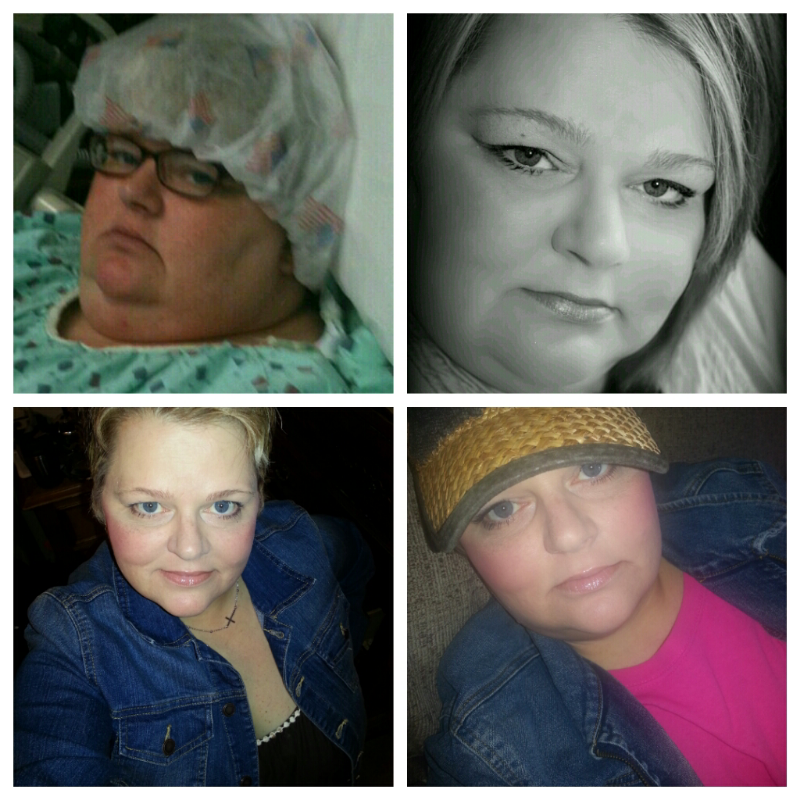
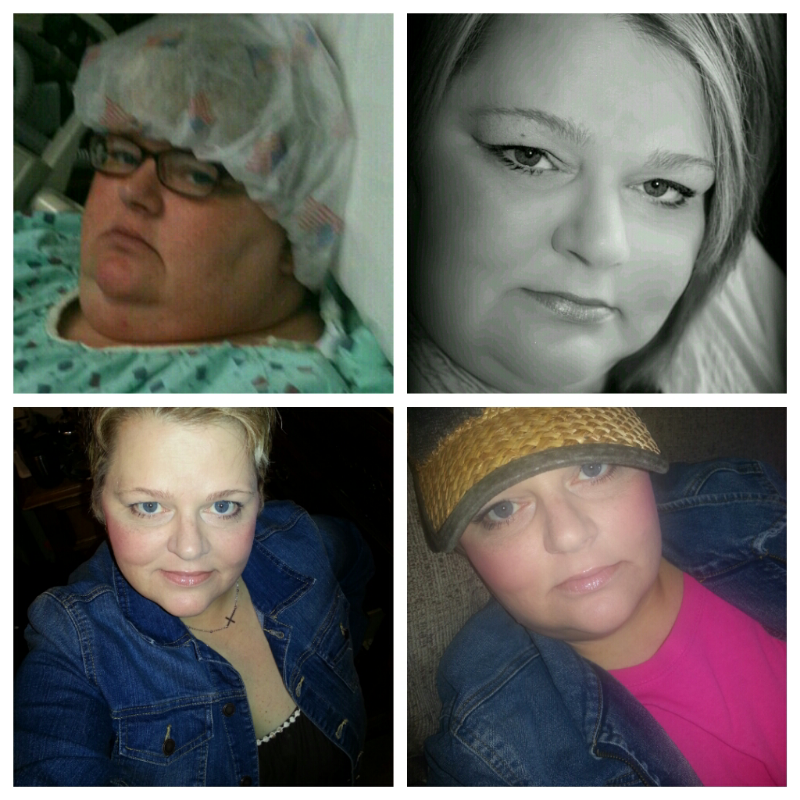
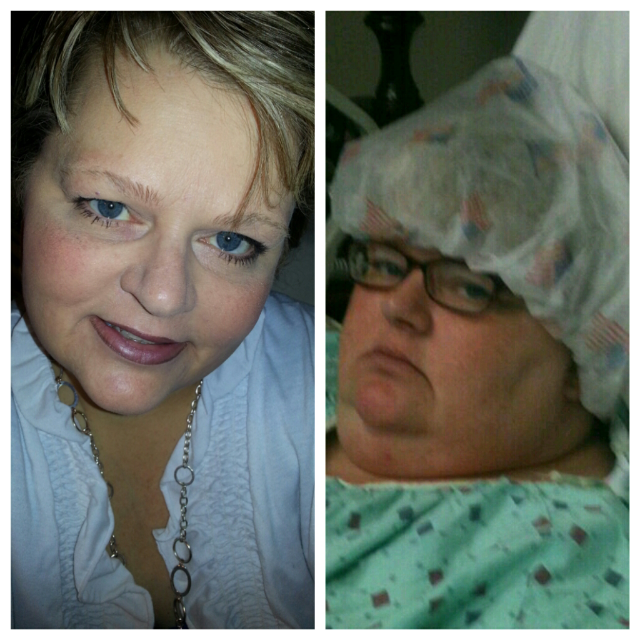
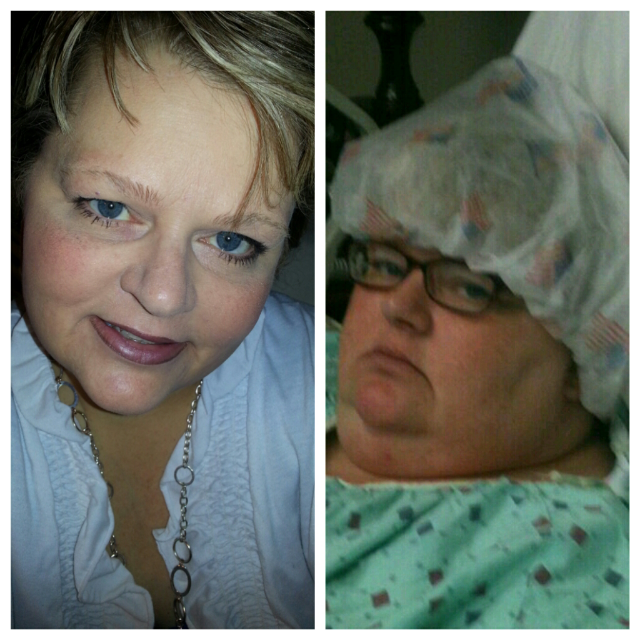
  • Message other members
  • No cost, no spam

malissa63801

LAP-BAND Patients
  • Joined

  • Last visited

  1.    malissa63801 reacted to a post in a topic: Seeing progress
  2.    malissa63801 reacted to a post in a topic: Seeing progress
  3.    malissa63801 reacted to a post in a topic: Seeing progress
  4.    malissa63801 reacted to a post in a topic: Seeing progress
  5.    malissa63801 reacted to a post in a topic: Seeing progress
  6.    malissa63801 reacted to a post in a topic: progress
  7.    malissa63801 reacted to a post in a topic: progress
  8.    malissa63801 reacted to a post in a topic: progress
  9.    malissa63801 reacted to a post in a topic: progress
  10. I was mad that my mom even took that picture cant you tell lol...
  11.    malissa63801 reacted to a post in a topic: progress
  12.    KAATNS reacted to a post in a topic: progress
  13.    justtrying reacted to a post in a topic: progress
  14.    Adrienne21 reacted to a post in a topic: progress
  15.    sthenny reacted to a post in a topic: progress
  16.    Thats All Folks reacted to a post in a topic: progress
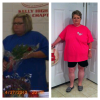
  17. 10 months ago had my surgery that has changed my life ♥
  18. [ATTACH]27808[/ATTACH]
  19. Wow!!! Awesome you look great I bet you feel amazing
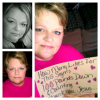
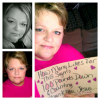
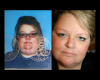
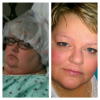
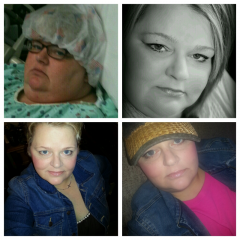
  20. Surgery was Oct, 30, 2012 I have lost 103 pounds another 60 to go
  21. Can't wait till that day congrats
  22. Banded on Oct, 2012 down 103 pounds more to go. [ATTACH]27518[/ATTACH]
  23. [ATTACH]27341[/ATTACH]
  24. Can't wait to see that on the scales !!!Congrats
  25. I did that also in church one night and for someone who hasn't been able to do it.It was a awesome feeling congrats.

Account

Navigation

Search

Search

Configure browser push notifications

Chrome (Android)
  1. Tap the lock icon next to the address bar.
  2. Tap Permissions → Notifications.
  3. Adjust your preference.
Chrome (Desktop)
  1. Click the padlock icon in the address bar.
  2. Select Site settings.
  3. Find Notifications and adjust your preference.