morthnaprtyfac1
LAP-BAND Patients
-
Joined
-
Last visited
-
Please help.......i have a photo shoot this Friday in order to be advertisement for my surgeon. We have not discussed payment and i don't know what is usual for such things. Anyone have any idea?
-
-
-
-
-
-
-
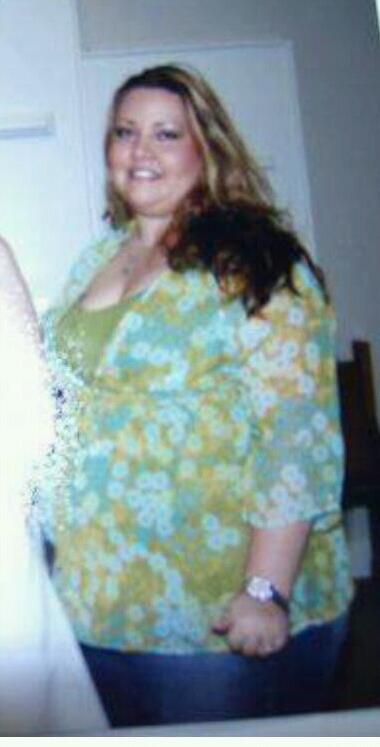
I had a Lapband to Sleeve revision the end of June 2012. I loved my band but after 4 years, it's stopped restricting, even with 3.8cc in my 4cc band and the scale was slowly creeping up. So in June, i decided to just fix the up and down fight with a revision. I am an ICU Heart Monitor Tech and also help out on the Surgical Suites, which are usually Bari patients. I have seen limited complications. After LB sx I took 2 days off. After my revision I took 3. My pain tolerance is extremely high so that part wasn't bad. However, i was nauseated and weak for at least 4-6 weeks but i was still as work and muddled through 5-6 days per week. It wasn't easy but I'm not used to being off and just couldn't do it. You'll be fine but if all possible, take at least a week. Feel free to message me if you have any questions. [ATTACH]7802[/ATTACH] [ATTACH]7803[/ATTACH]


-
-
-
-
-
-
Ok, so we all have been there (women. maybe some men) your at work and the new girl/guy walks in and well, she's/he's beautiful/good looking. I don't know about the rest of you but I can appreciate a beautiful/handsome women/man and not be jealous (confident in me). However, what happens when the attractive newbe, is you? I'll tell you what happens, women hate you at first glance, men can't do enough for you. And don't even bother complaining about the unfair treatment by the women because your boss may tell you, "not that this is an excuse, but your are very pretty." Trust me when I say this, this s$!& sucks. I'm so may other things other then pretty. More then attractive, I'm intelligent, I'm caring and would do anything for you and I am the nicest pretty girl you've ever meet, because being fat makes you that way. You end up trying harder to make people like you to get them to see through the weight. Honestly, I am so glad I was fat. It has made me a [ATTACH]5440[/ATTACH] wonderfully rounded, (pun intended) internally beautiful person that is only now visible externally. So be nice to the newbe, it maybe you one day.


-
Ok although I am happy for you if a baby is what you have been hoping for, I am not wanting a baby and I am terrified that my IUD could fail. Thanks for freaking me out completely. Ive only had it about 4 months and now I am wondering what to do.
-
I had no issues at all with the band.
-
Ok here's my 2 cents and a little back ground. I had lapband surgery 4 1/2 yrs ago. Went from 320 to 170 and kept it off until this year. I Put on about 30lbs. Went to see my MD but he died suddenly. So I looked and found the best MD ever. He did a complete work up with a check of my metabolism. It was determined that my band was no longer functioning and my metabolism was abnormally low. I had blood work done but it did not reveal thyroid type issues. I have now had a revision to the sleeve and was prescribed Adipex (phentermine), not for diet but to give me the energy that i do not have normally. I have since lost 30 lbs in 3 months and have the energy I need to do it all.
-
I had surgery on Friday and went back to work on Monday.
-
It depends on your physician. I was playing softball at 2wks out.
-
I work at the hospital where I had my surgery and all of the surgeons here do the revision in 1 surgery. I had it done last month. No complication and no scar tissue issues.