





ready4anume
LAP-BAND Patients
-
Joined
-
Last visited
-
-
Was your plastic surgery covered under your insurance and if so what were the requirements.
-
-
-
-
-
-
-
How long should you wait to have the tummy tuck and breast reduction and lift after you are sleeved and will insurance cover it due to excess skin from weight loss surgery
-
 ready4anume reacted to a post in a topic:
How do you handle attention from the opposite sex now that you've been sleeved and are SUPER HOT?
ready4anume reacted to a post in a topic:
How do you handle attention from the opposite sex now that you've been sleeved and are SUPER HOT?
-
ready4anume reacted to a post in a topic:
How do you handle attention from the opposite sex now that you've been sleeved and are SUPER HOT?
-
-
[ATTACH]18073[/ATTACH]
-
-
-
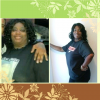
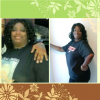
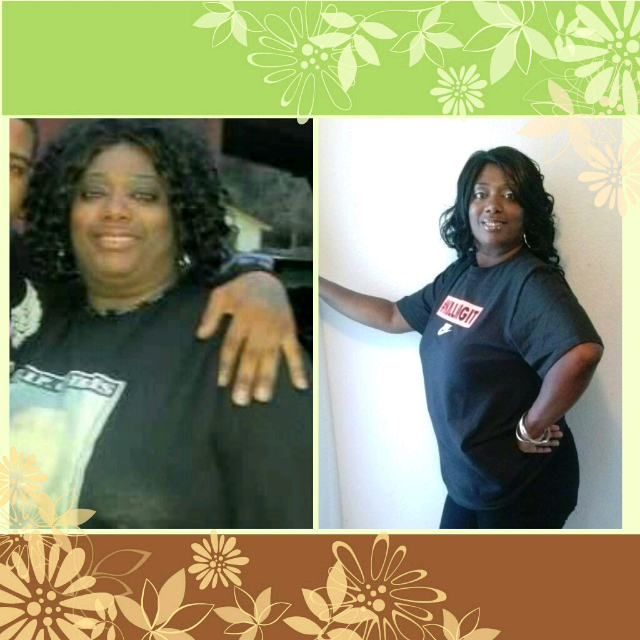
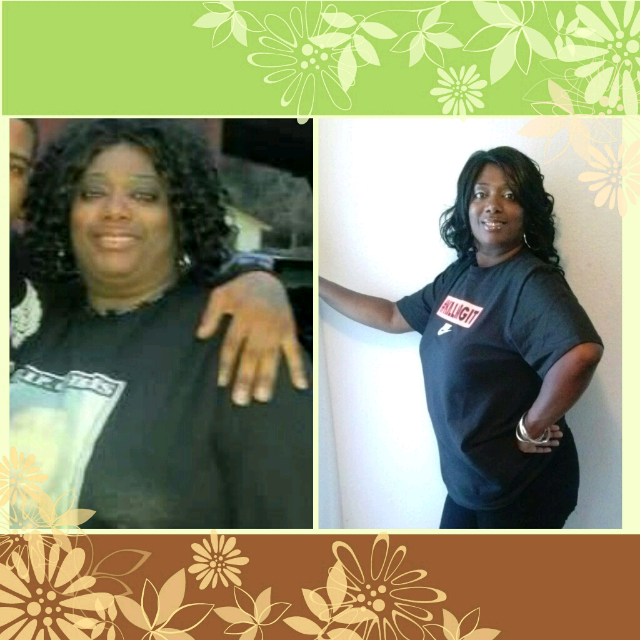
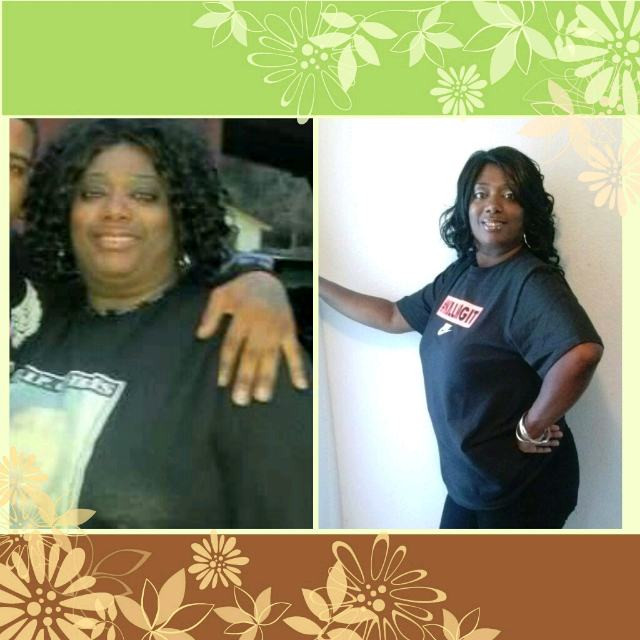
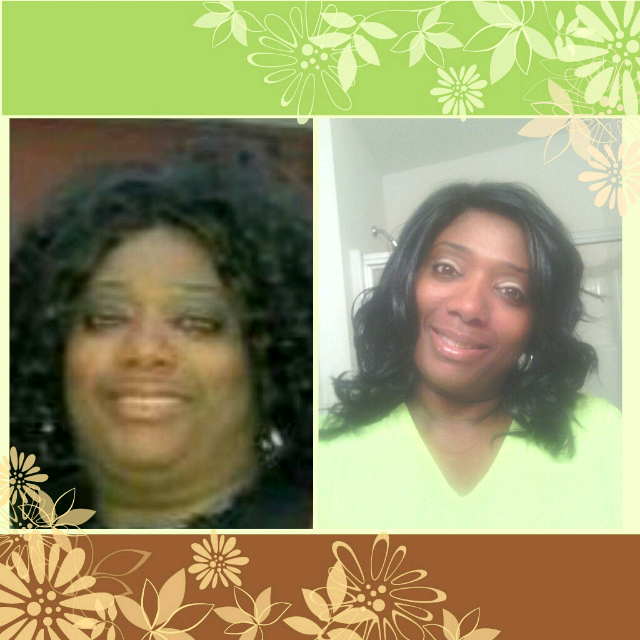
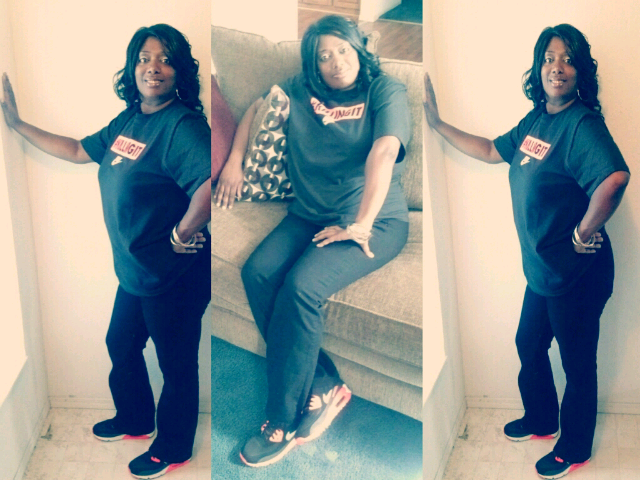
Thanks for the tip. Yes I'm kind of tall:)Thanks MkakThanksI had my surgery on January 7, so far I'm 91lbs down. For some reason I feel behind like I'm not doing well as I could or should be,bur her it is.
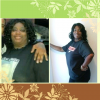

 What did you do to break it?My goal is to lose 25lbs before summer. Pre-surgery :295lbs Surgery On: 01/07/13 Weight Now :250lbsI just tried one,it was okay,a kind of bitter sweet taste,but I can tolerate it. I'm three wks post op and just can't get in all my protein,so I guess I'll have to settle for this,at least I will get a large amount of protein in one shot.Just found the new whey protein Shots at walmart 6 tubes for $13.99.Is it okay to do the protein Shots instead of the shakes?
Account
Navigation
Search
Configure browser push notifications
Chrome (Android)
- Tap the lock icon next to the address bar.
- Tap Permissions → Notifications.
- Adjust your preference.
Chrome (Desktop)
- Click the padlock icon in the address bar.
- Select Site settings.
- Find Notifications and adjust your preference.
Safari (iOS 16.4+)
- Ensure the site is installed via Add to Home Screen.
- Open Settings App → Notifications.
- Find your app name and adjust your preference.
Safari (macOS)
- Go to Safari → Preferences.
- Click the Websites tab.
- Select Notifications in the sidebar.
- Find this website and adjust your preference.
Edge (Android)
- Tap the lock icon next to the address bar.
- Tap Permissions.
- Find Notifications and adjust your preference.
Edge (Desktop)
- Click the padlock icon in the address bar.
- Click Permissions for this site.
- Find Notifications and adjust your preference.
Firefox (Android)
- Go to Settings → Site permissions.
- Tap Notifications.
- Find this site in the list and adjust your preference.
Firefox (Desktop)
- Open Firefox Settings.
- Search for Notifications.
- Find this site in the list and adjust your preference.