njsleeve
LAP-BAND Patients
-
Joined
-
Last visited
-
-
-
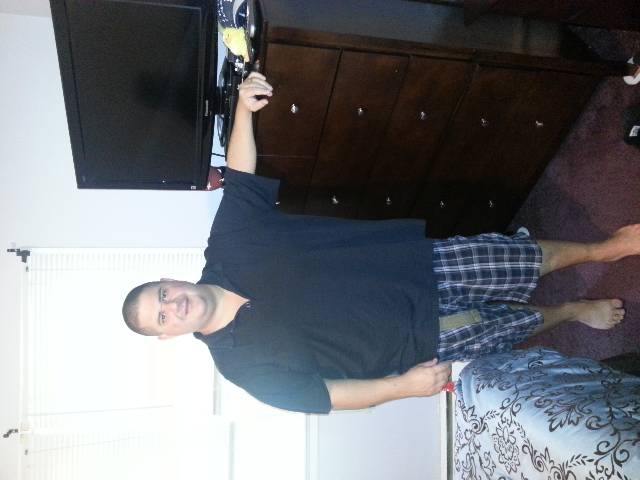
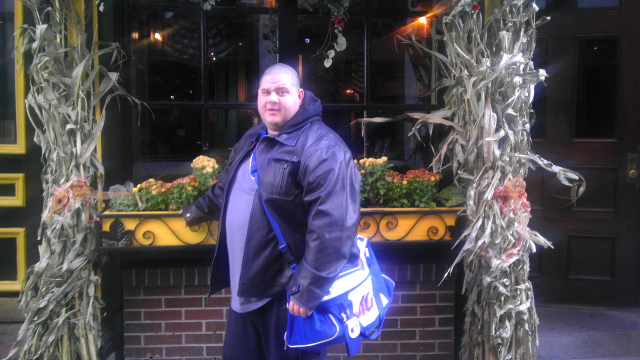
Thank you :-)Thank youdown 65 lbs[ATTACH]4560[/ATTACH] [ATTACH]4561[/ATTACH] [ATTACH]4560[/ATTACH]

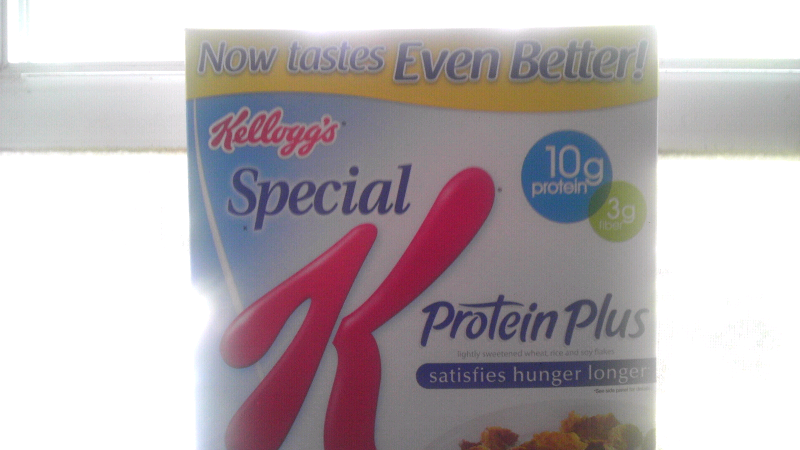
 My surgery was june 12th I am 8 weeks out I have lost 54 lbs my starting weight was 352 today my weight is 298,the 300 is gone forever also all my medical problems is gone diabetes blood pressure no more medication I love my sleeve it's the best decision I ever madeThanks everyone I will be buying the oatmeal this week BTW I am out 8 weeks from surgerydoes anybody eat oatmeal my doctor's office told me not too because they can expand your stomach I love oatmeal please let me know if anyone has eaten it beforeThat sound crazy I had my surgery june 12th and didn't need a feeding tube that's whacked outI had coffee after surgery about 4 days later while I was on clear liquid diet it helped me a lot a small little cream and splenda or ice works good dunkin was my treat everydayMy Dr said no pre opts diet for me last eating and drinking was at midnight the surgery was at 9:30 am I just had to do two week post opts it was June 12 now down 50lbs in 6 weeksgood Cereal lot of Protein low sugar and good Fiber also im better yet taste great [ATTACH]3990[/ATTACH]
 Good luck congrats you will do greatCan't wait to hear good luck when is your surgery