Robyn_lyn
LAP-BAND Patients
-
Joined
-
Last visited
-
-
-
-
-
-
-
-
-
-
-
-
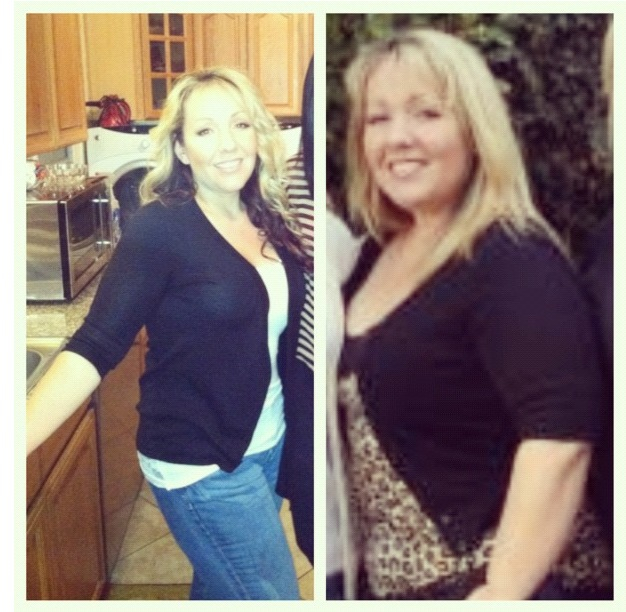
Before on the right, current on left. SLOWLY trying to get my last 20-25 lbs off. 1 year post op was on 9/14/12
 Too cute!Very!! Just need more $$$ lolSounds like the right choice. I got one like 4 months after surgery.I don't see why? I'm sure your avoiding and will continue to avoid NSAIDS like aspirin and motrin. Otherwise unless it's in your abdominal area, not sure how it would interfere. Good luck!I had mine done through Kaiser in Fontana, ca So far great results. I am 7 months post op.