
rodswife
LAP-BAND Patients
-
Joined
-
Last visited
Everything posted by rodswife
-
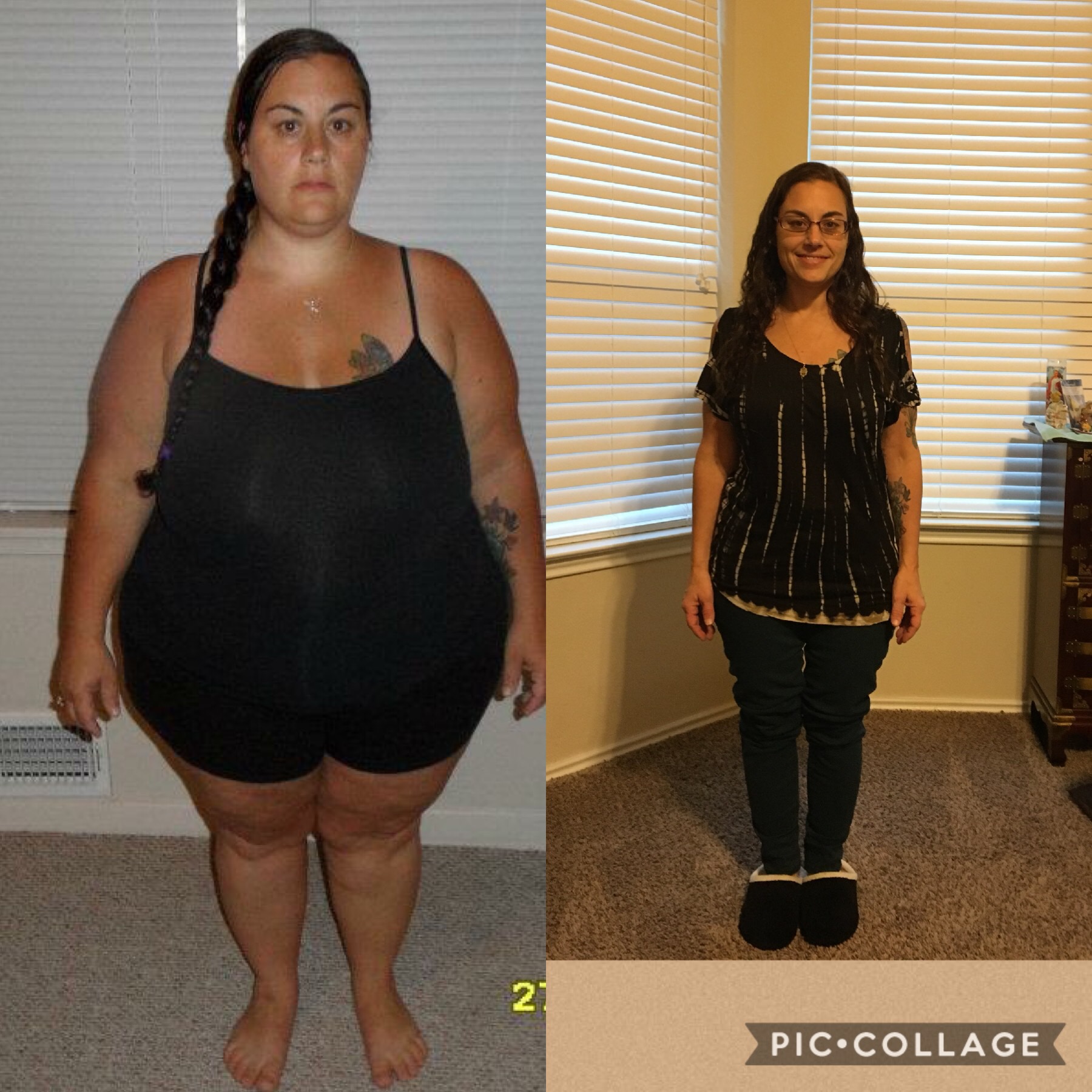
I was referred by my doctor in late January and went to the class on feb 18th. I had my psych eval on march 13 and was sleeved April 2I did have dr rice. I'm mad that he is deployed now because I really don't care for dr Shriver. He doesn't let you get a word in edgewise and always makes you feel like you are doing something you aren't. I always feel rushed when I have my appointments and he just makes me feel like I'm going to fail. I'm 53lbs down and had surgery April 2.Yea ask your doctor. You want to be careful with what you take because even herbs can have a profound, negative effect on pregnancy. My doctor, with my 4th child told me to start taking evening primrose oil when I was 36weeks pregnant and I ended up hemmoraging as a result. Just be very careful.I just used to take tums or Rolaids. This would be a good question for your doctor. He/ she should have a list of over the counter meds you can takeI had it at William Beaumont in el pasoThank you everyone.Thank you.Thank you so muchThank youSo I finally hit onederland. I'm down 53lbs so far. My husband and I are going to a marriage retreat this weekend and I had to buy a new dress. I'm so excited because it's an 18w and I used to be a size 26/28. This is my dress and shoes. Please excuse my hair. I was just trying it on.


 Aw that's really cute. How exciting. Can't wait to hear all about your ultrasound.
Account
Navigation
Search
Configure browser push notifications
Chrome (Android)
- Tap the lock icon next to the address bar.
- Tap Permissions → Notifications.
- Adjust your preference.
Chrome (Desktop)
- Click the padlock icon in the address bar.
- Select Site settings.
- Find Notifications and adjust your preference.
Safari (iOS 16.4+)
- Ensure the site is installed via Add to Home Screen.
- Open Settings App → Notifications.
- Find your app name and adjust your preference.
Safari (macOS)
- Go to Safari → Preferences.
- Click the Websites tab.
- Select Notifications in the sidebar.
- Find this website and adjust your preference.
Edge (Android)
- Tap the lock icon next to the address bar.
- Tap Permissions.
- Find Notifications and adjust your preference.
Edge (Desktop)
- Click the padlock icon in the address bar.
- Click Permissions for this site.
- Find Notifications and adjust your preference.
Firefox (Android)
- Go to Settings → Site permissions.
- Tap Notifications.
- Find this site in the list and adjust your preference.
Firefox (Desktop)
- Open Firefox Settings.
- Search for Notifications.
- Find this site in the list and adjust your preference.