Aamiee
LAP-BAND Patients
-
Joined
-
Last visited
Everything posted by Aamiee
-
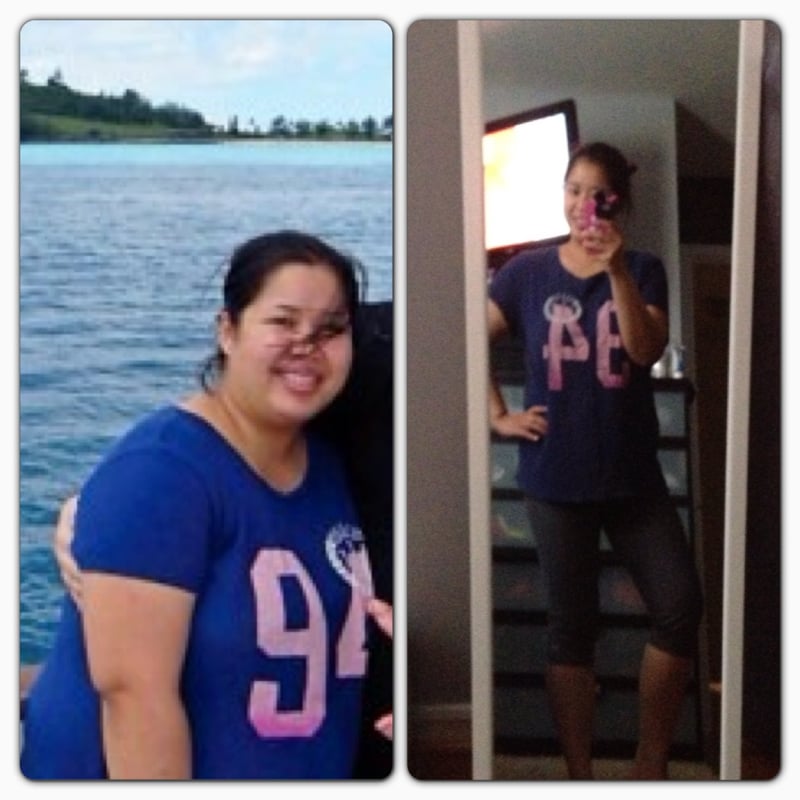
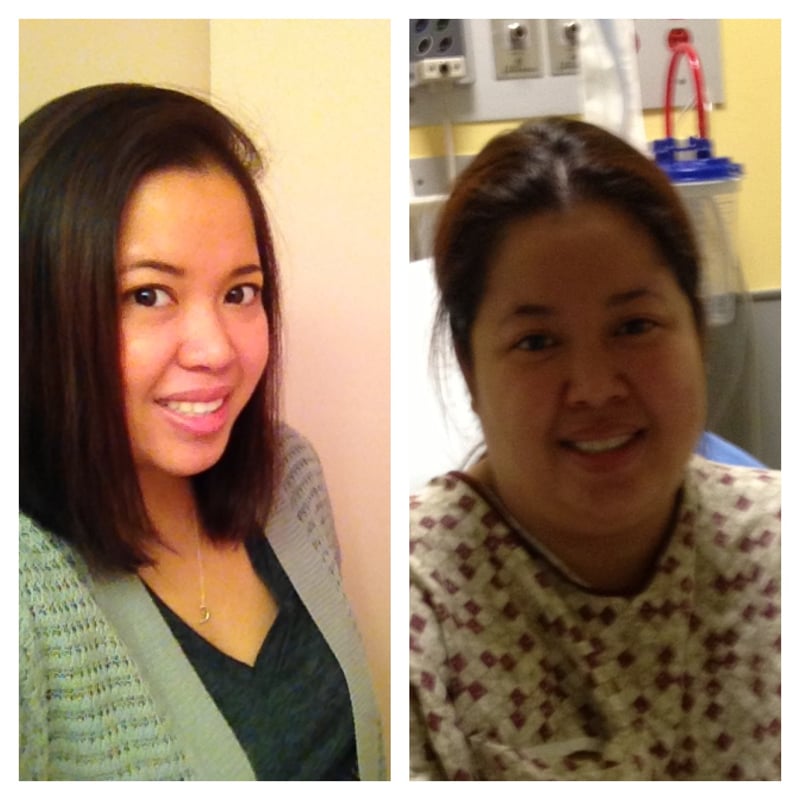
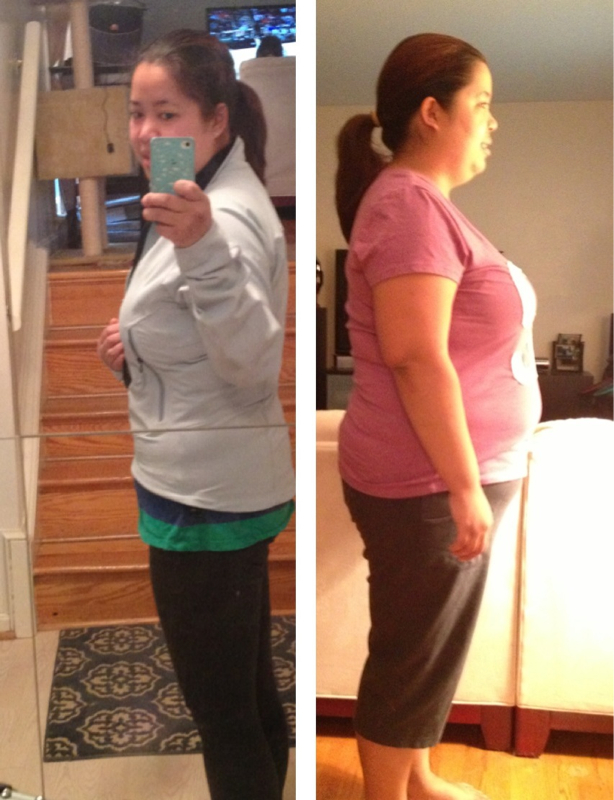
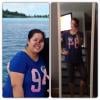
7 months post op from size 16 to size 8
-
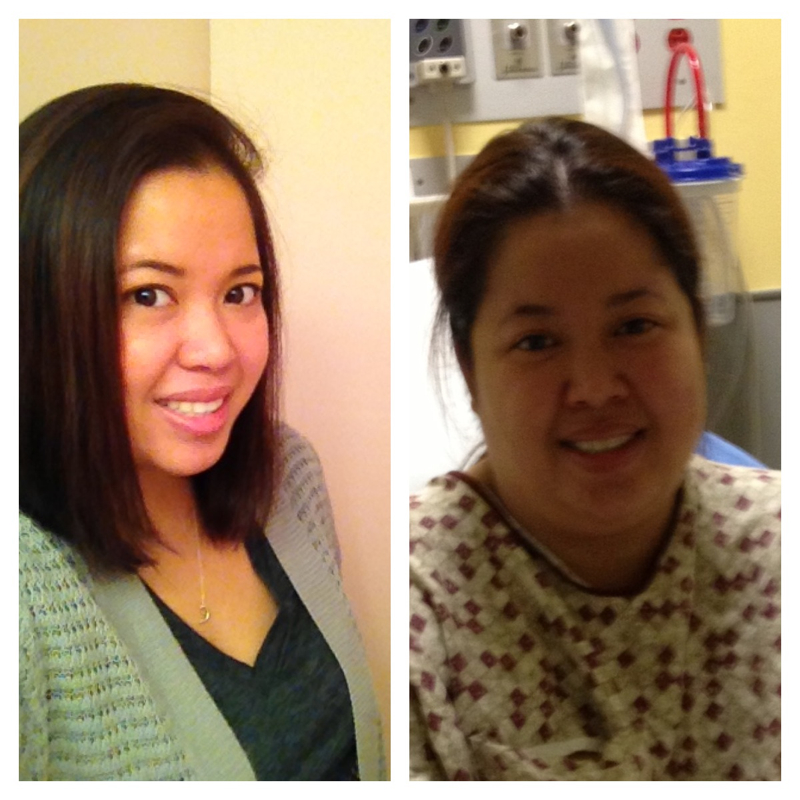
6 months post op
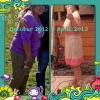 That's awesome!! The other day I was at the mall and I walked in Lane Bryant (my favorite store) and everything were too big for me nowThank you sooo much everyoneI'm almost 6 months out and I can eat everything!!SW 225 CW 160 Almost 6 months post op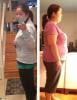
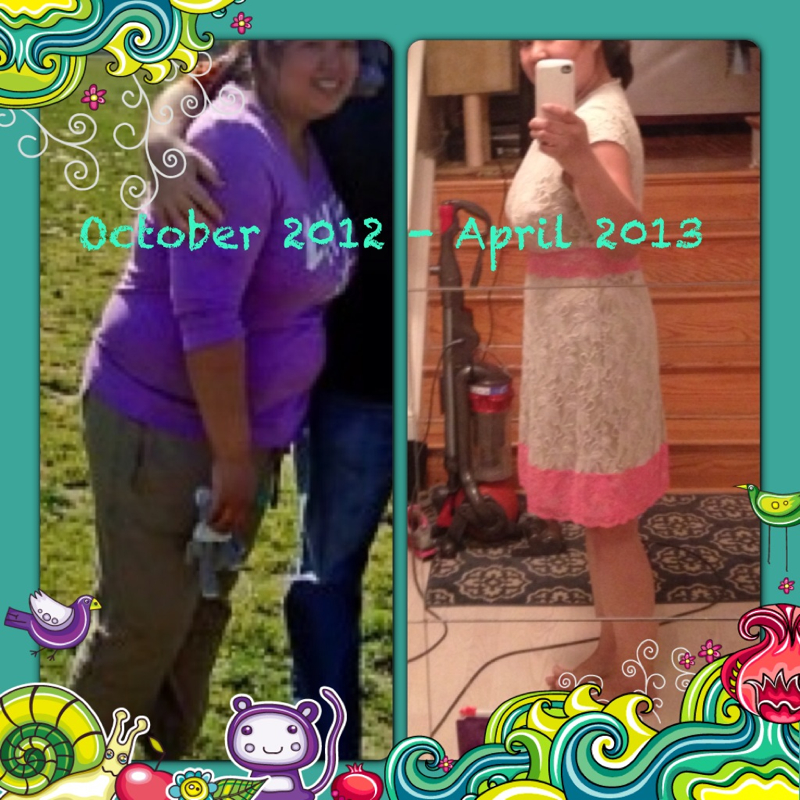
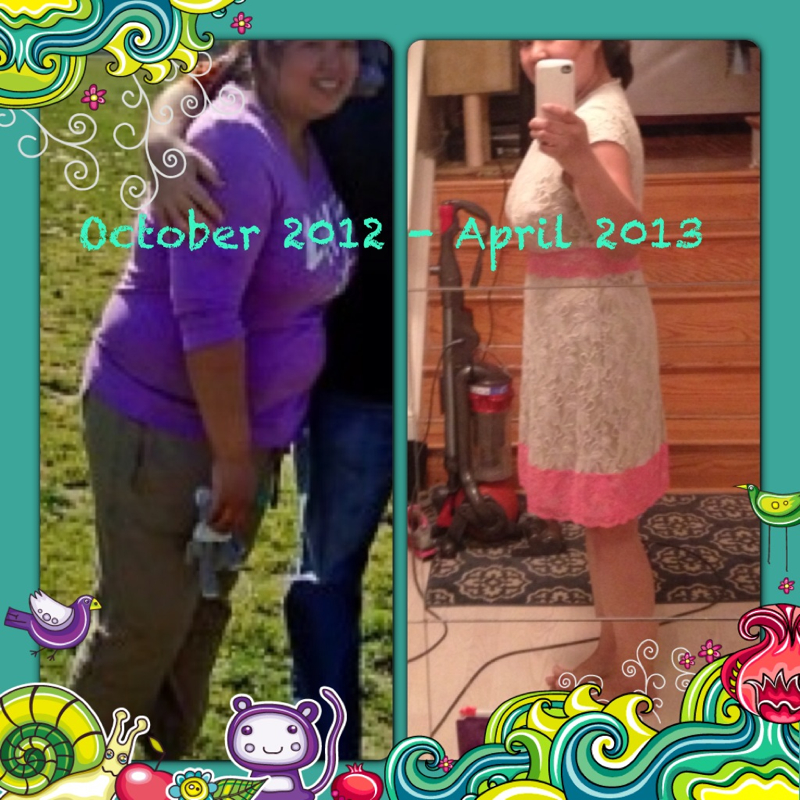
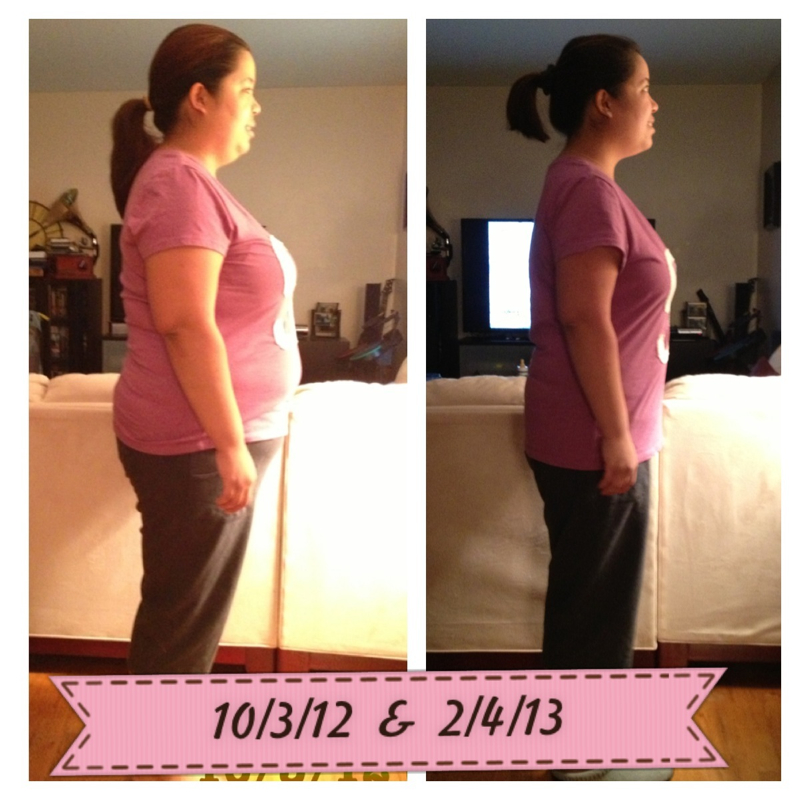
 I was sleeve on Octorber 3, 2012 I'm almost 6 months out. I was 225 the day of the surgery and I am 160 today my goal is 130 I am 5 3".
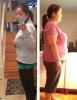 I was sleeved on oct 3 I lost 60 lbs and I've been stall for 3 weeks already too how many cals do you eat a day? I'm eating around 900 cals and I work out 4 days/ weekPamelina88Add me pamelina884 months post op
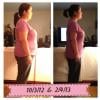 I'm 5"2 I was sleeve on 10/3/12 at 225 lbs I am 193 todayMy IG: pamelinaMy goal is size 4 I'm only 5-3 and used to be size 0 I got sleeve at size 14Got sleeve oct 3 my user name is pamelina88CongratsAfter 2 weeks post op my dr. said I can have coffee.Shakeology is yummy and pricey too. I like the chocolate better than the green one you can ask you friend for samples but I think its not worth $$ at all.Check out this site lots recipes for noodle and ow to cook them http://www.hungry-girl.com/biteout/show/2157Same here i got sleeve 10/3 and I can drink the premier shake in 20 mins and I'm fine.Pamelina88Add me pamelina88I hope you feel better soon