-
-
-
Squats
How many days a week is good to do squats... #operation get my booty back!!
-
-
-
-
-
-
-
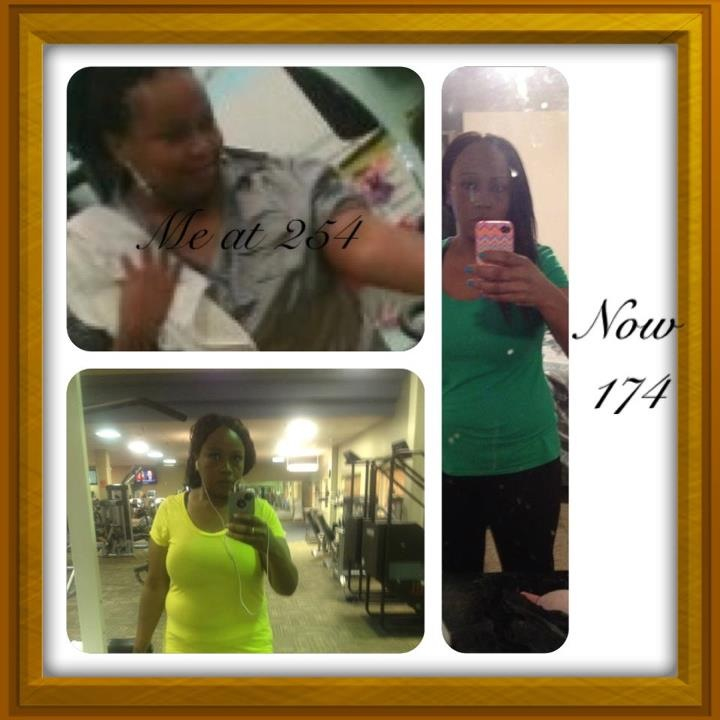
Just Thought I'd Post Pic
Thanks to u all...
-
-
-
Just Thought I'd Post Pic
-
-
Panniculectomy Approved!!
- Aaaahhhh!!!!! : -)
- Is That Normal?
Do you workout? Maybe they didn't put enough saline in!! Or what exactly are u eating too much of?? I'm no expert I'm still learning the band, I had my fourth fill a week ago. And I'm 8 mths post op and have lost 73 Pds- Onderland
Thanks to u all... I was 204 last week Monday got a fill Thursday then this morning 197:) that's seven Pds in a week... Wow, really!!- Onderland
- Vitamins
I had the bariatric advantage they made my stomache hurt every time I took it- Vitamins
Just brought children's flint stones vitamins with iron box says take one... How many should us banders take????- Food And Portion Size
- Food And Portion Size
- Vegetarian Recipes
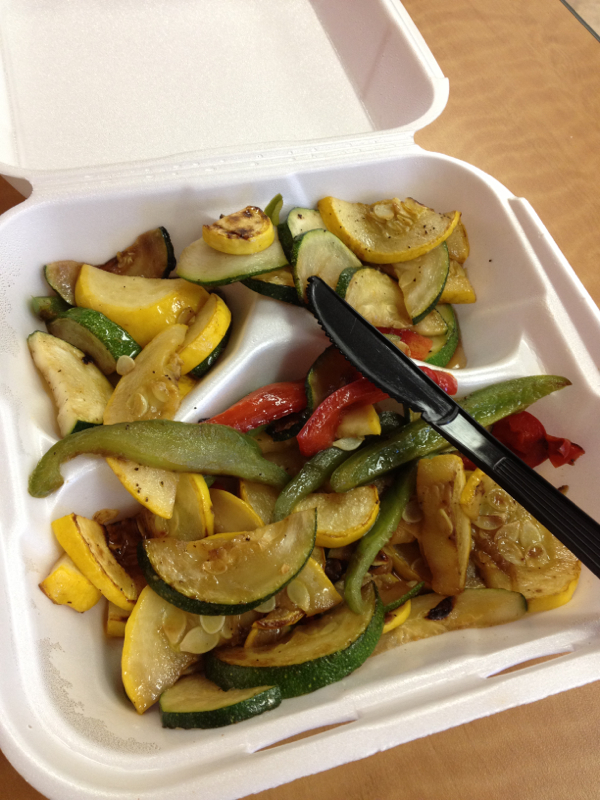
I thought I was the only who couldn't eat meat!! I'm fixin to do all vegetarian foods also.. What's your b,l,d menu like??
Thundarump reacted to a post in a topic:
April 25Th Will Be 6 Months On The Dot From My Surgery, Down 143 Ponds!!!!!!
- Second Fill
You said burping does mean I'm full???- Second Fill
Had my second fill a week ago I can no longer eat any meats hardly And can only eat a few spoonfuls of anything else And I start to burp, does that mean I'm full stop eating or band is too tight????
Trending Products
PatchAid Vitamin Patches
Account
Navigation
Search
Configure browser push notifications
Chrome (Android)
- Tap the lock icon next to the address bar.
- Tap Permissions → Notifications.
- Adjust your preference.
Chrome (Desktop)
- Click the padlock icon in the address bar.
- Select Site settings.
- Find Notifications and adjust your preference.
Safari (iOS 16.4+)
- Ensure the site is installed via Add to Home Screen.
- Open Settings App → Notifications.
- Find your app name and adjust your preference.
Safari (macOS)
- Go to Safari → Preferences.
- Click the Websites tab.
- Select Notifications in the sidebar.
- Find this website and adjust your preference.
Edge (Android)
- Tap the lock icon next to the address bar.
- Tap Permissions.
- Find Notifications and adjust your preference.
Edge (Desktop)
- Click the padlock icon in the address bar.
- Click Permissions for this site.
- Find Notifications and adjust your preference.
Firefox (Android)
- Go to Settings → Site permissions.
- Tap Notifications.
- Find this site in the list and adjust your preference.
Firefox (Desktop)
- Open Firefox Settings.
- Search for Notifications.
- Find this site in the list and adjust your preference.