











By ms.sss
- 1,171 views
- View ms.sss's images
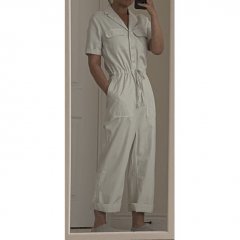
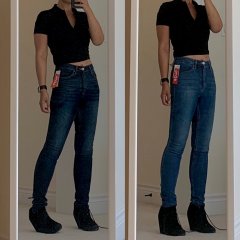
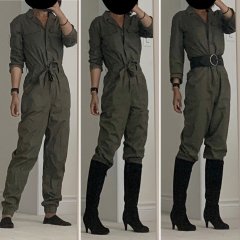
Was such an unexpectedly beautiful day yesterday (23 degrees, probably the last nice day until 2021), that I got Mr. to drive us around to nowhere so I could turn up the music and wind the windows and sunroof down. Wore stuff from my new pile on of hand me downs. The Kid calls this top her old “frolicking” top. Said it made her want to skip around. I totally get what she means.
P.S. Im cheating by tippy toeing in this pic cuz i was too lazy to go get my shoes downstairs and bring then up again for this pic. Just pretend im wearing 2.5 inch wedges!
Recommended Comments
Join the conversation
You can post now and register later. If you have an account, sign in now to post with your account.