





By ms.sss
- 914 views
- View ms.sss's images
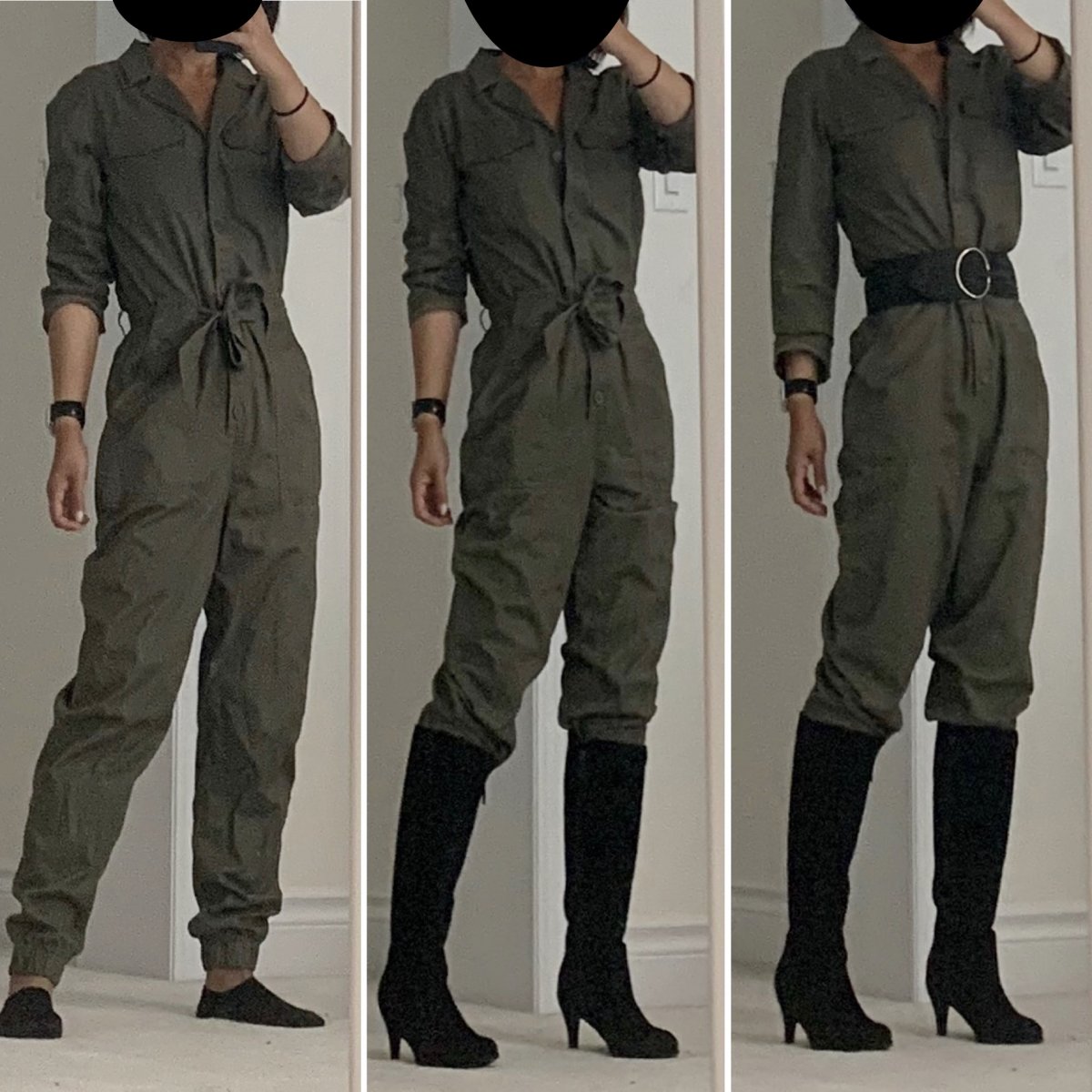
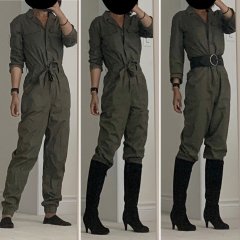
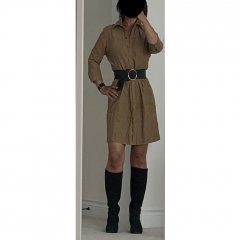
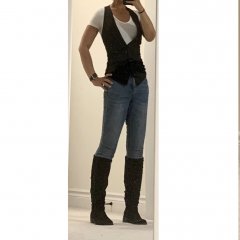
Find #1 from today’s clearance rack shopping... $20 marked down from $80! Supposed to be a fitted jumpsuit, but today’s body dysmorphia convinced me that this size would be plenty tight (it looked so tiny on the hanger!) And since changerooms were closed had to take it all the way home to figure out it was in fact too big (even though the kid kept telling me at the store to get the one 2 sizes smaller). Tried to style it so it looked less “utility” and more “slick”, but then the kid said I look like an airport baggage handler and now I can’t get that image out of my head...soooo its going back. Le Sigh.
Recommended Comments
Join the conversation
You can post now and register later. If you have an account, sign in now to post with your account.