





By ms.sss
- 962 views
- View ms.sss's images
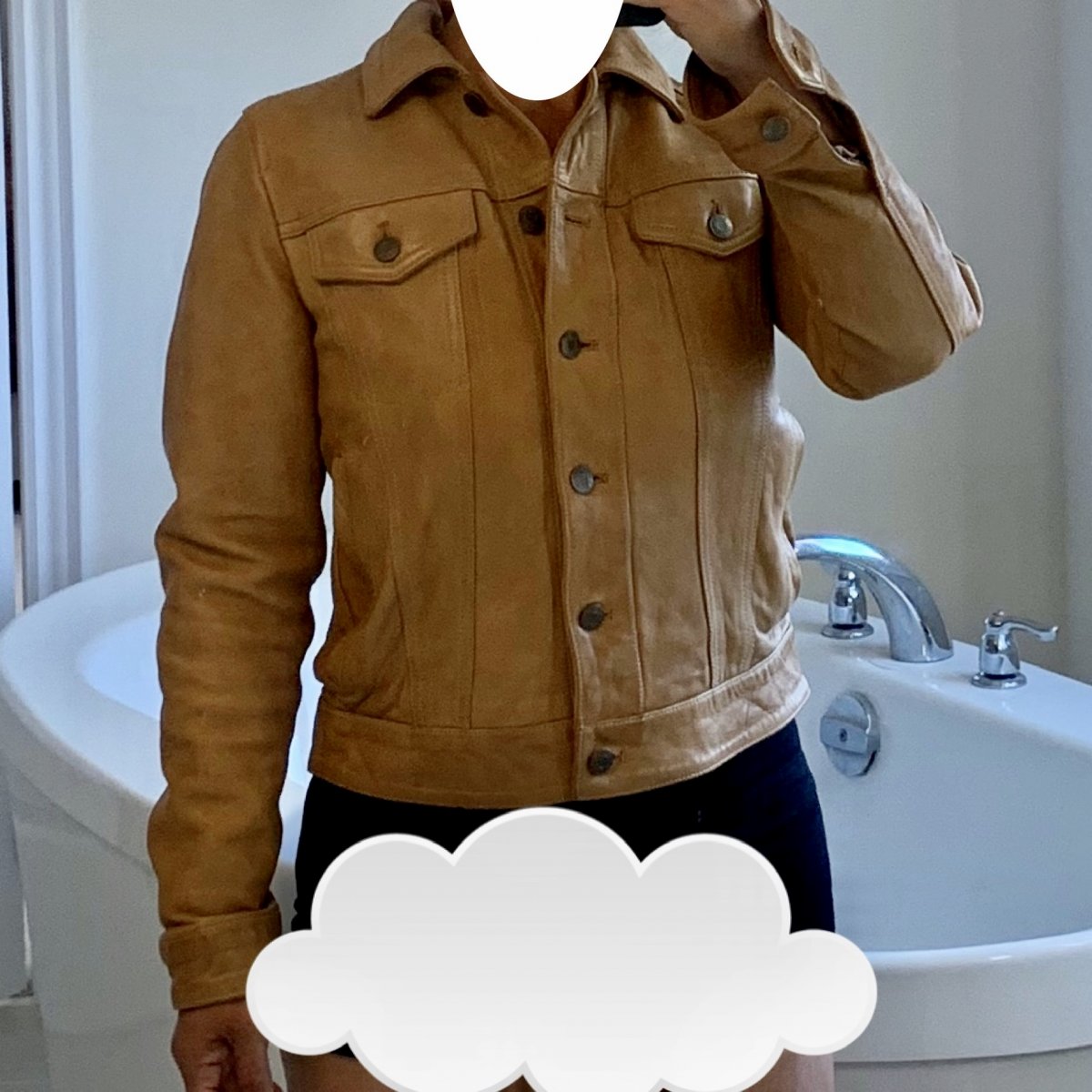
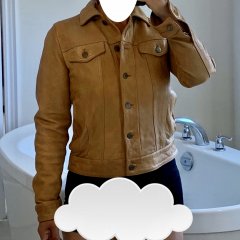
My name is <...> and I’m a Shopaholic. I need help. I cant stop buying stuff. This was totally an impulse purchase and I definitely don’t need yet another jacket but it was such a steal, I just couldn’t resist. One of several buys from today: a Camel coloured leather jacket for $120 (marked down from $600!!!!!) P.S. the temperature around here better not dip too much soon so I can at least wear it for a little while this season. P.P.S. I loooooove the smell of new leather...i can sniff this jacket all day long. P.P.P.S I’m not wearing pants and my undies are embarrassingly too big, hence the censor-cloud, lol
Recommended Comments
Join the conversation
You can post now and register later. If you have an account, sign in now to post with your account.