





Skip to content
View in the app

A better way to browse. Learn more.

BariatricPal

A full-screen app on your home screen with push notifications, badges and more.

To install this app on iOS and iPadOS
  1. Tap the Share icon in Safari
  2. Scroll the menu and tap Add to Home Screen.
  3. Tap Add in the top-right corner.
To install this app on Android
  1. Tap the 3-dot menu (⋮) in the top-right corner of the browser.
  2. Tap Add to Home screen or Install app.
  3. Confirm by tapping Install.
  • Appearance

17-July-2020

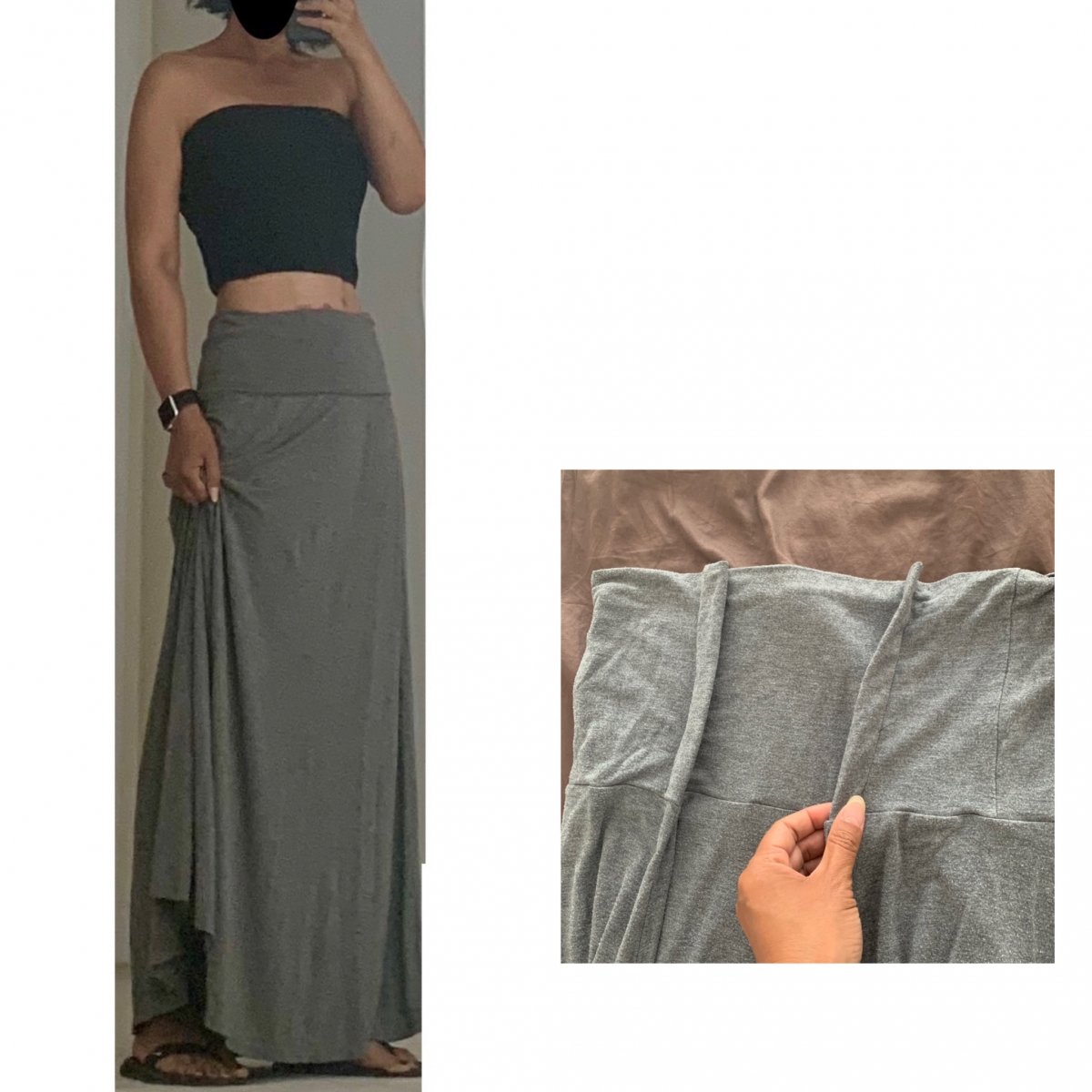
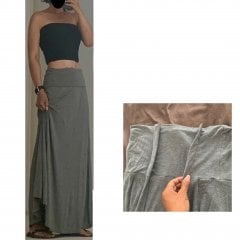
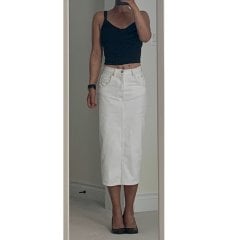
Did the patio thing last night and wore my newly guerilla-altered skirt. Its a stretchy-jersey material that I got in Size Large last year. It couldn’t even sit on my hips, so I added 4 sad looking darts at the waistband, but since the top folds over, they are nicely hidden. I failed to consider shortening the length so spent alot of time holding it up cuz i kept stepping on the hem!

From the album:

ms.sss OOTDs

· 138 images

Account

Navigation

Search

Search

Configure browser push notifications

Chrome (Android)
  1. Tap the lock icon next to the address bar.
  2. Tap Permissions → Notifications.
  3. Adjust your preference.
Chrome (Desktop)
  1. Click the padlock icon in the address bar.
  2. Select Site settings.
  3. Find Notifications and adjust your preference.