





Skip to content
View in the app

A better way to browse. Learn more.

BariatricPal

A full-screen app on your home screen with push notifications, badges and more.

To install this app on iOS and iPadOS
  1. Tap the Share icon in Safari
  2. Scroll the menu and tap Add to Home Screen.
  3. Tap Add in the top-right corner.
To install this app on Android
  1. Tap the 3-dot menu (⋮) in the top-right corner of the browser.
  2. Tap Add to Home screen or Install app.
  3. Confirm by tapping Install.
  • Appearance

2020-June-30

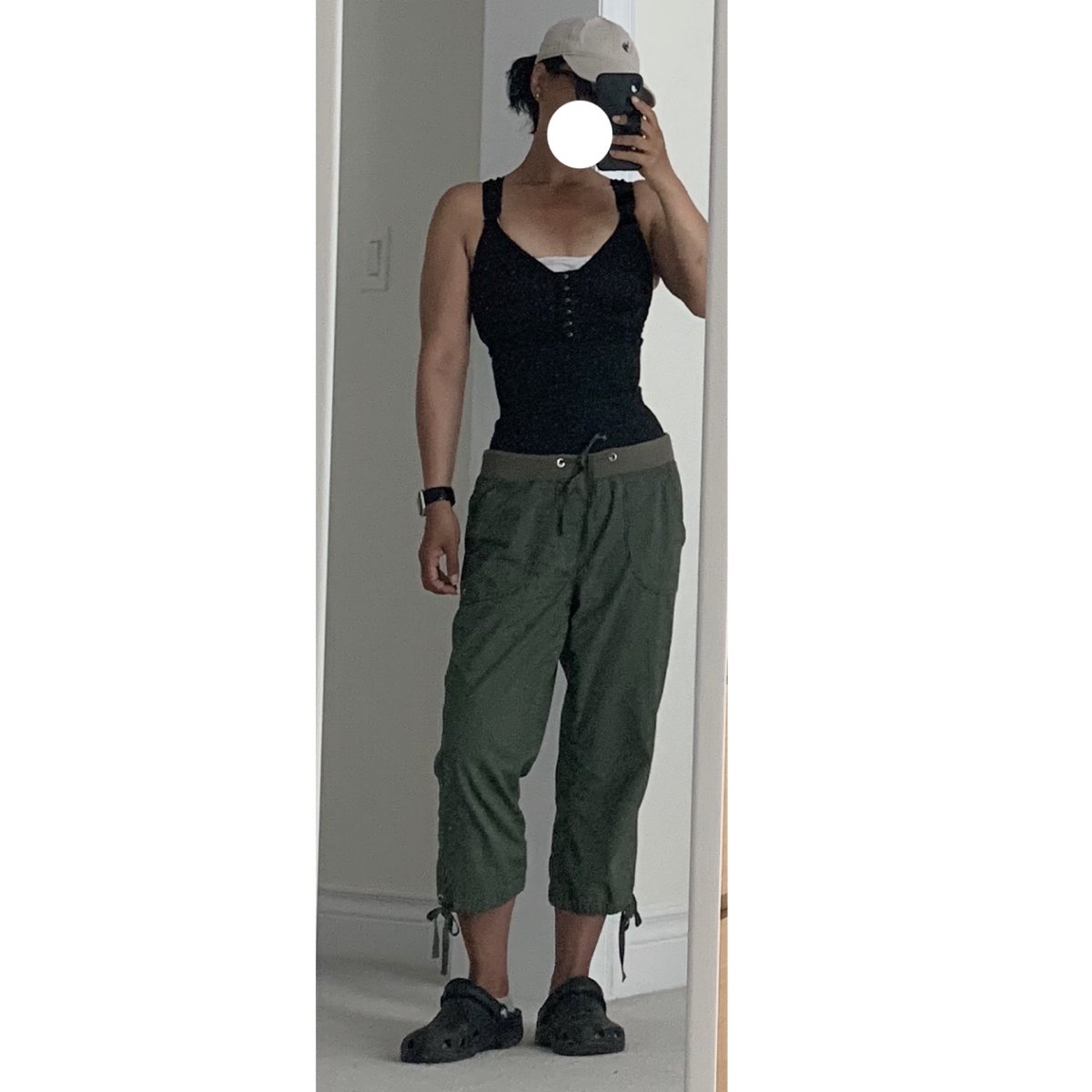
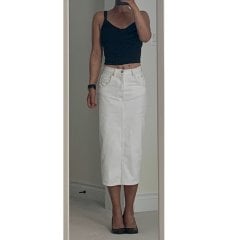
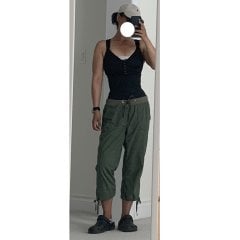
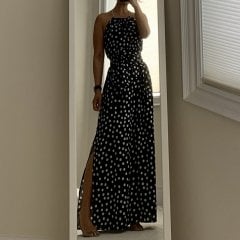
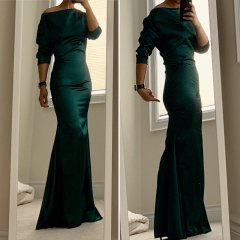
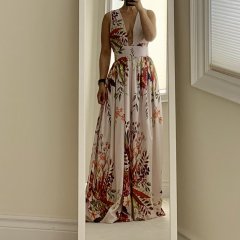
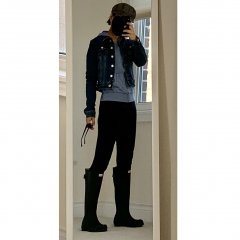
It’s been sooooo long since I’ve posted something on here as I’ve basically been living out of pj’s and sweats for the past 3+ months. Today I put on something that is NOT flannel, fleece nor lycra! (It’s laundry day, and I had to put on something clean lol) I remember when I was so psyched to be able to fit into these size 6-ers and wear them out...and now they’ve been delegated to stay-home laundry day back-up pants

From the album:

ms.sss OOTDs

· 138 images

Account

Navigation

Search

Search

Configure browser push notifications

Chrome (Android)
  1. Tap the lock icon next to the address bar.
  2. Tap Permissions → Notifications.
  3. Adjust your preference.
Chrome (Desktop)
  1. Click the padlock icon in the address bar.
  2. Select Site settings.
  3. Find Notifications and adjust your preference.