




06-July-2020

By ms.sss
- 1,243 views
- View ms.sss's images
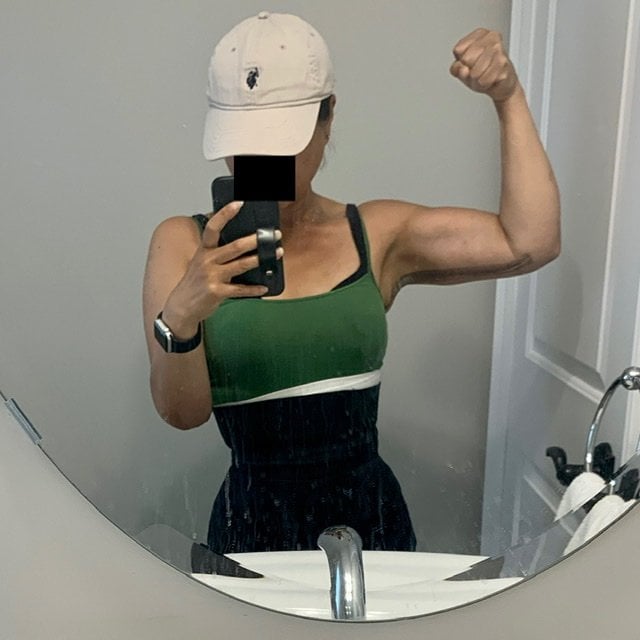
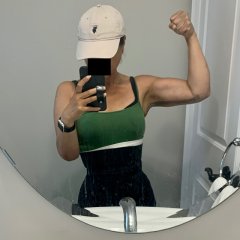
Wasn’t sure if I should post this on the PS thread or on here, but decided on here in the end. I particularly like my work out outfit today cuz it makes me look curvier than I really am, lol (colour-blocking is your friend!) Also wanted to show off the bicep muscles that I have been working to get back since getting a little “loose” due to laziness. They aren’t as fabulous as they used to be a couple months ago, but am working in it.... P.S. Btw, I find it highly irritating that muscles disappear so quickly during periods of inactivity. Le Sigh.
Recommended Comments
Join the conversation
You can post now and register later. If you have an account, sign in now to post with your account.