






Skip to content
View in the app

A better way to browse. Learn more.

BariatricPal

A full-screen app on your home screen with push notifications, badges and more.

To install this app on iOS and iPadOS
  1. Tap the Share icon in Safari
  2. Scroll the menu and tap Add to Home Screen.
  3. Tap Add in the top-right corner.
To install this app on Android
  1. Tap the 3-dot menu (⋮) in the top-right corner of the browser.
  2. Tap Add to Home screen or Install app.
  3. Confirm by tapping Install.

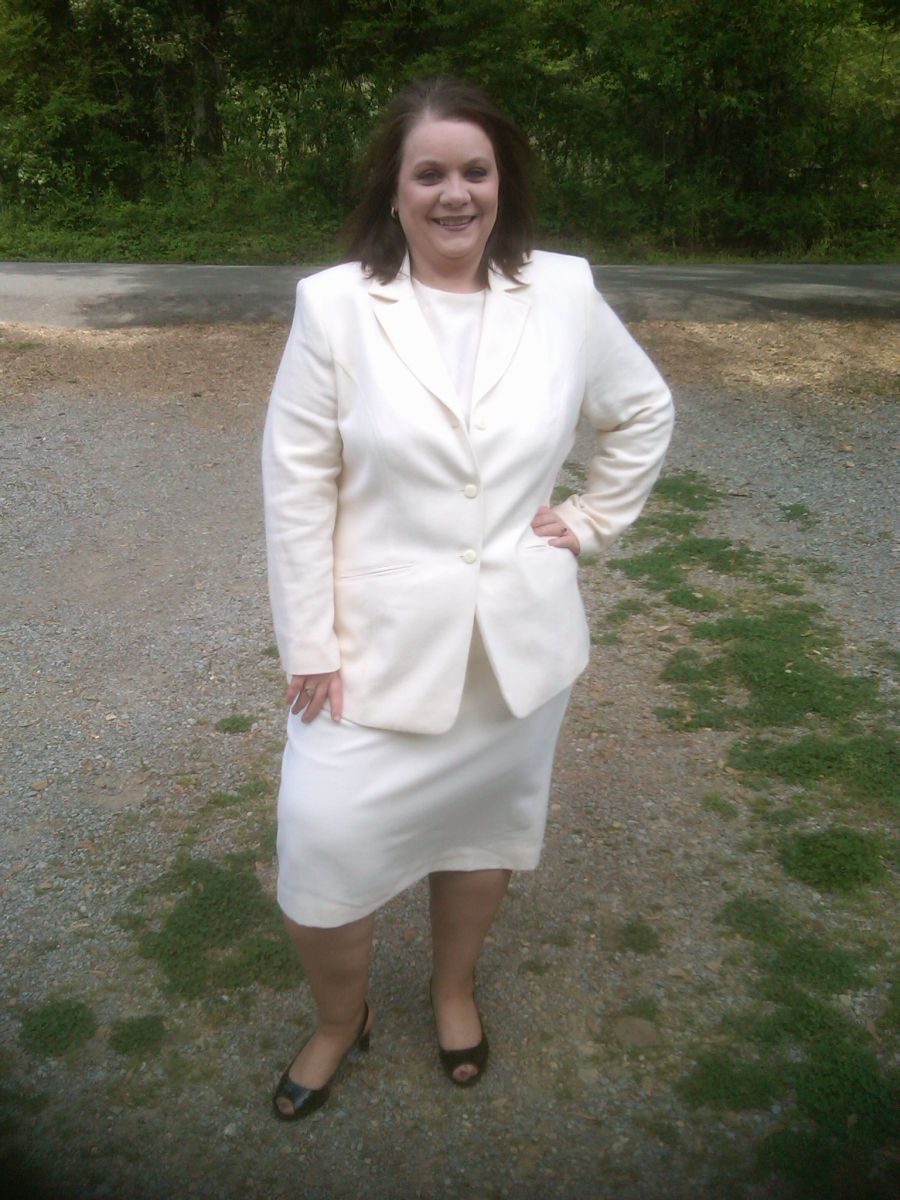
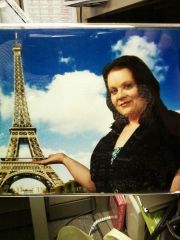
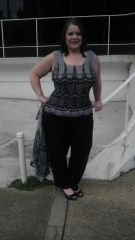
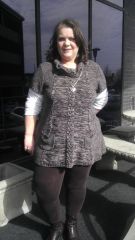
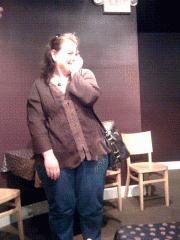
Easter 2012 40lbs down
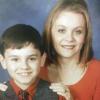
A few weeks ago I posted that I had a certain outfit that I wanted to fit into by Easter Sunday. Well...it was down to the wire..but...here it is. 40lbs down and this is an 18W suit. Resurrection Day is such an awesome day. Jesus gave His life and was resurrected so that I might be saved. He gave me new life (thus a resurrection through Him), and I feel like He is giving me new life again today. God bless you all!

From the album:

chrissylu

· 21 images

Account

Navigation

Search

Search

Configure browser push notifications

Chrome (Android)
  1. Tap the lock icon next to the address bar.
  2. Tap Permissions → Notifications.
  3. Adjust your preference.
Chrome (Desktop)
  1. Click the padlock icon in the address bar.
  2. Select Site settings.
  3. Find Notifications and adjust your preference.