



My journey so far!
- Views 480
- Created
- Last Reply
Posted Images
Featured Replies
Join the conversation
You can post as a guest; create a free account to track replies, follow topics, and be part of the largest weight loss surgery community.

A better way to browse. Learn more.
A full-screen app on your home screen with push notifications, badges and more.
Join BariatricPal free
You can post as a guest; create a free account to track replies, follow topics, and be part of the largest weight loss surgery community.
Find support for your bariatric or GLP-1 journey. Save helpful conversations and take part when you are ready.
Choose your email preferences on the registration form.
Already a member? Sign in
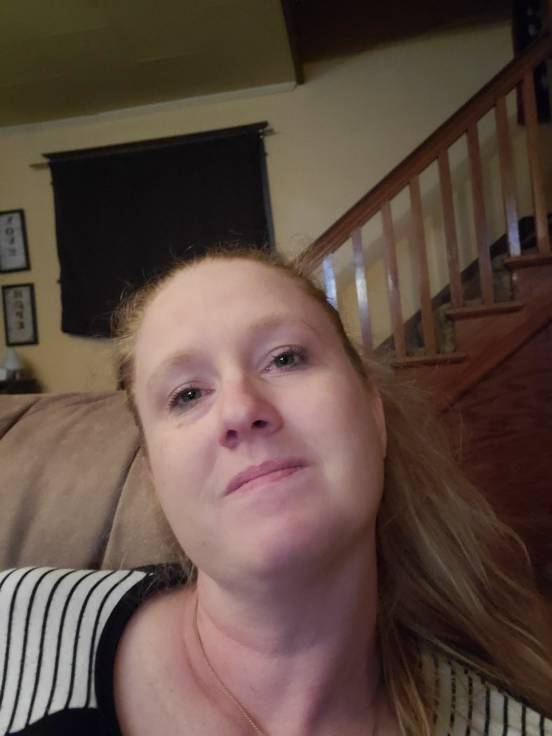
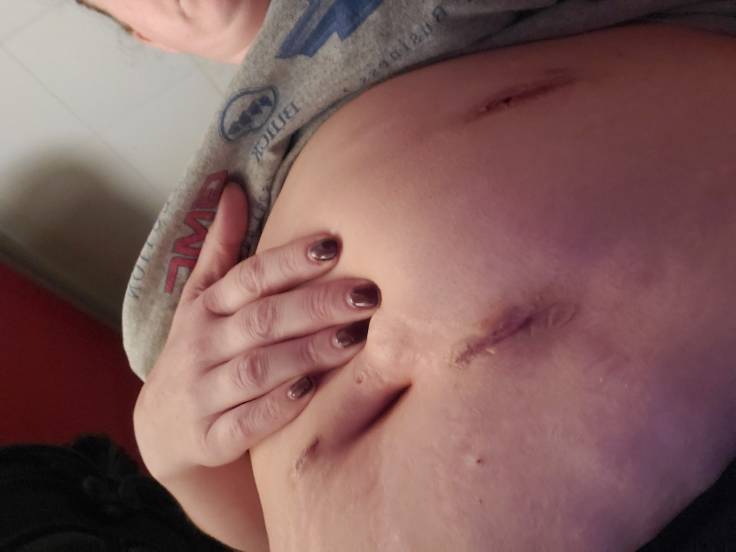
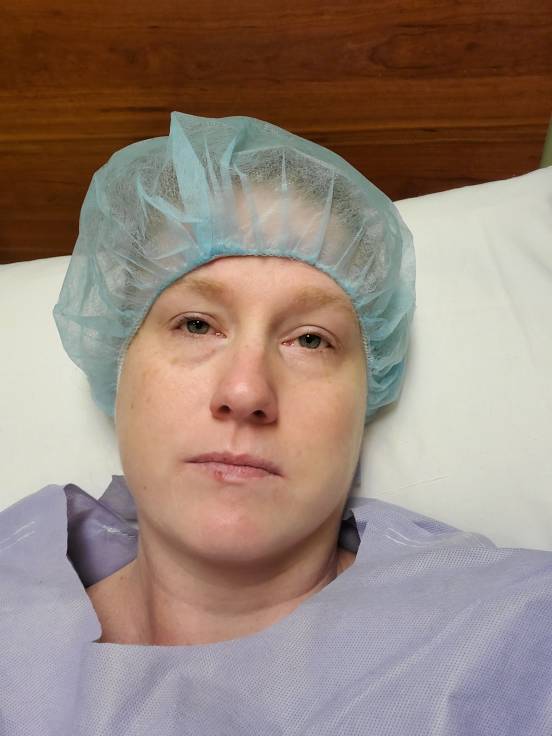
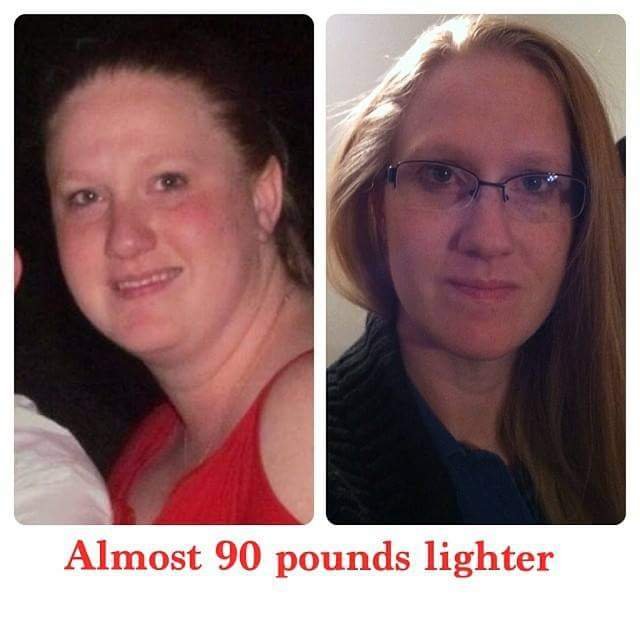
Started out my journey 6 years ago with 263 lbs, HBP, Heart murmur, C-Pap machine, asthma issues... and a whole slew of other health issues. So I went through the process and dis the lap-band. Things looked great. Then about 3 years ago I started getting choked on foods. I thought, I just taking to big of a bite. So I slowed down even more and took smaller bites. Then it got to where I was getting choked on liquids. So I eventually had to go back and see my bariatric dr. He did all kinds of testing, labs. But, it was determined that that the lap band had to come out because the scar tissue was causing a stricture around the lip of my lapband. So April 2nd I had lapband removal and gastric bypass put in place. So now I'm 5 days post OP and I'm currently 221 lbs from my starting point pre surgery at 239. First picture is my pre lapband self and my post lapband self. 2nd pic is GBS day and my scars. Still bloated from gas. Last picture was me before GBS. I still hurt but I walk and eat/drink my SF Jello and High Protein Shakes.
Good luck to you all and I'll continue to post after surgery pictures as I take them.


