



- Views 1.1k
- Created
- Last Reply
Posted Images
Featured Replies
Join the conversation
You can post as a guest; create a free account to track replies, follow topics, and be part of the largest weight loss surgery community.

A better way to browse. Learn more.
A full-screen app on your home screen with push notifications, badges and more.
Join BariatricPal free
You can post as a guest; create a free account to track replies, follow topics, and be part of the largest weight loss surgery community.
Find support for your bariatric or GLP-1 journey. Save helpful conversations and take part when you are ready.
Choose your email preferences on the registration form.
Already a member? Sign in
Moderate cardio, but 6 days a week in the weight room and the sleeve is doing it's thing.... everything is tightened up like I needs too....I recommend everyone go easy on overdoing cardio and get in the weight room.....
There's an app called JETFIT that let's you select workouts based on experience and tolorence.....get strong and healthier....
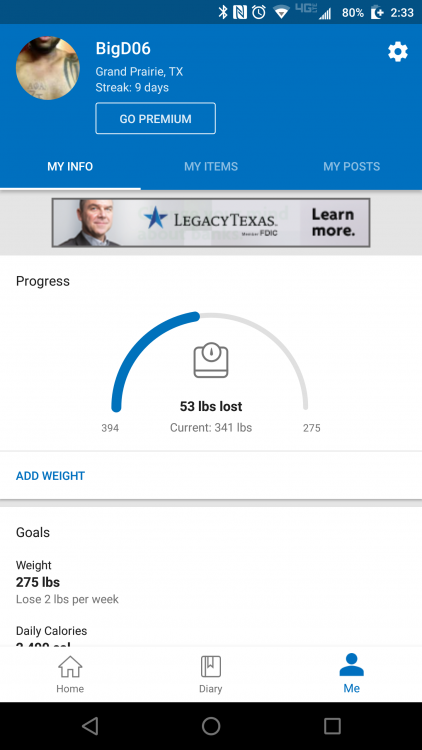
7 weeks Post op....
Edited by TxAlpha06