




Surgery Jan 31
- Replies 17
- Views 1.7k
- Created
- Last Reply
Top Posters In This Topic
-
janet5263 7 posts
-
Cowgirl12 2 posts
-
Jay4178 2 posts
-
Tenielle Walker 2 posts




Most Popular Posts
-
Hang in there I think the second day was the worst. I felt much better once I was home and able to take a shower.
-
Is gas pain, but finnally felling more better Thanks Sent from my SM-J700T using BariatricPal App
-
I just got home today. Surgery was early 1/31. First day was actually easier for me, yesterday wasn’t much fun and today has been a bit hard too. Gas pain isn’t much fun. Glad to have taken a show

Featured Replies
Join the conversation
You can post as a guest; create a free account to track replies, follow topics, and be part of the largest weight loss surgery community.
how do you feel???
My second day a lot pain :/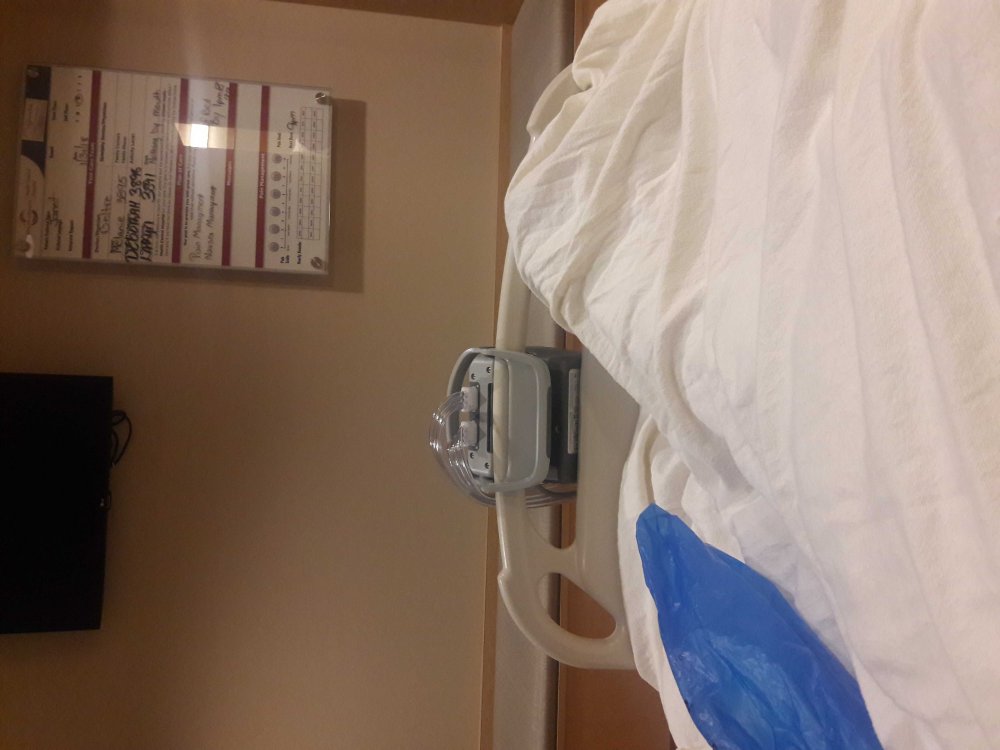
Sent from my SM-J700T using BariatricPal App