



Hello my late January sleevers
- Views 331
- Created
- Last Reply
Featured Replies
Join the conversation
You can post as a guest; create a free account to track replies, follow topics, and be part of the largest weight loss surgery community.

A better way to browse. Learn more.
A full-screen app on your home screen with push notifications, badges and more.
Join BariatricPal free
You can post as a guest; create a free account to track replies, follow topics, and be part of the largest weight loss surgery community.
Find support for your bariatric or GLP-1 journey. Save helpful conversations and take part when you are ready.
Choose your email preferences on the registration form.
Already a member? Sign in
So I'm super new to this but I do look forward to meeting all you guys. I just had my procedure finished January 23rd they kept me in the Hospital for an additional day to get my liquid intake under control and to manage my pain but today I'm feeling 10 times better. I wish everyone the best of luck. Anyone in VEGAS IM LOOKING FOR A WORKOUT GROUP[emoji182]everyone be safe don't over do it & take care of yourselves. Excited to share my wlss with you yay us[emoji4]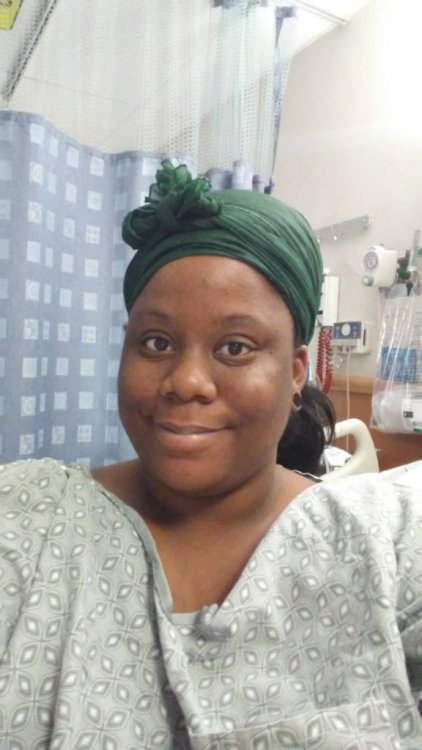
Sent from my LG-K428 using BariatricPal App